
Huawei Phone Repair
Expert Huawei repairs at our Fixfactor London workshops. Select your model below to see available repair services and pricing.


Most Common Huawei Repairs
These are our most frequently requested Huawei repair services. Select your model above to see exact availability at our London workshops.

Screen Replacement
Cracked or damaged Huawei screens replaced with high-quality OLED and LCD displays. Fix touchscreen issues, vertical lines, or complete display failures.

Battery Replacement
Restore your Huawei’s battery life with genuine capacity batteries. Fix rapid drain, unexpected shutdowns, or swelling issues safely.

Charging Port Repair
Loose USB-C or micro-USB connections, slow charging, or complete charging failures fixed through professional cleaning and replacement.

Water Damage Repair
Advanced ultrasonic cleaning and component-level repair to save your liquid-damaged Huawei phone. Time is critical for best recovery chances.

Camera & Lens Repair
Broken camera glass, blurry photos, or autofocus failures on your Huawei’s rear or front camera. We replace cracked lens covers and faulty camera modules to restore full photographic quality.
Back Panel Replacement
Cracked back glass, bent frame, or non-functional side buttons on your Huawei. We replace the full rear housing to restore your phone’s appearance and structural integrity. Please specify your Huawei’s colour when booking.
Not Sure Which Huawei Model You Have?
Identifying your Huawei phone model is quick and easy. Use any of these three methods to find your exact model.
Check Settings
Go to Settings > About phone > Model. Your Huawei model name and number will be displayed clearly with complete specifications.
Learn MoreCheck IMEI
Dial *#06# on your Huawei phone to display your IMEI. Use the lookup tool to identify your exact model and specifications.
Check IMEIAsk Our Experts
Send us a photo of your Huawei phone. Our certified technicians will identify the exact model and recommend the best repair service.
Get HelpWhy Choose Fixfactor for Huawei Repairs
Over a decade of expertise in London, high-grade parts, and advanced repair techniques deliver exceptional results for all Huawei models.
High-Grade Parts
We use high-grade OLED and LCD components that match original Huawei specifications for perfect performance and longevity.
Fast Service
Most Huawei repairs completed within hours when parts are available. Get back to your day with minimal disruption.
6–12 Month Warranty
Every repair is covered by a 6 to 12 month warranty, depending on the part supplier’s guarantee. If the repaired component fails, we fix it free of charge.
Specialist Diagnostics & Tools
Microscopes, thermal imaging, and precision soldering stations let us identify root causes and perform repairs that other shops cannot.
Data Protection
Your privacy is guaranteed. We never access personal data during repairs and maintain strict confidentiality protocols.
Fully Tested Before Return
Every repair ends with a full functional check — display, touch, cameras, charging, speakers, and sensors. We need your passcode to test properly; your data stays untouched.
What Our Customers Say
Hundreds of verified reviews from real customers across Google and Trustpilot. We let our repair work speak for itself.
“I brought in my Huawei P30 Pro, I had problems with the battery, it was so easy to deal with FixFactor. My phone battery was replaced fast, and now it’s working properly. I am very happy with the work they did.”
“Nexus 6P would only last 2 hours on battery. Sent to Huawei who did not change the battery. RAPHONE had the battery in stock and took 20 minutes to change it. Very pleasant staff. Highly recommended, I wish I had gone there months ago.”
“A family member dropped my mobile phone, the glass broke, and the phone was lifeless. 24 hours later, my phone was ready for collection, as good as new again. Brilliant, thank you so much.”
“The ONLY place in WHOLE London that knows how to deal with Google Pixel phones. They resolved my issue super quick and with a very fair price! Those guys are literally the most professional team I’ve ever seen!”
“Fantastic service from start to finish. Completely transparent about the risks and gave me options. Communication was excellent — quick replies, clear explanations. Professional, honest, and reliable.”
“Recently took my wife’s Macbook Pro for keyboard and battery replacement. Marcin, Adam, Caesar are such genuine and cool guys, extremely responsive, professional and excellent customer care. I highly recommend.”
“They did not give up trying to fix my computer even though I thought it was impossible. Adam saw it as a challenge and fixed it at a reasonable cost.”
“These guys are great! They didn’t try to upsell me, were chilled out & cool guys. They fixed my phone in a day & made sure they explained what was wrong with it! I’d definitely recommend them.”
“Adam did a great job of looking after my MacBook after it wouldn’t turn on. Rather than replacing the entire logic board, Adam was able to sort out the problem component on the board. It’s been running great ever since.”
“Smashed my brand new Pocophone F1 and Fixfactor were the only place I could find who could repair it, as nowhere else had the parts. Sent my phone on Monday morning, by Friday it was back looking brand new. Great customer service and very fast replies!”
“Fix Factor diagnosed the problems with my laptop quickly and knowledgeably. They replaced a broken charging port and resoldered it. All completed in a timely manner and cost significantly less than I expected.”
Inside Our Repair Workshop
Real photos from our London workshops. Every Huawei repair is performed by skilled technicians using professional-grade equipment.


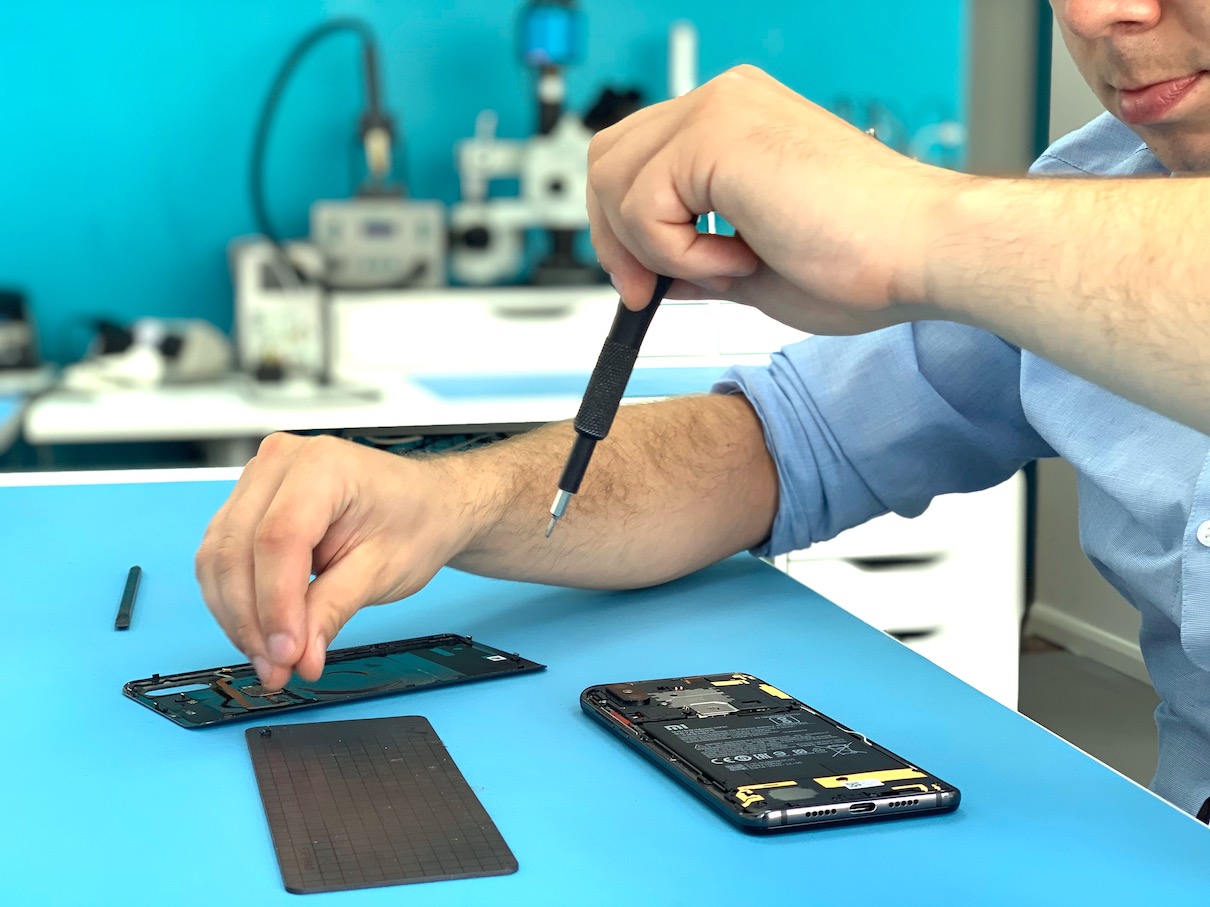


Huawei Repair Specialist in London
Huawei was one of the best-selling smartphone brands in the UK before losing access to Google services. The P20, P30, Mate 20, and P Smart series remain widely used, and Huawei continues to release newer models running HarmonyOS. Whether your Huawei phone has a cracked screen, a dying battery, or a fault you cannot identify — Fixfactor has been repairing Huawei devices in London for over 12 years and we can help.
We repair broken Huawei screens (OLED and LCD), replace degraded batteries, fix faulty charging ports, restore damaged cameras and lens modules, replace cracked back glass, recover liquid-damaged phones using ultrasonic cleaning, and diagnose motherboard-level faults with microsoldering. We also take on devices other shops have turned away — severe drop damage, long-term water exposure, or complex motherboard faults — using microscopes, thermal imaging, and precision soldering for component-level repair. If the problem is hardware, we have the equipment, the parts, and the experience to fix it.
We Repair Any Huawei Model
The models listed above are the ones we see most often, but we repair any Huawei phone — including newer models not shown on this page. The only limitation is parts availability. If you do not see your model, request a quote and we will confirm whether we can source the replacement parts. Where we are limited is software repairs and software-based data recovery — Huawei’s security architecture restricts what can be done without manufacturer access. If your issue is software-related, we will tell you honestly upfront. For any hardware problem — we can help.
Visit Fixfactor in London for a while-you-wait Huawei repair, or send your device by Royal Mail or a courier of your choice if you are not local. Select your model above to check services and pricing, or get a quote for any model not listed.
Huawei Repair FAQs
Common questions about our Huawei repair services. Visit us at one of our Fixfactor London locations.