

Tablet Repair
Pick your brand, then your model.
Choose your tablet brand
Most Common Tablet Repairs
The repairs we carry out most often on iPad and Microsoft Surface.
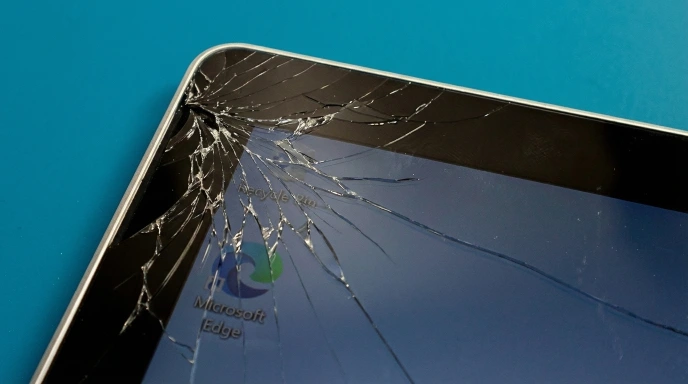
Screen Replacement
Cracked or unresponsive screens. iPad and Surface displays are bonded, so they come apart with controlled heat rather than force.
1-3 hours* About Screen RepairsBattery Replacement
Fast drain, shutdowns or swelling. The battery sits behind a glued screen, and we explain that risk before we start.
1-3 hours* About Battery ProblemsCharging Port Repair
Loose connection, slow charging or a dead port. We clean, repair or replace it.
1-3 hours* About Charging FaultsMotherboard Repair
Power problems, connectivity faults and boot failures, worked on at component level. Diagnosis first.
Quoted after diagnosis** About Board-Level RepairSymptoms pointing in several directions? How Diagnostics Works
With the part on the bench. We order parts for each repair and most arrive the next day, so tell us your model before you travel.
Board work starts with a diagnosis. How long it takes depends on what the board needs once it is under the microscope.
How It Works
Pick your model, bring it in or post it, and we take it from there.
Select Your Model
Choose your iPad or Surface and the repair. You see the price, or you ask us for one.
Drop Off or Post In
Bring it to our Wimbledon workshop, or post it in from anywhere in the UK, tracked and insured.
We Confirm the Fault
We check it matches what was booked. We only contact you if something unexpected comes up.
Repaired & Back to You
We test it and tell you it’s ready. Collect it, or we post it back.
The Difference on a Tablet Repair
iPads and Surfaces are glued shut and packed tight. That is why most high-street shops quote for a screen and stop there.
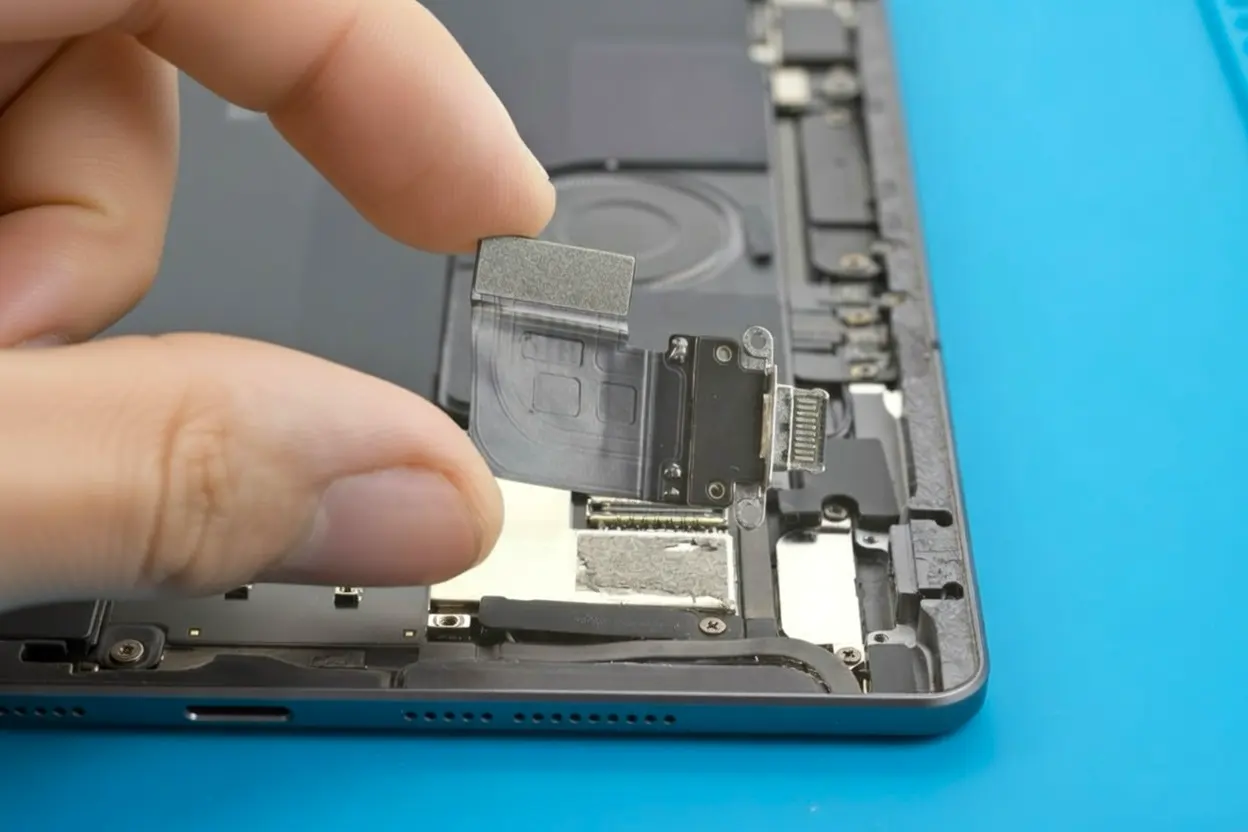
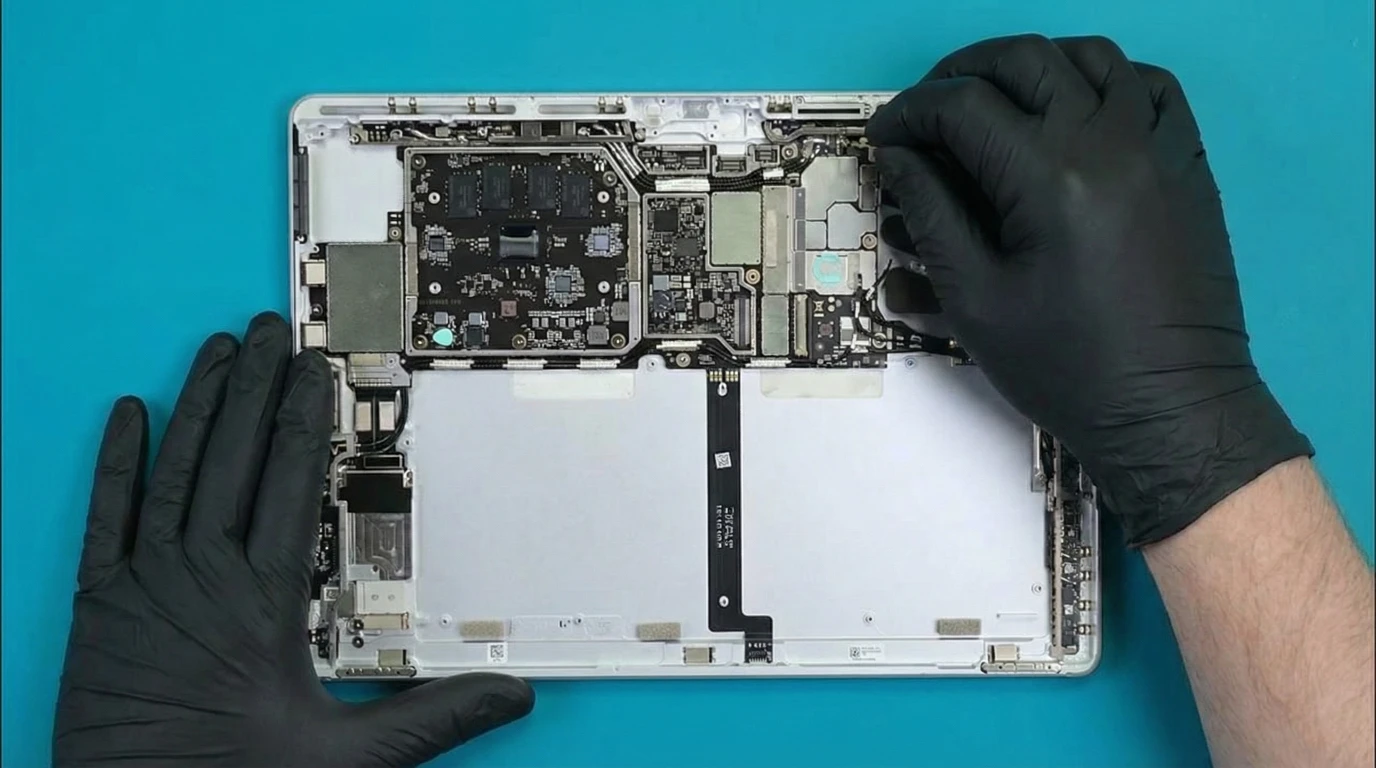
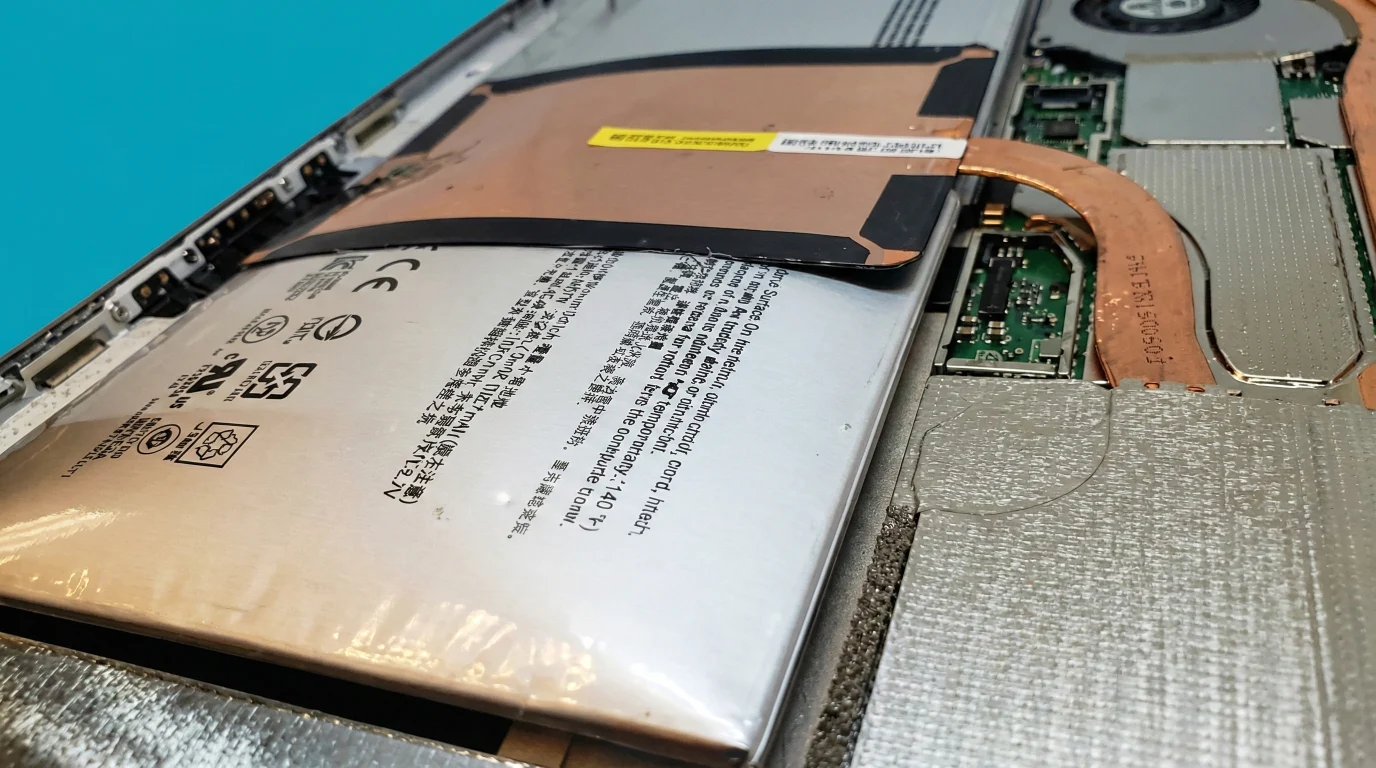
Tablet Repair in Action
Inside our London workshop.


Tablet Repair Specialist in London
12 years repairing tablets in London, most of them iPad and Microsoft Surface.
iPads use tightly bonded screens, separated under controlled heat and reassembled precisely. Surface tablets leave almost no room for a rushed job. On both, the difference between careful and quick shows up a week later.
We cover screens, batteries, charging ports, logic boards and liquid damage. For power failures, shorts and corrosion we use thermal cameras, ultrasonic cleaners, hot air rework and microscopes.
Three Ways to Get It Fixed
Same-Day Repair Means Booked Ahead
We don’t hold stock. Pay in full or a deposit, we order your exact part, and it is waiting when you arrive.
Visit in about 2 working daysLeave It With Us
Bring it to our Wimbledon workshop on Kingston Road. We keep it, order the part and tell you when it’s ready.
Ready in 1-3 working daysPost Your Tablet From Anywhere in the UK
Tell us the model and the fault first, so the part is ready, then send it tracked and insured. How mail-in repair works.
Back in 2-5 working daysWhat We Tell You First
- What is actually wrong. A dead screen and a failed connector look the same from outside.
- What each part option costs, and what you would notice day to day.
- What we are risking. Reaching the battery means separating a glued screen. We explain the risk and agree who carries it before anything is opened.
- Whether it is worth repairing. On some tablets the parts cost more than the device is worth.
What About Other Tablet Brands?
We can repair Samsung Galaxy Tab, Lenovo, Huawei, Amazon Fire and similar, but parts are harder to find and often expensive for what the tablet is worth.
Get a quote first and we’ll tell you whether it makes sense before you travel.
If price is the obstacle, ask about a tested used part: a screen or a board from a working tablet, where one exists for your model.
Rated by 1,000+ Customers
“Love this place. They are very friendly and helpful and the repairs are always good! Would highly recommend them.”
Common Questions
Everything you need to know before booking a tablet repair.
Where are you based in London?
Our workshop is at 136 Kingston Road, London SW19 1LY, in Wimbledon, near Wimbledon Station and the Merton Park tram stop. Not in London? Post your tablet in from anywhere in the UK.
What are your opening hours?
The workshop is open Monday to Saturday - check our contact page for current times. If you’re planning to come near closing time, we recommend calling ahead to make sure we can complete the repair on the day.
How long does a tablet repair take?
Once the part is here, screens, batteries and charging ports usually take 1-3 hours. Board work is quoted after diagnosis. We don’t hold stock, so book ahead and we order your part before you arrive.
Do I need to book, or can I walk in?
Both work. Book ahead, pay in full or a deposit, and we order your part so the repair happens during your visit. Walk in without booking and we keep the tablet, usually for 1-3 working days, while the part arrives.
Which tablets do you repair?
Mainly Apple iPad, including Pro, Air and Mini, and Microsoft Surface, including Pro, Go, Book and Laptop. For Samsung Galaxy Tab, Lenovo, Huawei and Amazon Fire, get a quote first, as parts and cost vary a lot by model.
What parts do you use?
Where we offer both, you choose between Premium and Value. Premium is the closest match to the original. Value costs less and does the job well, though colour can differ slightly. Both carry our warranty, and you see both prices before any work starts.
Is my data safe during the repair?
We don’t look at your personal data. We test only what we repaired, such as display, touch and charging. Data loss during a repair is rare, but we cannot accept liability for it, so back up first through iCloud or OneDrive.
Can you replace the battery in my tablet?
Yes. On iPad and Surface the battery sits behind a firmly glued screen. We heat and separate the adhesive, which carries a small risk to the screen. We explain that risk and agree who carries it before we start.
Can a Microsoft Surface screen be repaired?
Yes. The bonded display and tight construction make it a bigger job than a phone screen, usually 1-3 hours. We order the part for your model, so book ahead for the same day. Surface Book is more complex, so talk to us before booking.
Do you repair faults other shops have turned away?
Often, yes. Most shops replace parts, so a fault on the logic board means the tablet is handed back. We work at component level, which covers corroded boards, tablets that won’t power on and failed charging circuits.
Can I post my tablet in for repair?
Yes, from anywhere in the UK. Tell us the model and the fault first so we can confirm the part, then send it tracked and insured. How mail-in repair works.
What warranty do you offer on tablet repairs?
6 to 12 months on parts and workmanship, depending on the repair. If the same fault returns in that time, we fix it free. It doesn’t cover new physical damage, later liquid damage or unrelated faults.