Battery Replacement
Phones, tablets and laptops. Every cell is capacity-tested before it goes in, and you get the price before anything is opened.
- iPhone, Samsung, MacBook, Surface, Dell, HP, Lenovo
- Capacity tested before it goes in
- 6-12 month warranty
What the Symptoms Are Telling You
One of these is a safety problem and wants dealing with today. The other is ordinary ageing and can wait until it suits you.
Stop Using It Now
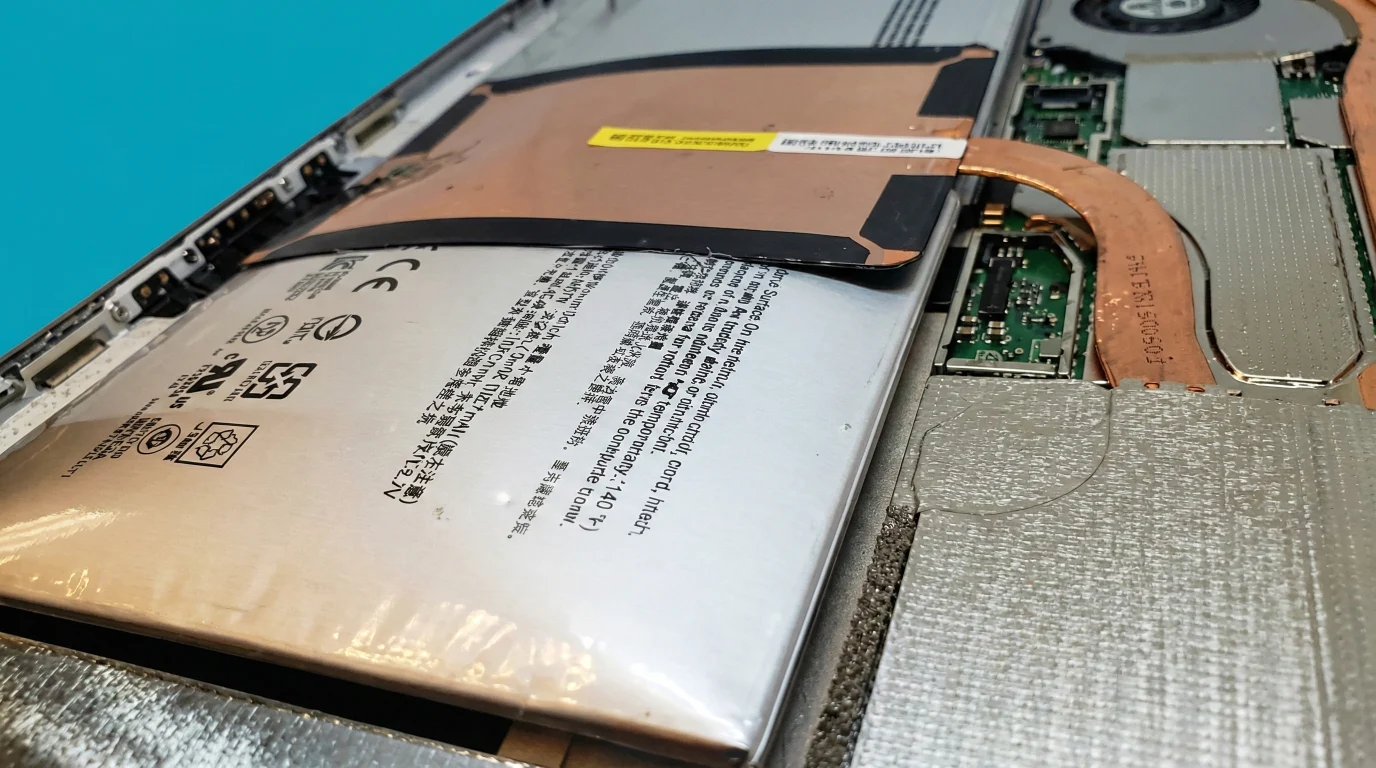
Side view, same phone twice. A swelling cell is a sealed pouch filling with gas - it pushes whatever is above it out of the way, which is why the first thing you notice is a gap, not a smell.
The Device Is Swelling
Screen lifting at an edge, back glass standing proud, a laptop that rocks on a flat desk, a trackpad that no longer clicks. A lithium cell that swells is venting gas inside a sealed pouch, and it does not settle down on its own.
It Gets Hot Doing Nothing
Warm under load is normal. Hot while idle, hot on the charger overnight, or hot in one specific spot is not - and on a swelling cell it is what comes just before the smoke.
Dead After a Full Night on Charge
No response at all in the morning. Sometimes the battery, sometimes the charging circuit - but a collapsed cell can hold the whole device down, and it is worth finding out which before you buy anything.
Do not charge a swollen device, do not press the bulge flat, and do not put it in a bag with anything you mind losing. Bring it in and we will make it safe, at the Wimbledon shop or by post.
Book It In When It Suits You
The Day Got Shorter
The clearest signal there is, because you notice it without measuring anything. A phone that used to see the evening and now needs a top-up at lunch has lost real capacity, not settings.
It Shuts Down With Charge Left
Off at 20%, off in the cold, off when the camera opens. An aged cell cannot deliver current under load even when the percentage says otherwise, so the device protects itself by stopping.
The Percentage Jumps
40% to 12% in a step, or 3% to 60% after ten minutes on the charger. The gauge is estimating from a cell whose behaviour no longer matches the model it was calibrated against.
The Device Is Telling You
iPhone “Service Recommended”, Android “Battery health”, Windows “Consider replacing your battery”, macOS “Service Recommended”. Worth acting on - and worth reading properly first.

Read the Number Before You Spend Anything
Your device already knows how much capacity is left. Here is where to find it - and what the number is actually worth.
iPhone
Settings → Battery → Battery Health & Charging
Read Maximum Capacity, and check whether Peak Performance Capability mentions an unexpected shutdown. The shutdown note matters more than the percentage.
Android
Settings → Battery → Battery health
On recent Samsung and Pixel builds. Where the phone does not report it, a cycle-counting app gives an estimate - an estimate, not a measurement.
Windows laptop
Command Prompt → powercfg /batteryreport
The report names Design Capacity and Full Charge Capacity. The gap between the two is the answer.
MacBook
System Settings → Battery → Battery Health
Or hold Option and open the Apple menu → System Information → Power for the cycle count the machine has actually used.
What 80% Actually Means
Apple’s own design targets for retaining 80% of original capacity, under ideal conditions. Apple has published figures for the models named here; where a manufacturer publishes nothing, neither do we.
80% is a design target, not a fault line. A phone sitting a little under it is not broken - it is doing what it was built to do, on schedule.
Which is why we do not treat the number as the decision. A phone at 82% that shuts down in the cold needs a battery. A phone at 76% that comfortably sees the evening does not need one yet. The number tells you where you are; how the device behaves tells you whether to act.
Two Grades of Cell, and the Honest Difference
The cell is where the money differs, and where a cheap quote usually comes from. Everything else we do is the same either way.
| Three things differ | Original Manufacturer Cell If you are keeping the device for years | Tested Aftermarket Cell If it has a couple of years left in it |
|---|---|---|
| What it is | The part the device was designed around: same chemistry, capacity, protection board and charging behaviour | A cell from a supplier we buy from repeatedly, matched on capacity, voltage and protection circuit |
| What the device says afterwards | Nothing. Battery-health reporting stays intact, no service message | On an iPhone, an “Unknown Part” message in Settings and, on some models, no health figure |
| Cost and availability | Dearer, and on older models not always still made | Less, and available for far more models |
| Everything else is identical. Both are capacity-tested on the bench before they go anywhere near your device, both are fitted the same way, and both carry the same 6-12 month warranty from us. | ||
Why We Test Capacity Instead of Trusting the Label
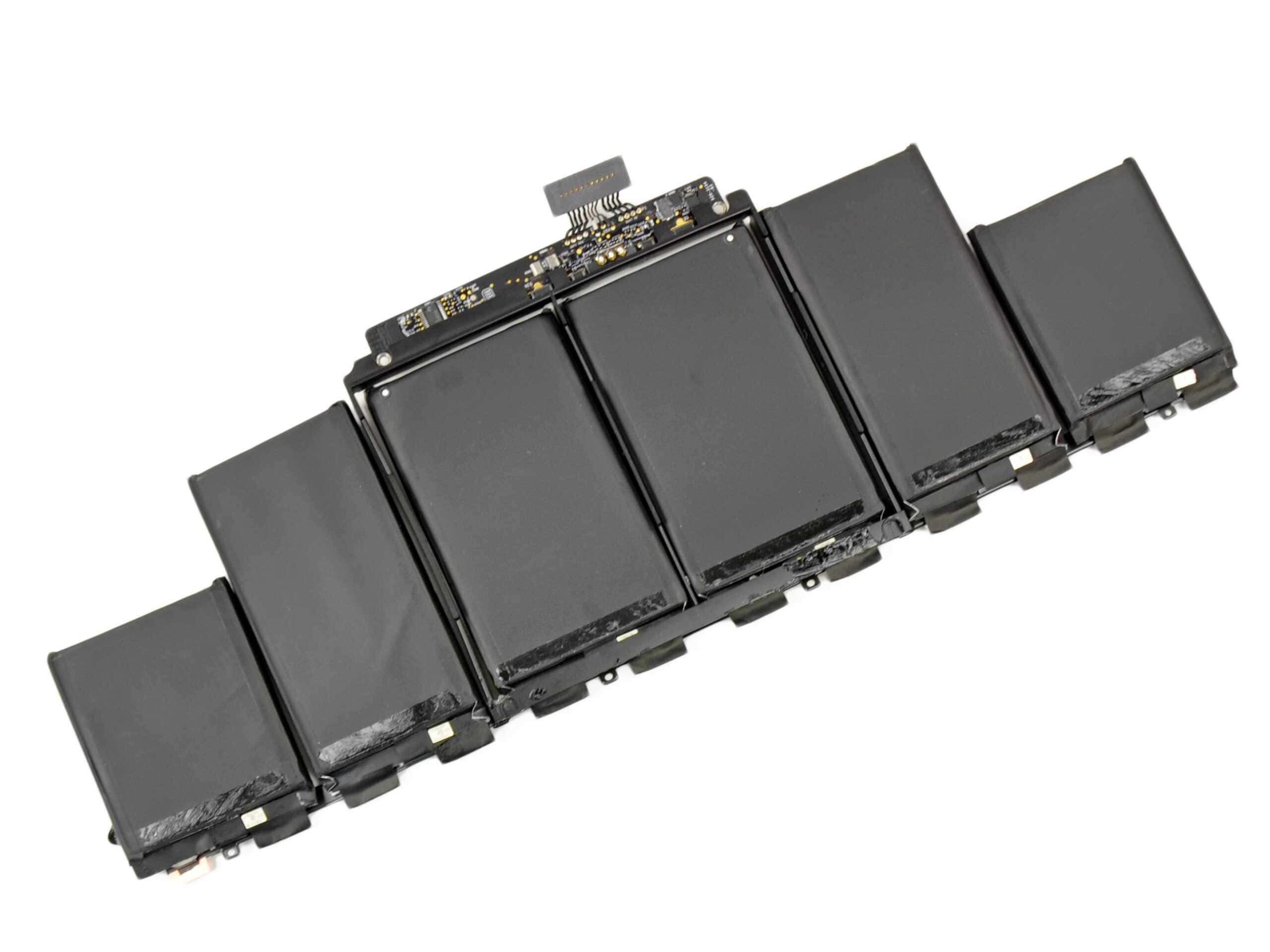
Printed capacity and measured capacity are two different things in this trade, and the gap is where the cheap batteries live. A cell that reads well below its own label will fit, charge and work - and then give you a shorter day than the battery you replaced.
The test costs us a few minutes and it is the only way to know before it is inside your device.
How the Replacement Runs
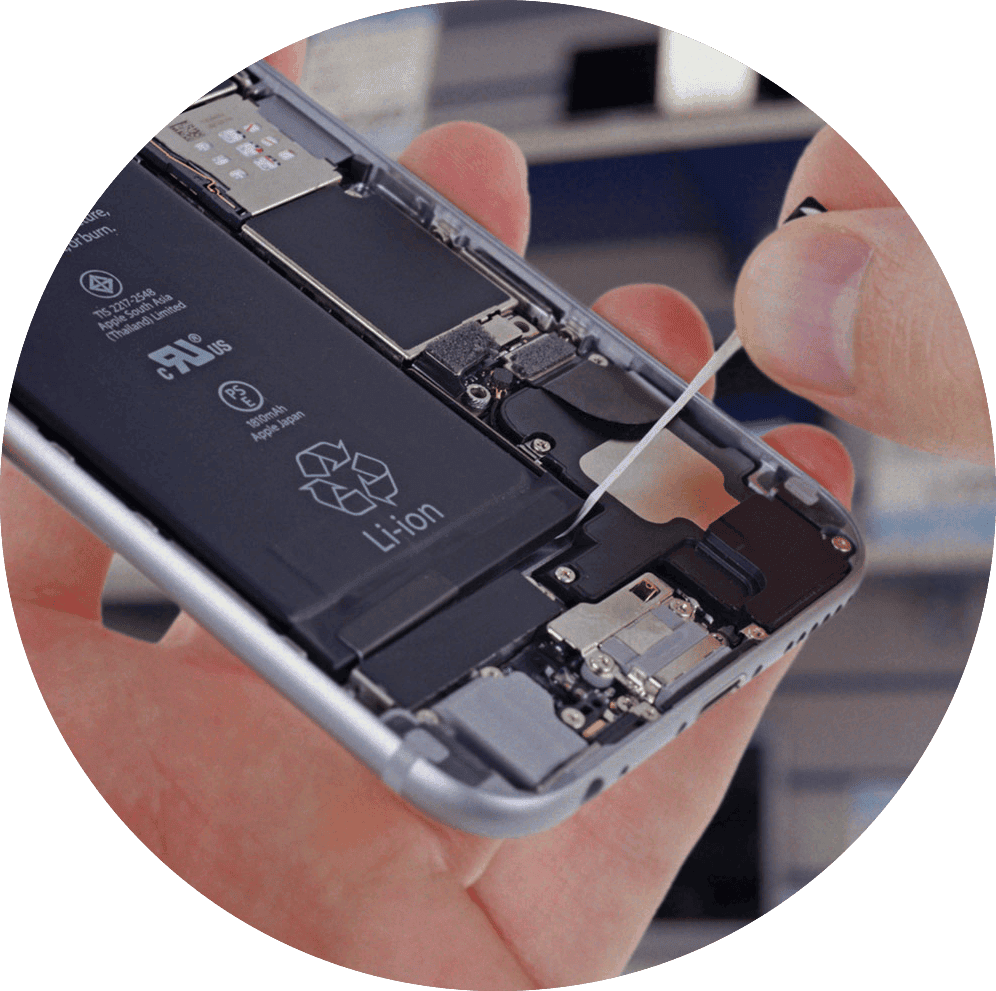
Batteries are glued in, often under the board. The order the work happens in is what keeps it uneventful.
-
Discharge and Disconnect
The device comes down to a low state of charge before anything is opened, and the battery connector is the first thing off the board. A charged cell and a live board are the two things that turn a small job into a big one.
-
Open on the Right Side
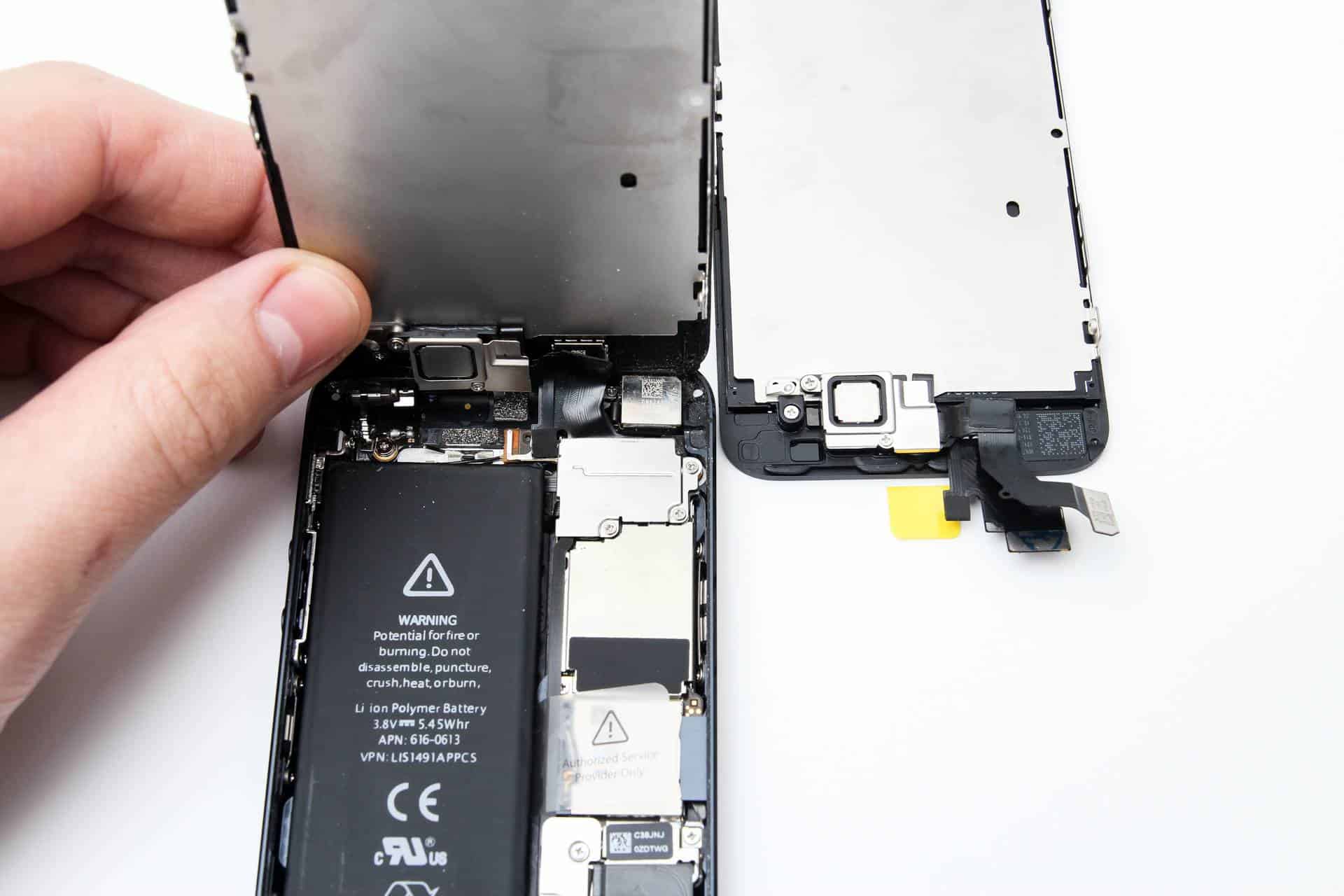
Some devices open from the screen, some from the back, some want the board out first. Getting that wrong is how a battery job turns into a screen job.
-

Release the Adhesive With Heat, Not Force
Controlled heat and the pull-tabs where they exist, plastic tools where they do not. Nothing metal goes under a cell - a punctured lithium pouch is not a repair any more.
-

Fit, Seal and Test
New cell, fresh adhesive, seals replaced where the device had them. Then a charge and discharge under load, a look at what the device now reports, and a check that nothing that worked before stopped working.
What Changes About Water Resistance
The IP rating printed on the box, from a gasket applied by machine in a factory.
Resealed with the correct adhesive. Protected against rain, a damp pocket, a splash. Not the printed rating. No repair restores that, and the seal fades with age anyway.
If your device goes near water on purpose, say so when you book and we will tell you what we can and cannot promise. And if it has already been in water, that is a different job - it wants doing before the battery, not after.
The Part of This That Goes Wrong at Home
Kits exist and people do succeed with them. These are the four ways it usually goes wrong, in the order we see them.
The Cell Gets Punctured
A metal spudger under a stuck battery is the single most common way a repair becomes a fire. Lithium pouches do not warn you first; they go from intact to venting in about a second.
The Adhesive Wins
Pull-tabs snap. What is underneath them is a strip designed never to let go. Once the tabs are gone the only ways out are heat, patience and solvent - and the wrong solvent takes the screen with it.
The Cell Is Not What the Listing Said
The cheapest cells routinely under-deliver against their own printed capacity, and the protection board is the part that gets cheapened first. It fits, it charges, and it gives you a shorter day than the battery you took out.
Something Else Comes off With It
On plenty of models the battery sits under the board, the camera or the speaker. Those come out first, and a torn flex cable on the way back in costs more than the battery ever did - that is board-level work to put right.

Battery FAQ
How long does a battery replacement take?
Most phones are a same-visit job when we have the cell - usually under two hours, including the test at the end. Laptops take longer and often stay with us, because the battery frequently sits under the board and the reassembly has more in it than the removal did.
What does it cost?
It depends on the model and on which grade of cell you choose, so we quote against your exact device rather than publishing a range that would be wrong for half the people reading it. Tell us the model and you get a figure before anything is opened.
Will I lose my data?
Battery work does not touch your storage - we do not wipe anything, reinstall anything or open your files. We cannot take responsibility for your data, though, and no repair shop honestly can: back up while the device still powers on, because that advice costs you nothing and the one time it matters is the time you did not. If the contents matter more than the device, say so before we start.
What warranty comes with it?
Between 6 and 12 months depending on the repair and the part, covering both the cell and our work. It is on your paperwork before you pay, not a figure you have to ask for afterwards.
My iPhone says “Unknown Part” after a battery change. What does that mean?
It means the cell is not the original one Apple paired to that phone. The phone works normally; what you lose is the battery-health reporting on some models, and you gain a message in Settings. Fitting an original manufacturer cell avoids it. We tell you which you are getting before the work starts, so the message is never a surprise.
My device is swollen. Is it dangerous?
Treat it as dangerous. Stop charging it, do not press the bulge, and do not leave it somewhere it could vent unattended overnight. Bring it in or book a slot and say it is swollen when you do - we handle those differently and we would rather know before it is on the bench.
How long will the new battery last?
Batteries are rated in charge cycles rather than in months, so the honest answer depends on how you use it. Heat is what kills them fastest - a phone left on a dashboard, a laptop working on a duvet, or a device charged hard and often. A device treated normally should be back to the runtime you remember, and should stay there for years rather than months.
Can you do batteries in older devices?
Usually. Cells for popular models stay available for a long time after the device leaves the shops; for rarer or older ones we may have to order in, which adds a few days. We check availability while you wait rather than promising and then calling back.
Do you replace MacBook batteries?
Yes, including the models where the cells are glued into the top case rather than screwed in. Those are a longer job and we quote them as one - sometimes the sensible repair is the whole top assembly rather than the cells alone, and we will tell you which applies to yours.
The battery is new and it still dies. What now?
Then it probably was not the battery. A charging port that no longer holds a connection, a charging circuit on the board, or software keeping the device awake all look like battery problems from the outside. That is what charging diagnosis and a proper diagnostic are for.
Related Repair Services
Where a battery problem often turns out to belong.
Tell Us the Model and What It Does
The capacity figure if you have it, whether it shuts down early, and whether anything is lifting. That is usually enough for a straight answer on price and on whether the battery is really the part at fault.