Fixfactor Moved From Oxford Street To Victoria
Oct 10, 2025
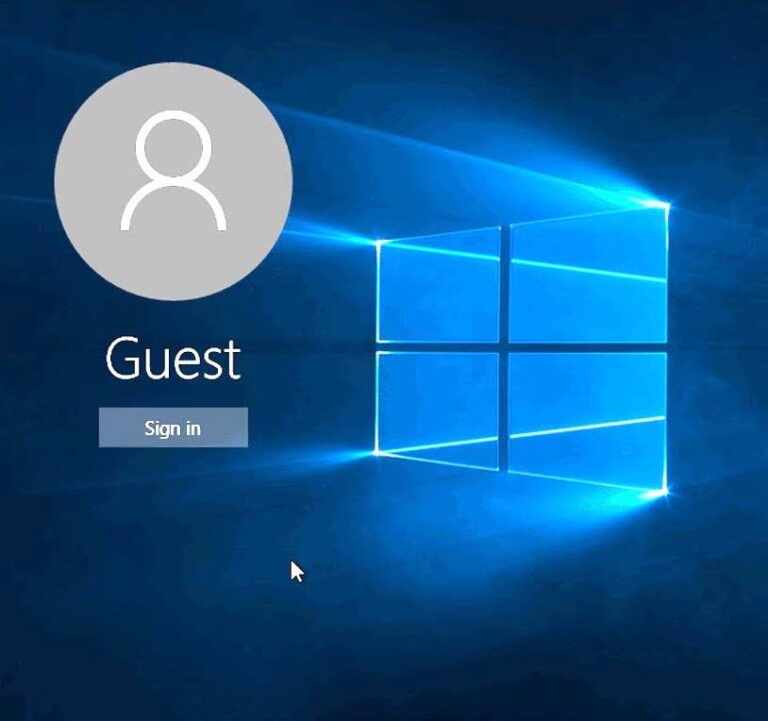
When you send you Windows device for a repair (laptops or Microsoft Surface Pro tablets) it is important that you provide us with the login and password or give us the access to guest user account. If you don’t have one, we can help you to create it.
We need to have access to your device to perform diagnostic checks or test it after we fixed the screen, camera, replaced battery or any other hardware issue. We understand that you data may be case sensitive. Although we don’t delete it and promise to keep it safe, you may prefer to keep it locked. The solution is to create a guest account, that give us access to basic functions of the device (without administrator’s privileges), without being able to access your data. This is what we need in most scenarios.
In the recent version of Windows 10, you might you may not be able to create guest accounts like you used to. Guest level permission systems still work, but the option in Control Panel to create new guest accounts is gone. You can still add the guest account with a few simple commands. To do so, open a command prompt as an administrator and perform the following steps:
And now you have a brand new guest account! This account will have the same privileges as the old guest accounts. Hopefully Microsoft will bring back a proper interface for this option in the future.
Oct 10, 2025
Apr 25, 2025
Jan 8, 2024
Jan 3, 2024
Jan 2, 2024
Dec 14, 2023