

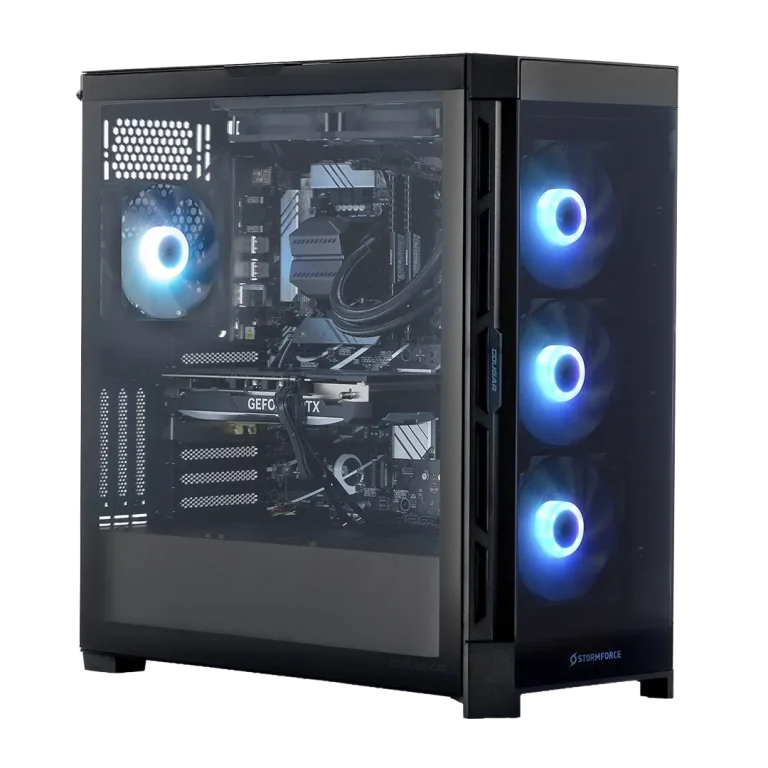
No power, no POST or dead ports - we test the board, processor, memory and power supply in order, tell you which one actually failed, and price putting it right.
Service Details
Desktop PC Motherboard Diagnosis & Repair
A desktop that shows no life at all, powers on without ever reaching the screen, or drops its USB and network ports one by one has a fault somewhere in the four parts that have to work before anything else does: the board, the processor, the memory and the power supply. They fail in very different proportions, and they cost very different amounts to put right - which is why the useful thing to buy first is the answer, not the part.
Tested in order, not swapped in hope
Power rails are measured under load, the supply is tested against what the machine actually draws, memory and processor are checked in a known-good configuration, and the board is inspected for the damage that gives itself away - swollen capacitors, burnt regulators, corrosion, a socket with bent pins. You get a written answer naming the part, and a price.
Why we will often recommend replacing the board
On a laptop or a phone, a new mainboard costs more than the machine, so component-level repair under the microscope is the sensible route and it is what we do every day. A desktop board is a different object: standard, still sold, and cheap next to the bench hours a component-level repair takes. When the board really is the failure, replacing it is usually the smaller bill, and we will tell you so rather than quote for the more impressive job.
When component-level repair is the right call
Where a replacement cannot be bought - an older brand tower with a proprietary board, a workstation with no supply left, a machine whose board carries something you cannot move - we repair at component level instead: failed regulators and controllers replaced under the microscope, damaged traces rebuilt, sockets reworked. That is a considered exception, quoted with its odds and its timescale in front of you.
Machines we take
Consumer and workstation platforms across Intel and AMD, in custom builds, gaming towers and brand machines from Dell, HP, Lenovo and Acer. Bring the tower only - no monitor, keyboard or cables needed.