Device: HP Envy x360 15.6-inch
Symptom: liquid damage; would not power on
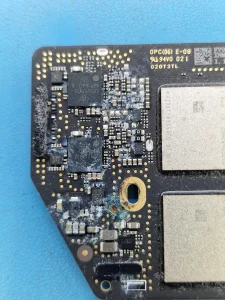
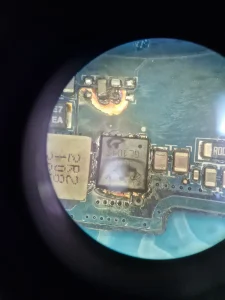
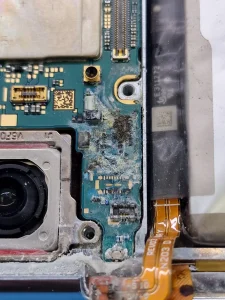
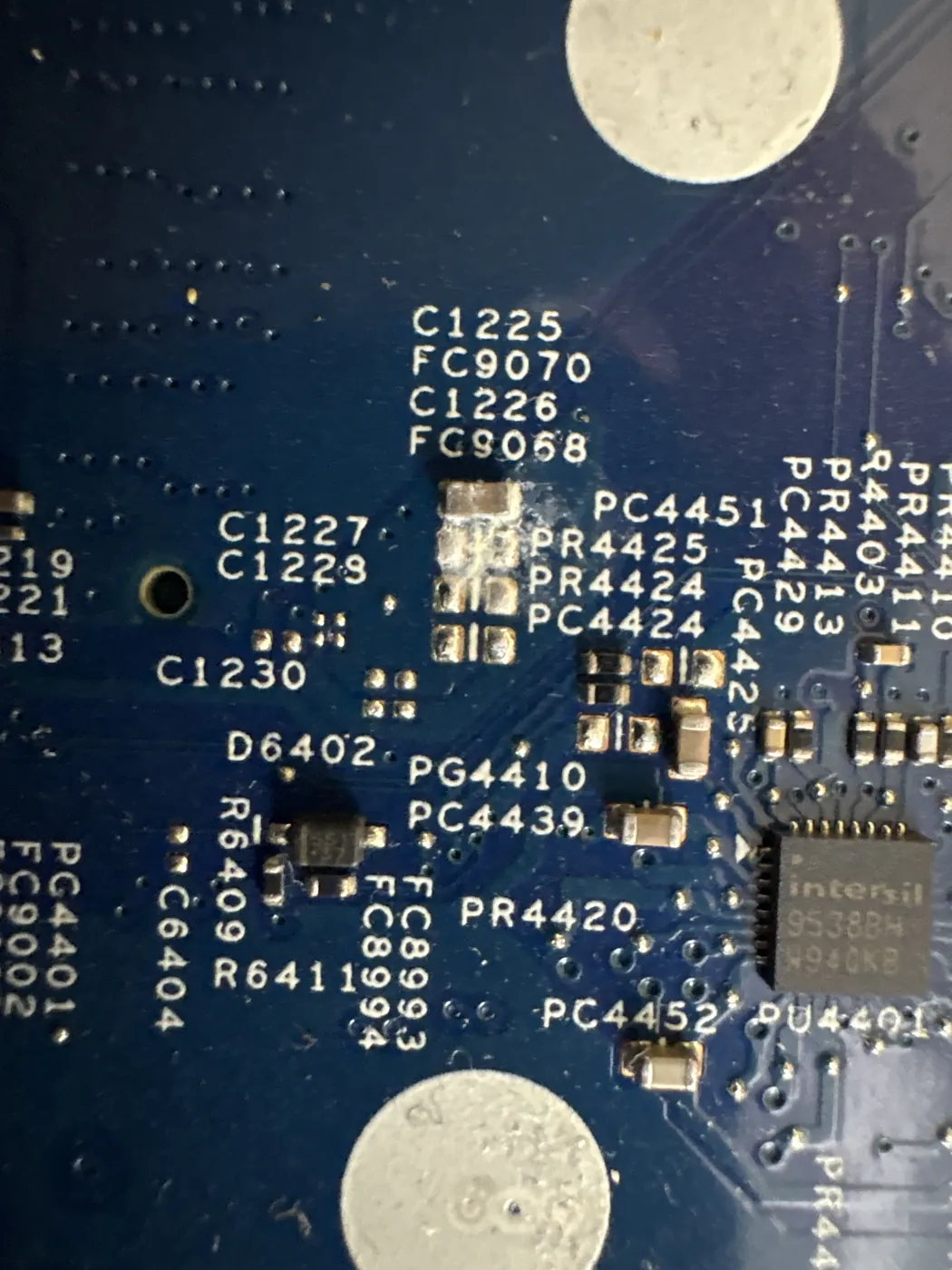
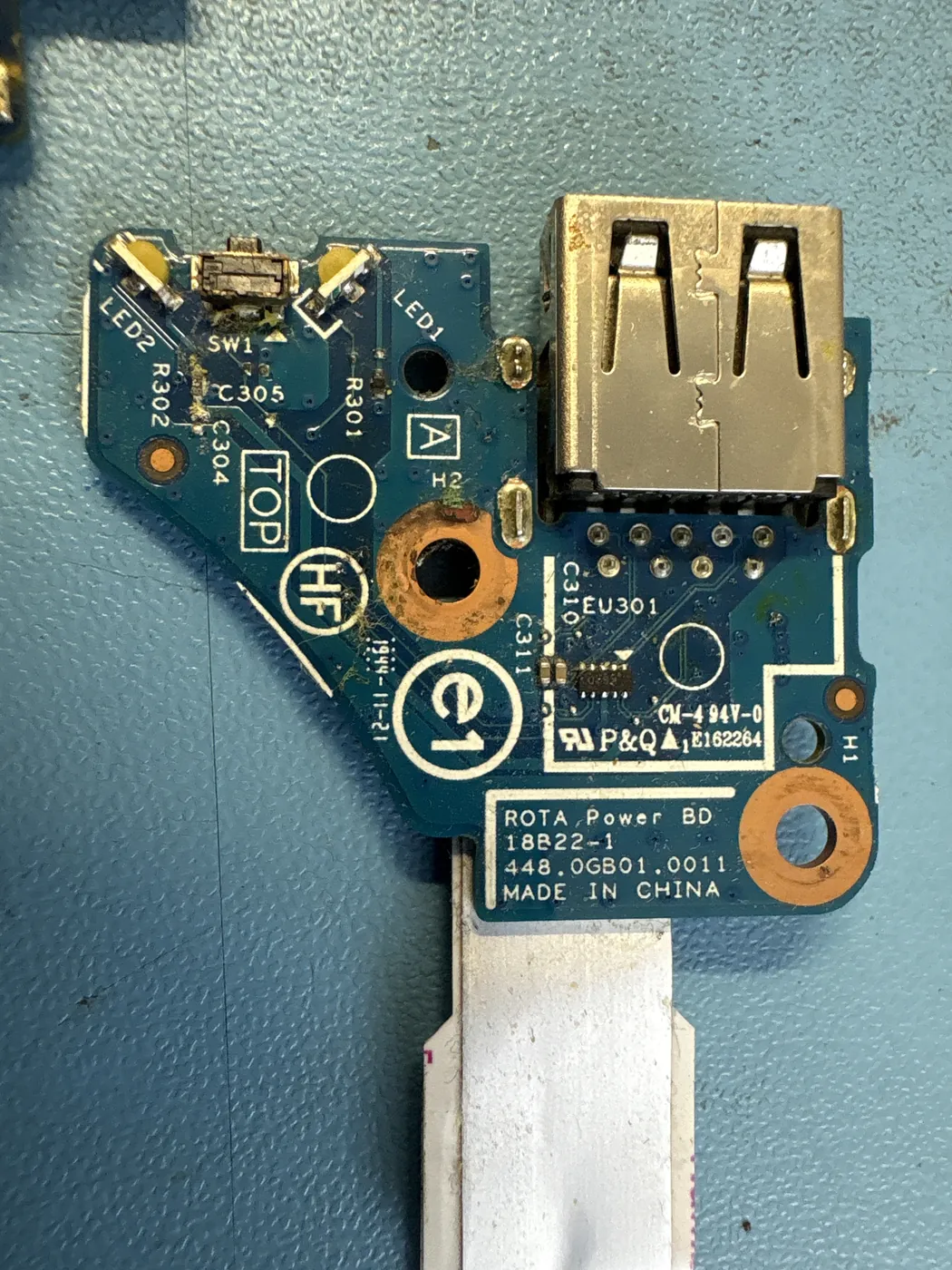
Diagnosis: heavy corrosion; two short circuits on the main 5 V power line and one on the power button board
Repair: shorts removed, then component-level repair of the original motherboard
Turnaround: just over two months, most of it spent on this one board
Liquid had been inside this laptop long enough to leave a lot of corrosion. A thorough clean was the first step. It was not enough: the laptop still would not power on properly.
What We Found
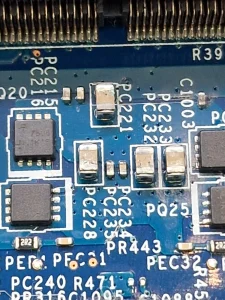
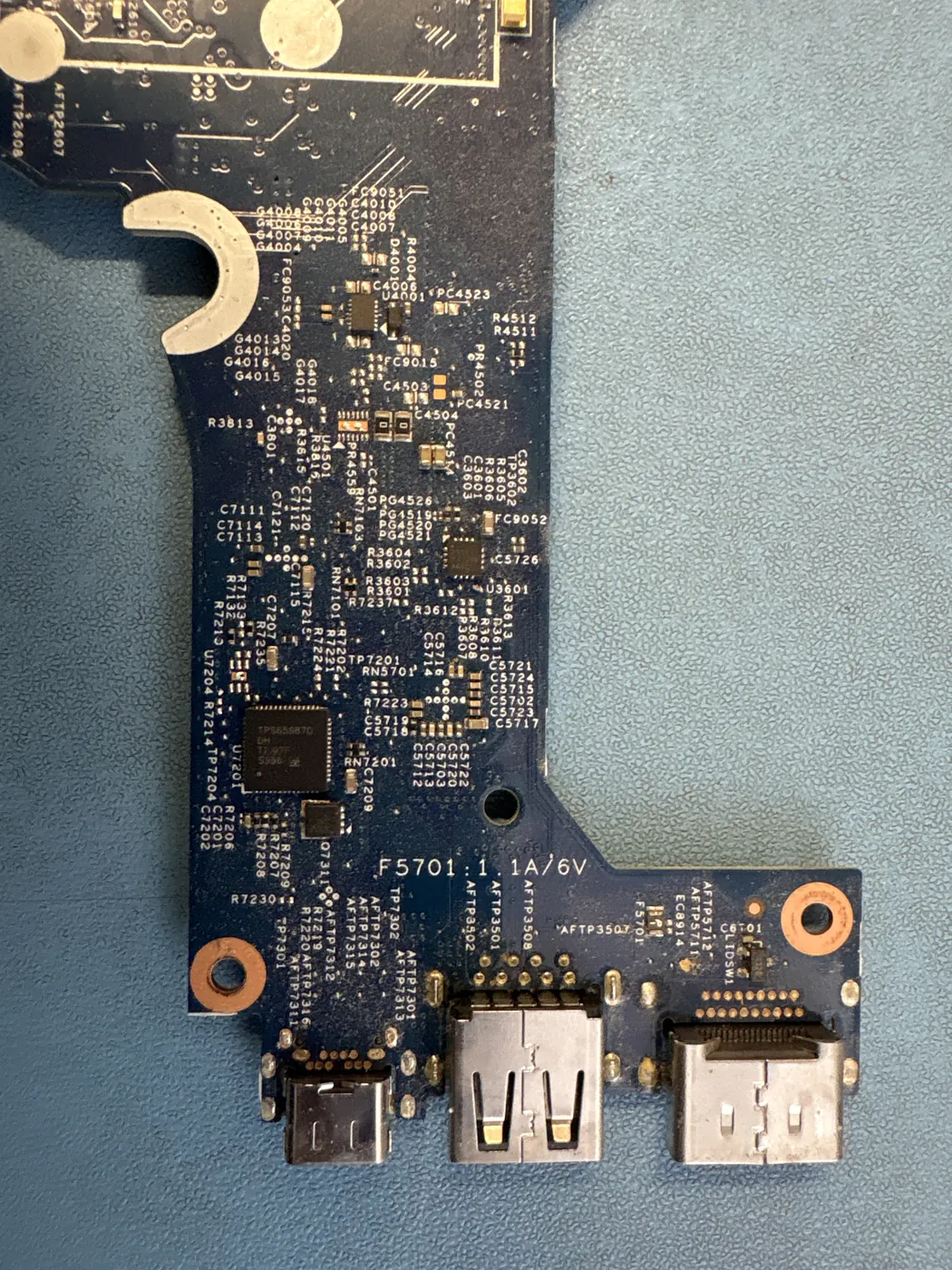
Measuring the board found two short circuits on the main 5 V power line and a third on the small board that carries the power button. We removed all three. The board stopped showing any direct short, and the laptop still would not start, which pointed to a deeper fault on the motherboard.
The Part That Did Not Exist
The usual way out at this stage is a replacement motherboard. We searched and could not find one for this model. So we told the owner plainly: the only route left was repairing the original board, and we could not guarantee that it would work. They agreed.
The Outcome
The original board was repaired and the laptop went back to its owner. When a manufacturer stops supplying boards, component-level repair is often the only way to keep a laptop in use.
Why a repaired board can beat a replacement: motherboard repair vs replacement. More on HP laptop repair.