Device: MSI Katana gaming laptop
Symptom: the SSD was not recognised
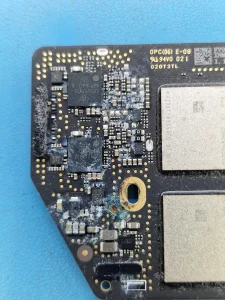
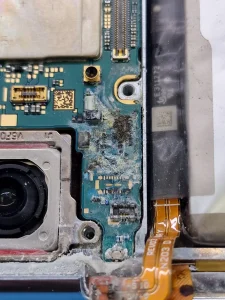
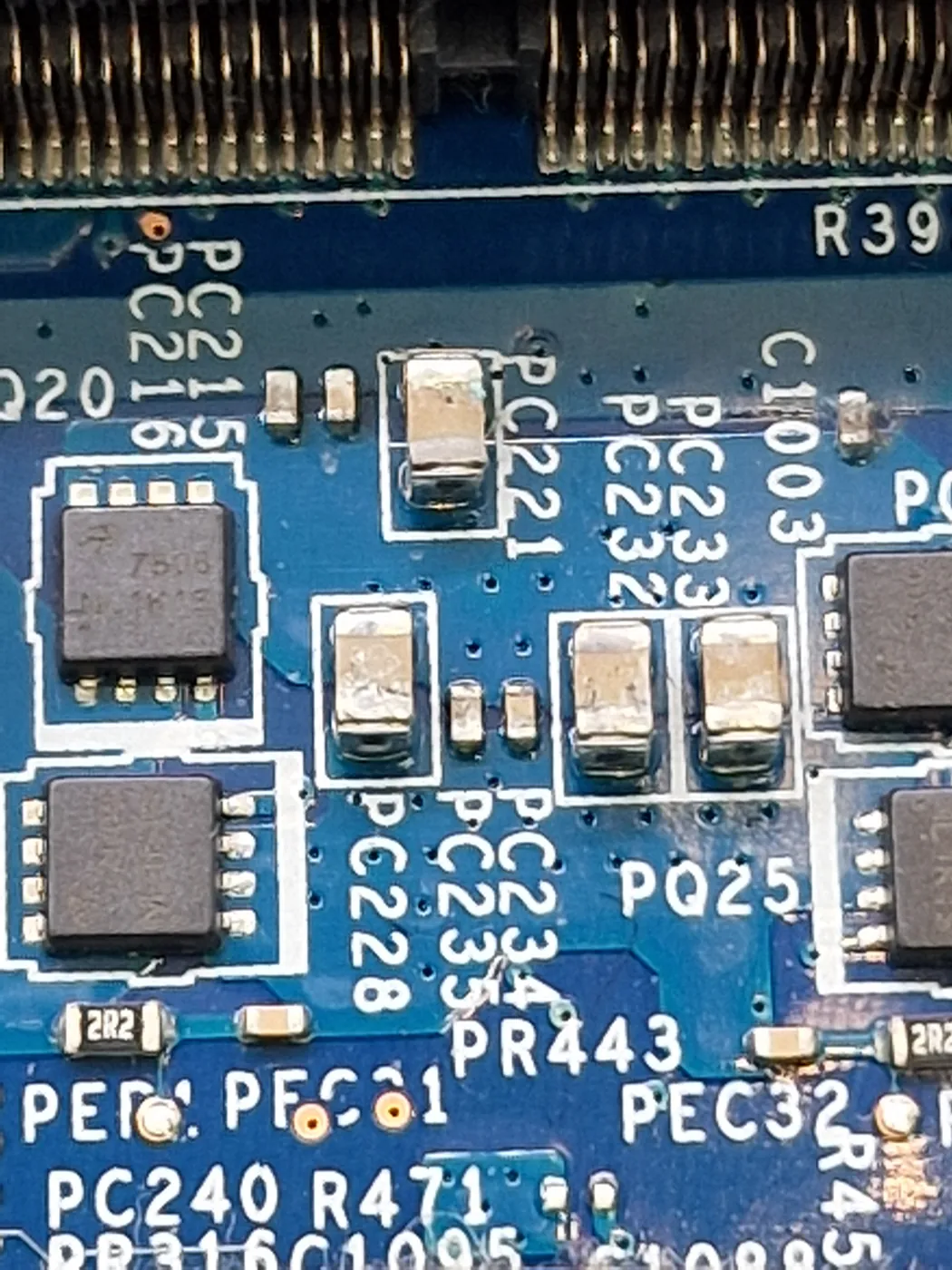
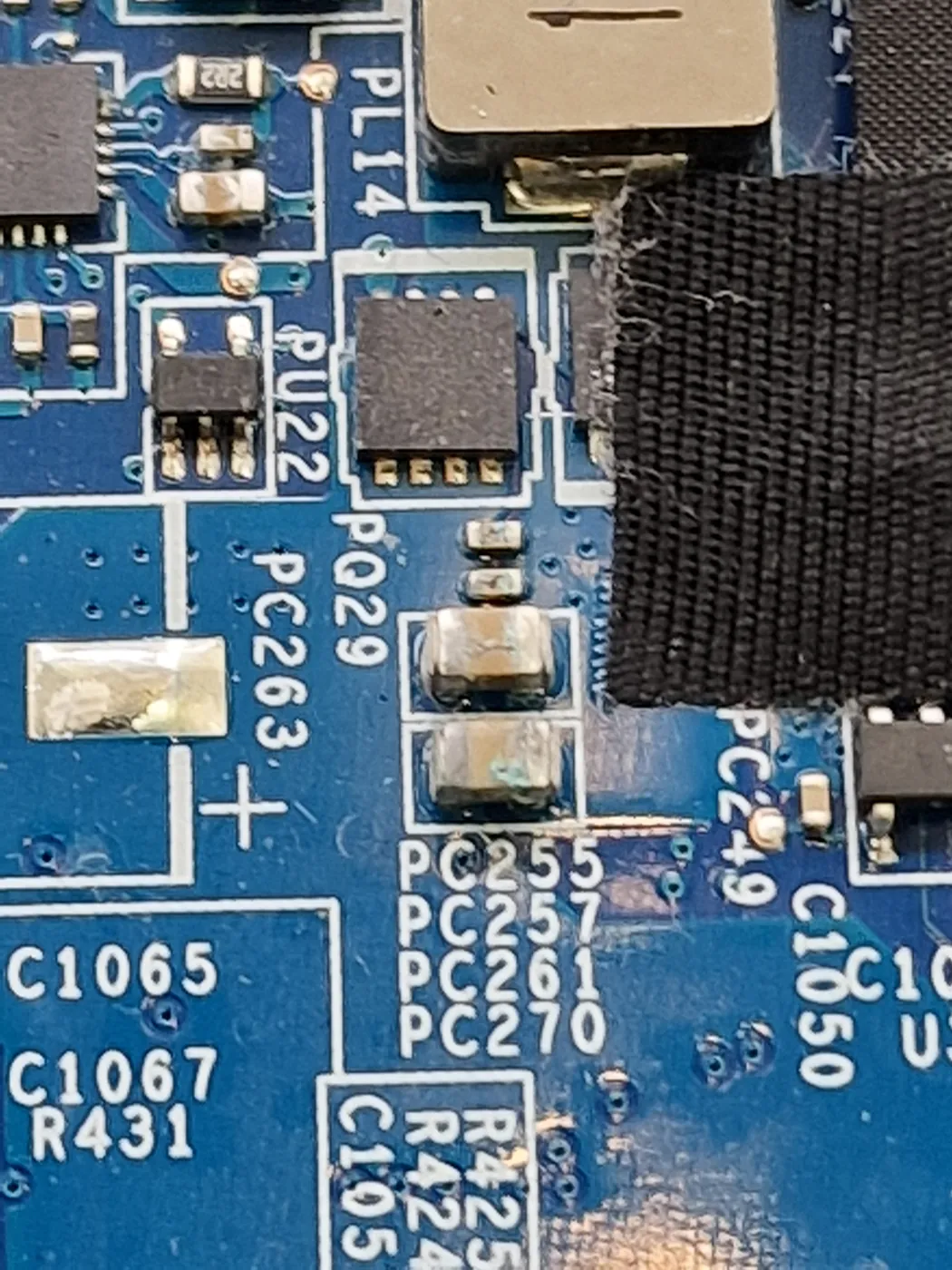
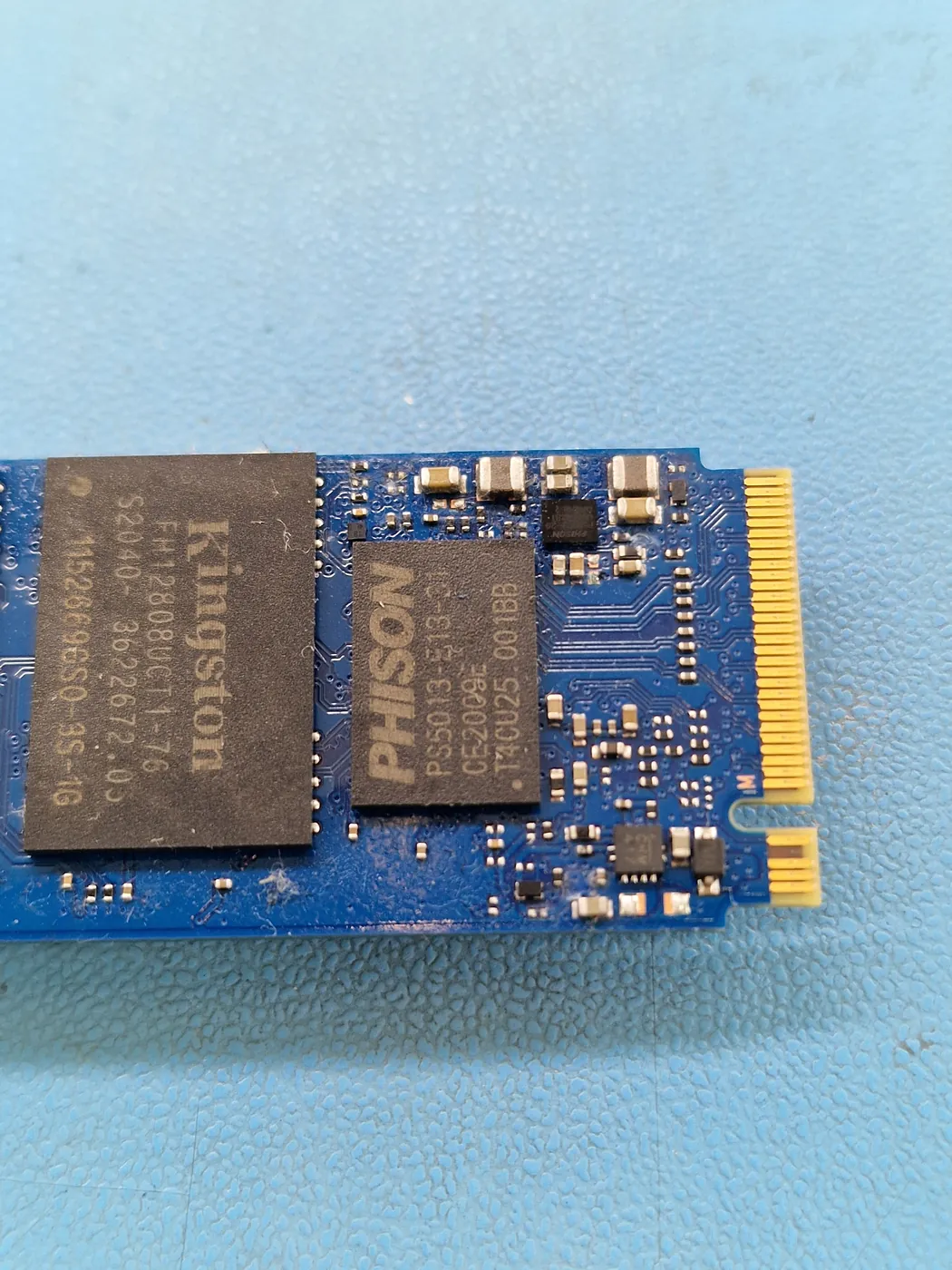
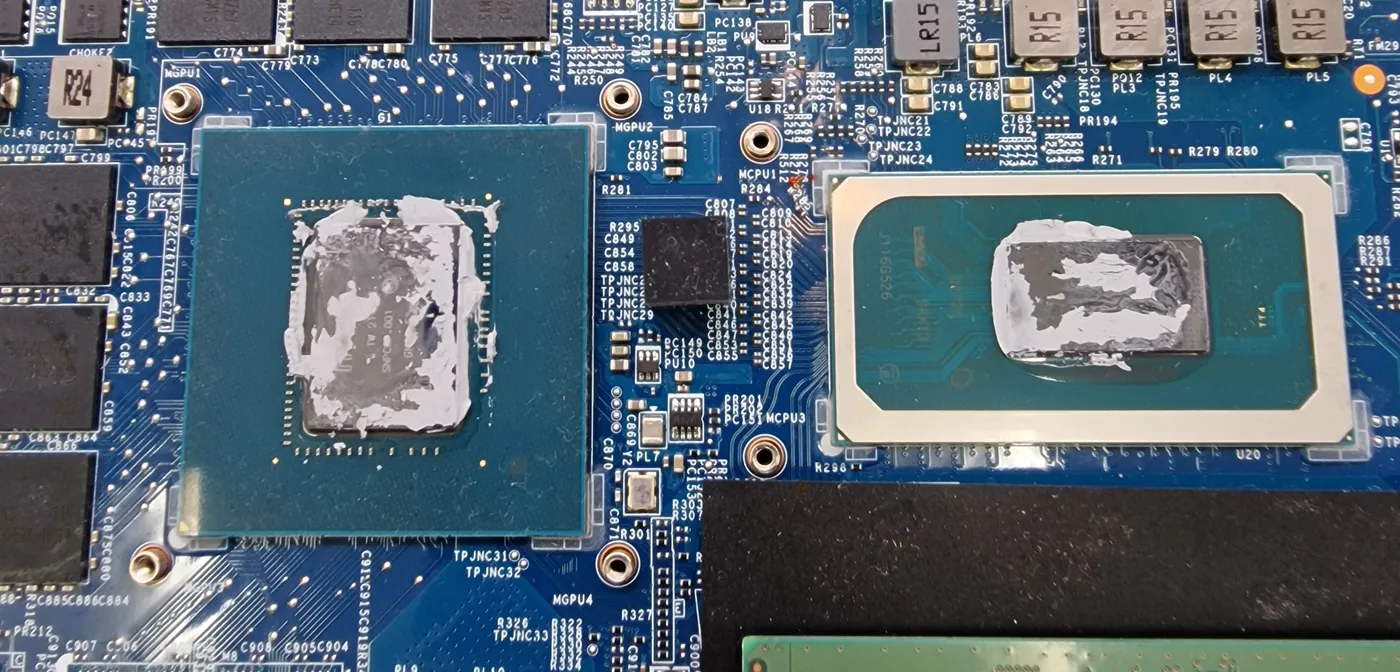
Diagnosis: liquid corrosion on the motherboard and on the SSD itself; thermal paste on the CPU and GPU dried hard
Repair: corrosion cleaned from the board and the SSD, heatsink cleaned, fresh thermal paste
Turnaround: diagnosed the day after it came in
“SSD not recognised” has an obvious answer: a new SSD. On this laptop, that would have meant paying for the wrong part.
What We Found
With the laptop open, the drive was not the problem. There was corrosion on the motherboard and on the SSD itself. Liquid had got inside at some point, although the booking did not mention a spill. Corrosion on the contacts between the drive and the board is enough to make a healthy SSD disappear.
The cooling was a second problem. The paste on the CPU and GPU had dried hard, which is a common reason a gaming laptop runs hot and slows itself down.
The Repair
We cleaned the corrosion from the board and the SSD, cleaned the heatsink and renewed the thermal paste on both chips. The owner approved the work and gave us the password so we could test the laptop properly.
The Outcome
Cleaned, re-pasted and returned working, with the original SSD. If a drive suddenly disappears, check the connection to the board before you buy a new SSD.
More on MSI laptop repair, or liquid damage if you know something was spilled.