All repair guides

MacBook Battery “Service Recommended”: Replace It or Keep Using It?

“Service Recommended” means macOS has detected that the MacBook battery’s condition deserves attention. It is not an automatic emergency, and it does not prove that the battery has failed completely. It does mean you should take the warning seriously, watch for safety signs and decide on replacement based on how the MacBook behaves.

What the warning usually means

Lithium-ion batteries naturally lose capacity as they age and go through charge cycles. The warning may appear when the battery can no longer hold the expected charge, its health data is outside the normal range or the MacBook detects abnormal behaviour. You may notice shorter battery life, unexpected shut-downs, slower performance under load or a percentage that changes unpredictably.

Can you keep using a MacBook with this warning?

If the MacBook is physically flat, cool, stable and otherwise working normally, it may be usable for a short period while you arrange a replacement. Keep reliable backups and avoid relying on it for critical work away from power. The warning is not something to ignore for months, because battery condition can deteriorate unpredictably.

When to stop using it immediately

Stop charging and using the MacBook if the lower case, trackpad or keyboard is lifting; the device rocks on a desk; the battery area becomes unusually hot; there is a sweet or chemical smell; or the case has started to separate. These may indicate a swollen battery. Do not press the case flat or puncture it. A swollen battery needs safe professional handling.

Why a diagnosis still matters

Not every charging or start-up issue is a battery issue. A MacBook may show a service message while also having an adapter, charging-port or logic-board fault. Before replacing the battery, it is sensible to check charge behaviour, battery communication and the overall power path. This avoids paying for a battery that does not solve the original problem.

What happens during battery replacement?

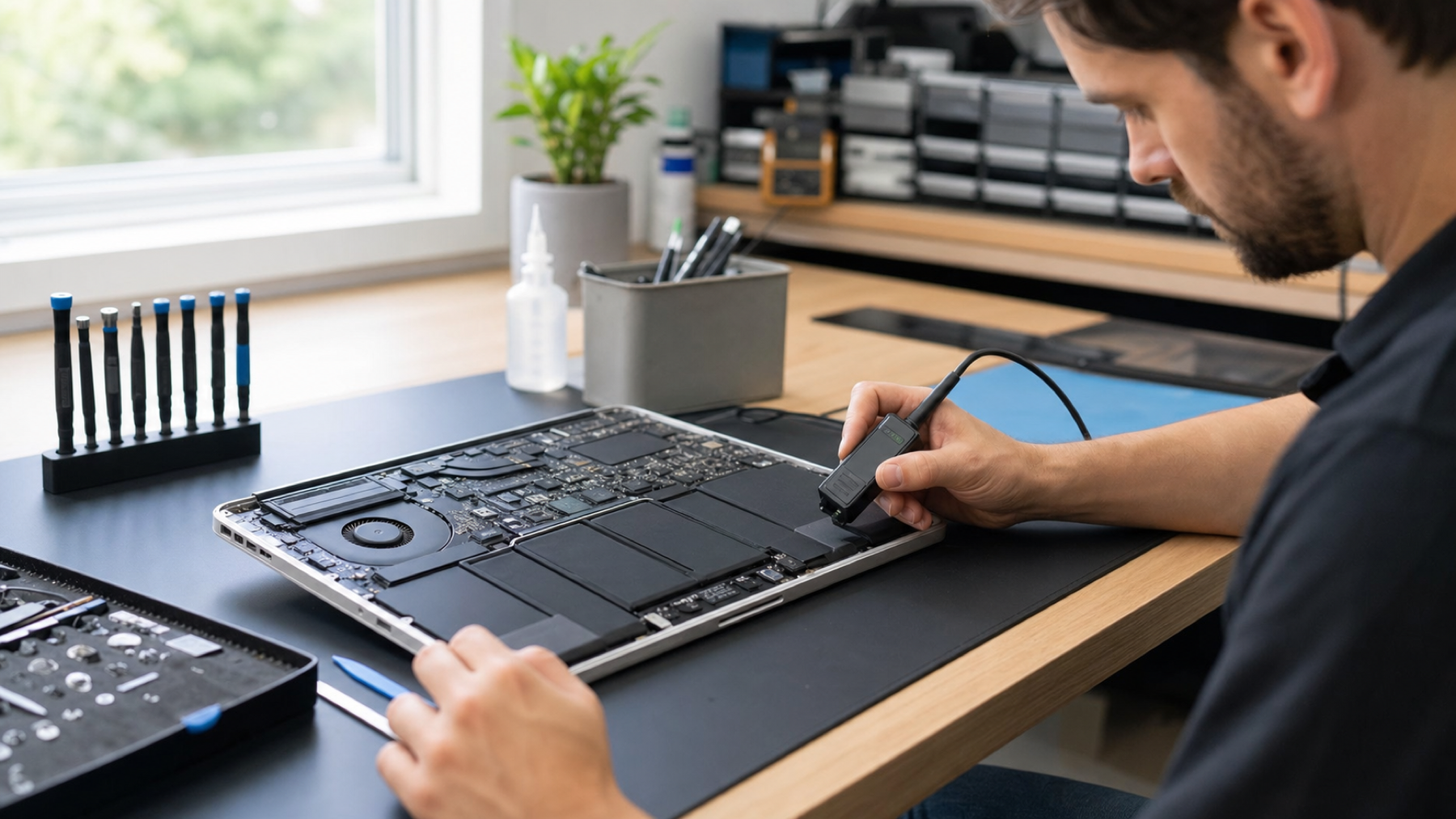
The correct process depends on the MacBook model. A technician should inspect the case and connectors, remove the old battery safely, install the appropriate replacement and test charging, start-up and battery reporting afterwards. If there is evidence of liquid damage or an underlying charging fault, that should be discussed before further work.

How to make the decision

Replacement is normally worthwhile when the MacBook otherwise meets your needs, battery life has become unreliable or safety signs are present. If you are deciding between repair and upgrading, consider the machine’s performance, storage, screen condition and the diagnosis — not the warning alone.

Quick answer

“Service Recommended” means the MacBook battery is degraded or behaving outside its expected range. You may be able to use it briefly if there are no safety signs, but arrange a battery assessment. Stop using it immediately if the case lifts, it overheats or you suspect swelling.

Frequently asked questions

Does “Service Recommended” mean my MacBook is dangerous?

Not by itself. It signals battery degradation or abnormal battery behaviour. It becomes a safety concern when accompanied by swelling, heat, a distorted case, a smell or erratic charging. Those signs mean stop using the device and arrange help promptly.

Can I reset the warning away?

A reset may refresh a reading in limited situations, but it does not restore a worn or failing battery. Treat the warning as a prompt to assess the battery condition and the MacBook’s real-world behaviour rather than trying to hide it.

How long should a replacement battery last?

Battery lifespan depends on model, use, heat exposure and charge cycles. A quality replacement should restore reliable everyday use, but it will still age over time. Good charging habits help, but they cannot reverse normal chemical wear.

Share Copied!
Marcin Skwiercz

Written by

Marcin Skwiercz

Founder & Director

Running Fixfactor since 2014 with a hands-on background in microsoldering and board-level repair. Today focused on growing the business, tracking industry trends, and making sure every device gets the attention it deserves.

Explore More Categories