USB-C Dock Charges the Laptop but the Monitor Has No Signal
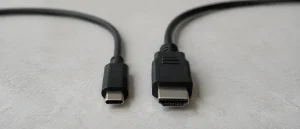
Charging through a dock does not prove the video connection works. Check compatibility, cables and the display setup before assuming a damaged port.
Read article

Clear, practical answers to common phone, tablet and computer faults, written from the Fixfactor workshop.
41 articles found
Charging through a dock does not prove the video connection works. Check compatibility, cables and the display setup before assuming a damaged port.
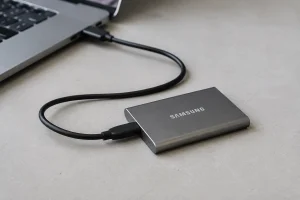
Read articleA previously working SSD has disappeared. Separate detection from access problems and avoid changes that could compromise the files you need.
Read articleIf a Samsung phone has a black screen but still vibrates or rings, the display is a likely suspect - but the connector and motherboard still need testing.
Read articleA broken laptop hinge does not always require a complete lid. The durable repair depends on whether the hinge, mounts, casing, screen or cables failed.
Read articleA MacBook keyboard or trackpad fault can come from settings, debris, the battery, an internal cable or the logic board. Here is how to narrow it safely.
Read articleSafe checks for an iPad that will not charge, plus the signs that point to the cable, battery, charging port or motherboard.
Read articleA laptop USB-C charging fault can come from the cable, adapter, port, battery or motherboard. Start with these safe checks before replacing parts.
Read articleA practical 3-2-1 laptop backup setup for Windows and Mac, plus the restore test and encryption keys people usually remember too late.
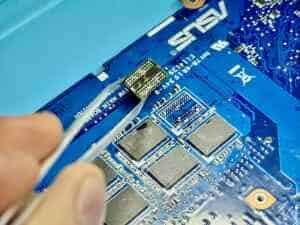
Read articleWhen storage is soldered to the motherboard, recovery usually starts with the original board. Here is how we assess the routes and the limits.
Read articleThe BitLocker recovery key does not repair a damaged drive, but it may decide whether recovered data can be opened. Here is where to look and why.
Read article