

Windows Installation & System Repair
A clean Windows 11 install on a laptop or desktop PC - drivers, updates, your account and the applications you actually use, tested before you get it back.
Is It Windows, or Is It the Machine?
Boot loops, blue screens, freezing, a laptop that has slowed to a crawl. Software and dying hardware produce the same symptoms, and only one of them is fixed by a reinstall.
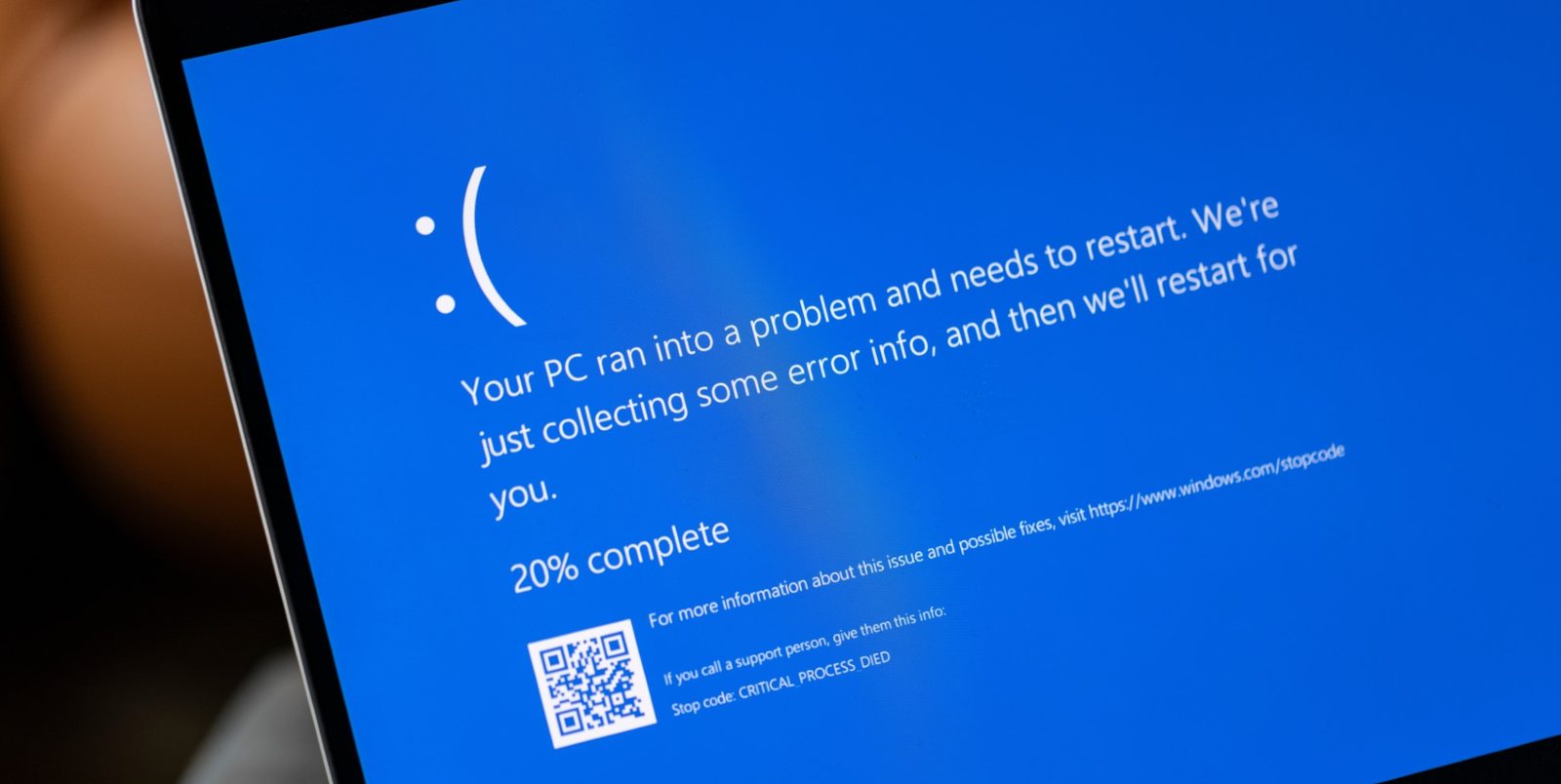
Then it is worth doing
Corrupted system files, an update that failed halfway, years of installs and uninstalls, or a machine somebody else has already had a go at. A clean install clears all of it in one pass.
Then it is not
A drive with failing sectors, faulty memory, a machine throttling on its own heat, a swollen battery. Windows will go on and behave for a week. We would rather tell you that before you pay for it - that is what the £39 diagnostic buys.
Why Start Again
Not every machine on this bench is broken. A clean install is also the only maintenance that removes what has quietly built up underneath.
Every install, uninstall and half-finished update leaves something behind. After four or five years the machine feels tired for no reason you can point at. A clean install removes all of it in one pass - nothing short of that does.
Errors that return after every fix, updates that fail the same way each month, a profile that has stopped behaving. Chasing those can cost more than rebuilding and still leave you unsure. Starting again is often the cheaper repair, not the drastic one.
When the storage fails there is no system left to repair. A new drive arrives blank, so installing onto it is not a choice - it is the job.
Out of support since October 2025. If the hardware takes 11, that is the move.
Two Ways This Starts
The bench work is the same. What differs is the licence and what was on the drive before.
From scratch
A new SSD, a fresh build, or a system too far gone to repair. Windows 11 goes on clean and the licence is included - there is no separate charge for a key.
Machines built from 2016 onwards usually carry their licence in the UEFI firmware. We use that where it is there, and supply one where it is not.
Over the top
Windows still starts but cannot be trusted. The drive is formatted and the system goes on from scratch - we do not patch around a failing install.
Repairing a degraded system in place takes unpredictable time, cannot be quoted honestly, and the same fault usually comes back within weeks.
What Goes Back On
A machine that boots is not a finished job. Four layers go back on before it leaves the bench.
The system
Windows 11 installed from manufacturer media and activated. Where the hardware will not take 11, we say so before we start rather than after.
Every driver
Graphics, audio, network, Wi‑Fi, Bluetooth, touchpad, fingerprint reader. This is the step most home reinstalls skip, and it is why they end up with no sound and a dead trackpad.
Your account
Set up and signed in, current updates applied, and the machine actually run rather than handed over at the welcome screen.
The few apps you use
A browser, Adobe Reader, ChatGPT - whatever you name. Not a bundle you did not ask for.
Your Files Do Not Survive This
Said plainly, because it is the part people assume works the other way round.
Documents, photos, applications, saved passwords, browser sessions, licence keys held only on that machine - all of it goes. A clean install is not a repair that keeps your things; it is a machine returned to nothing and rebuilt.
Before you hand it over:
- Tell us if anything on the drive matters. Before, not after - once it is formatted the conversation is a different, more expensive one.
- We can move your files across as part of the job. That is separate work, priced either as a fixed quote for a scope you set or at £85 an hour; most transfers run one to three hours.
- If the machine will not boot and the files matter more than the machine does, say so when you book. We check whether the drive can still be read before anything is erased - data recovery is priced separately.
- Know where your licence keys live. Microsoft 365 and Adobe follow the account; a one-off key bought years ago often does not.
Nothing here is a scare tactic. It is the single most common misunderstanding we deal with at the counter, and five minutes of it now saves a bad afternoon later.
Came Here From a Surface Page?
Then the real question is whether a refresh is enough, or whether the drive is the problem. On a Surface, that depends entirely on which side of 2019 yours was built.
Soldered to the board
Surface Pro 5 (2017) and Pro 6 · Surface Laptop 1-2
Nothing to swap. A reinstall is the only route, and if the storage itself is failing, the board is the repair - not the drive.
Removable M.2 2230
Surface Pro 7 and later · Pro X · Laptop 3 and later
One screw, one module. The drive can be replaced and Windows put on fresh. On Pro 9 and 10 the door sits under the SIM tray - fiddly, but routine.
- Surface Go, Surface Book, and the older Pro 3 and 4 sit outside the line - some have a drive that comes out, but behind a full teardown. We confirm the model before quoting.
- Memory is soldered on every Surface ever made. If the machine is short of RAM, neither a reinstall nor a new drive changes that.
Not sure which you have? The model number is under the kickstand on a Pro or Go, and on the underside of a Laptop or Book. Or start from the Surface repair pages and pick yours.
Set Up to Work, Not Just to Switch On
Optional, quoted against a scope you define or charged at £85 an hour. Licences and subscriptions stay yours to provide - we install and activate against them.
- Microsoft 365 and other licensed software
- Email and cloud storage signed in
- Development environments - Git, Node, Python, Docker, WSL2
- Terminal configuration reviewed
- Printers, VPN, network
- Startup, notification and privacy settings
Most machines need none of this. It exists because some people want the laptop ready for work on the day it comes back, not three evenings later.
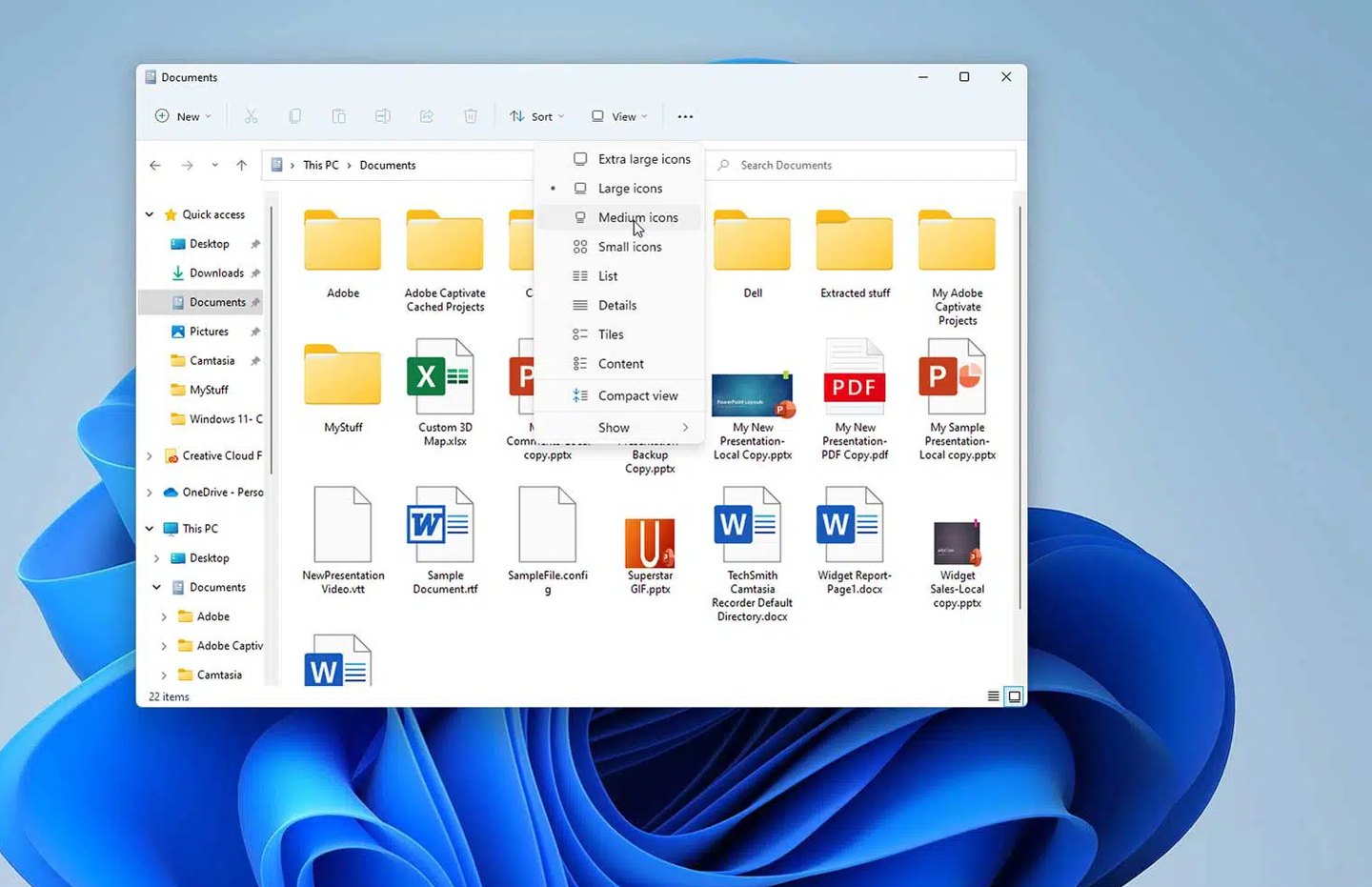
Another System, or a New Drive
Not everyone wants Windows. If you would rather run Linux, or want the machine set up to boot both, tell us the distribution you have in mind and we will quote it. The same goes for macOS where the hardware supports it.
And if the drive itself is the problem - or you simply want more space while the machine is open anyway - we can change the drive at the same time, on any machine where the storage is not soldered to the board.
The cheapest thing you can do to an old laptop
A fresh system on a new SSD. Not because the SSD is exciting, but because a mechanical drive is usually the reason a ten-year-old machine feels dead - and neither a reinstall nor more memory fixes that on its own.
Windows Installation FAQ
How long does it take?
Two to four hours for the install itself, and same‑day when it is arranged in advance. With data migration and application setup on top, allow one to two working days - the testing is what takes the time, not the copying.
Do I need to bring a licence key?
No. Machines from 2016 onwards usually carry the licence in firmware and we retrieve it automatically. Where yours does not, the licence is included in the price rather than charged on top.
Is the work guaranteed?
Software work carries no warranty - nobody can honestly promise how a system behaves once it is back in daily use and you are installing things on it again. What you get is three days after collection: if something from the installation itself is not right, bring it back and we sort it.
My machine is five years old. Is it worth it?
Often yes, if the hardware is sound. We check whether it meets the Windows 11 requirements and tell you honestly if an SSD or more memory would do more for it than a reinstall would. On some machines the answer is that the money is better kept.
Can you keep my files and just fix Windows?
Sometimes, for minor faults - a failed update, a broken profile. But on a system that has been unreliable for months, repair-in-place is a gamble with your time and ours, and the fault tends to return. We will tell you which of the two your machine is after we have looked at it.
What if it turns out to be a hardware fault?
Then we stop and tell you, with a quote for the actual repair. The £39 diagnostic is credited in full towards whatever work you go ahead with, so the assessment effectively costs nothing when you do. If you decide not to proceed, the fee covers the work of finding out.
Do you do this on desktops as well as laptops?
Yes - laptops, desktop PCs and workstations, including machines somebody built themselves. Computer repair covers the hardware side if the diagnosis points there.
Can I post the machine in?
Yes, UK‑wide and tracked both ways. Send the charger with it, and tell us in the box note which applications you want on the far side so we are not waiting on an email while your laptop sits on the bench.
Start With What Is Actually Wrong
Book it in and we will tell you whether a clean install is the answer before we charge you for one.