


Mac Data Recovery
MacBook, iMac and Mac mini devices with storage, board, liquid, FileVault and no-boot faults. We assess the original Mac before recommending recovery.
Mac Data Recovery Expertise
We assess storage, board, liquid, FileVault and no-boot faults across MacBook, iMac and Mac mini devices

SSD Failures
Recovery from Apple’s proprietary SSDs with controller failures, firmware faults or NAND degradation in MacBooks and iMacs.

T2 and Apple Silicon Security
Macs where the security chip, an encrypted volume or secure boot is what stands between you and the data.

Liquid Damage
Water-damaged MacBooks and iMacs, cleaned and repaired at component level before anything is read off them.

macOS and File System Faults
Failed updates, corrupted APFS volumes and unbootable systems where the files themselves are still intact.

Time Machine Failures
Corrupted Time Machine backups, unreadable Time Capsules and damaged external backup drives.

Physical Damage
Dropped MacBooks and damaged iMacs where the board has to be repaired before the storage can be reached.
How recovery starts
We examine the original device before recommending a route.
- Tell us what happenedDevice, symptoms, previous attempts and the files that matter.
- Hands-on diagnosis£39Normally 1-3 working days.
- Review the quoteWe explain the fault, recovery options, price and service level before you decide.
- Recovery and returnWe proceed only after approval and return the recovered data on an agreed destination drive.
If recovery is unsuccessful, there is no recovery fee - only the £39 diagnostic. Read the full service policy.
Common Mac Failure Scenarios
Four kinds of failure cover almost everything that reaches the bench. What separates them is how deep into the device the fault sits.
Each card shows which layer the fault sits in. The further right, the further a recovery goes beyond software.
Deleted Files and Corrupted Volumes
Software-levelThe Mac is healthy. The volume that holds your work is what has gone wrong.
APFS volume, Mac still working
- Deleted documents and folders
- Volume no longer mounting
- Corrupted Time Machine backup
- Disk erased by mistake
macOS Upgrade Failure
Software-levelThe update did not finish, and the Mac has not started since. The files are underneath it.
Operating system, data intact
- Stuck on the Apple logo
- Boot loop after an upgrade
- Kernel panic at startup
- Prohibitory symbol during boot
Liquid Damage
Board-levelA spill has started corroding the board, and it gets worse for every day it sits.
Logic board
- Dead after liquid contact
- Corrosion visible inside
- Powers on intermittently
- Keyboard or trackpad dead after a spill
Soldered Storage and Security Chip
Board-levelFrom the T2 generation the storage is soldered down and bound to that board. There is no drive to take out.
Storage tied to the board
- Folder with a question mark at boot
- Storage missing from Disk Utility
- FileVault volume will not unlock
- Secure boot fails verification
Mac Recovery Case Studies
Real cases from the bench, including the ones where not everything came back
Coffee Across a MacBook Pro M1

A designer spilled coffee across a MacBook Pro M1 and it shut down on the spot. Client projects with deadlines that week were on it, with no recent backup.
What we found
Corrosion had started around several components on the logic board. On an M1 the storage is soldered down and tied to that board’s security chip, so there is nothing to remove and read elsewhere - the board itself had to work again first.
What we did
We cleaned the affected area under the microscope and replaced the damaged components. Once the board came back the Mac decrypted its own volume with the owner’s password, and we imaged it straight away.
I had assumed they would take the drive out. There is no drive to take out, which I wish I had known when I bought it.
iMac Fusion Drive That Stopped Booting
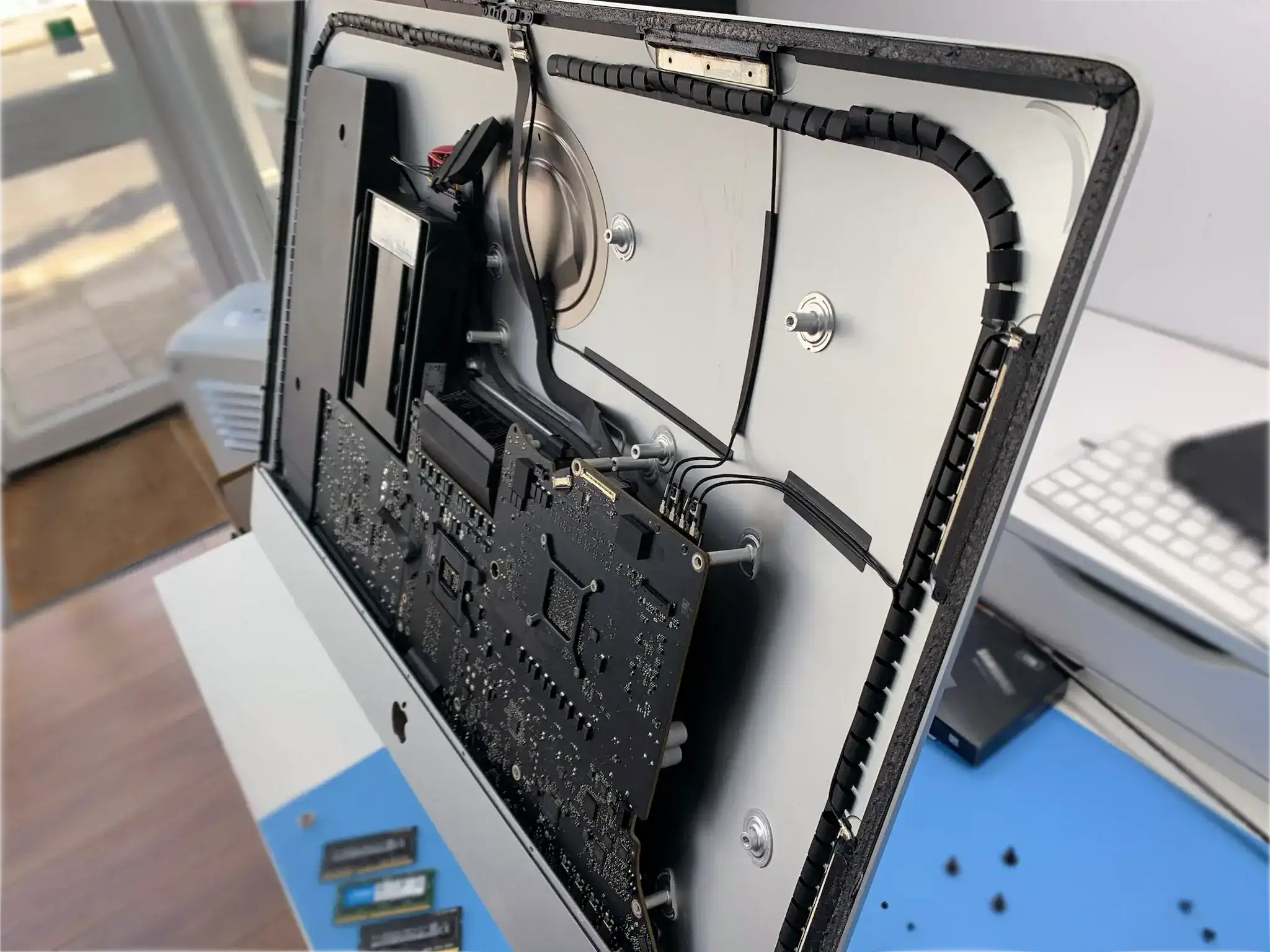
A video studio’s 27-inch iMac stopped booting and showed a folder with a question mark. Years of project files, including work in progress, were on the Fusion Drive.
What we found
A Fusion Drive is an SSD and a hard drive presented as one volume. The hard drive half had developed bad sectors, and once macOS could not read part of the pairing it stopped presenting either half.
What we did
We separated the two, imaged each one and rebuilt the logical volume from the images. The bad sectors fell in areas holding older cached files rather than the projects themselves.
They explained why one failing half takes the whole thing down with it. Nobody had mentioned that when we bought it.
Mac Mini That Stopped at the Apple Logo

An accounts practice used a Mac mini as their main file store. A macOS update failed part-way through and the machine stopped booting past the Apple logo. It was the middle of tax season.
What we found
The update had left the system volume half written. The data volume underneath it was intact - on modern macOS the two are separate, which is why this is usually a smaller job than it looks.
What we did
Rather than repair the half-written system we booted the Mac from external media and, with the owner present to authorise it, read the data volume in place. The files came off intact.
Three days in the middle of January. We had been quoted three weeks elsewhere.
Time Machine Backup That Would Not Open

A family went to restore from their Time Machine drive after a MacBook was stolen, and found the backup would not open. Fifteen years of photographs and video were on it.
What we found
The drive was mounting and dropping out again. Its catalogue - the index Time Machine keeps of every version of every file - was damaged, and macOS will not offer a backup it cannot verify.
What we did
We imaged the whole drive first, then rebuilt the catalogue on the copy and pulled the files out directly rather than through Time Machine at all.
Almost everything came back. A handful of the oldest videos are missing, and we were told that early on rather than at the end.
MacBook Air That Died Before a Deadline
A student’s MacBook Air stopped working the night before a dissertation deadline, showing a folder with a question mark. It held the only complete copy.
What we found
The storage is soldered to the board, so there was no drive to take out. The fault was in the circuit feeding it rather than in the memory itself.
What we did
We repaired that circuit far enough for the Mac to see its own storage again and imaged the volume from there. On the Emergency service the files were back with the owner inside one working day.
I had accepted that I was going to have to ask for an extension. I did not have to.
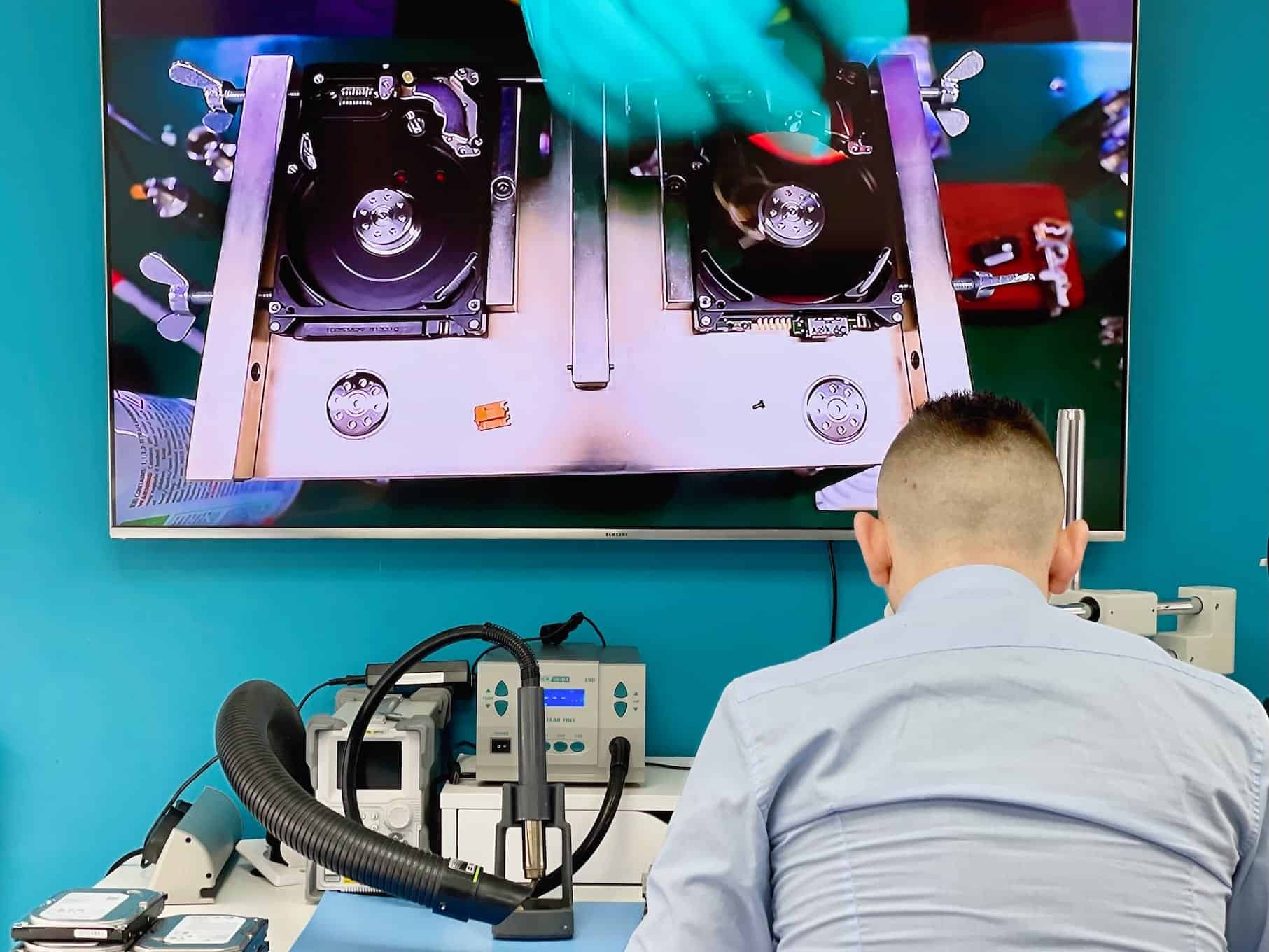
Data Recovery in Action
See our advanced recovery techniques and specialist equipment at work


Mac Recovery Questions
Answers specific to Macs and MacBooks. Fees, timeframes and approval rules apply to every recovery and are set out in full in the service policy.
Can you recover from a MacBook with the SSD soldered to the board?
Yes, and it is most of what arrives. From the T2 generation onwards the storage is soldered down and tied to Apple’s security chip, so there is no drive to pull out and read elsewhere. The work is done on the board itself, which is why these are board-level cases.
Does FileVault stop the recovery?
Not the recovery, but it does stop the reading. With FileVault on we need your password or recovery key to turn what we recover back into your files. Without it the data comes back encrypted and stays that way. We ask for the recovery key, never for your Apple account password.
The Mac will not boot but I think the storage is fine - what then?
That is a common and comparatively good outcome, and the assessment is what tells the difference. A failed macOS update or a corrupted system volume leaves your files intact underneath, and recovering them is a different and smaller job than a failed drive.
Which Macs do you take?
MacBook Air and Pro from every generation including T2, M1, M2 and M3, plus iMac, Mac mini and Mac Studio. Older models with removable drives are straightforward; newer soldered ones take board-level work.
How long does it take once I approve the quote?
Standard recovery is 14-21 working days, Priority 5-14 and Emergency 1-4. Soldered-storage cases involve board work and sit nearer the far end of whichever level you choose.
Do you do the work yourselves?
Yes. Board-level work on Apple logic boards, including microsoldering, is done at our Wimbledon workshop. If a case ever needs a specialist partner, it goes only after we explain why and you approve it in writing.
Fees, timeframes and approval rules in full: Data Recovery Service Policy. Anything not answered here - tell us what happened and we will come back with an initial estimate.
Request Your Mac Recovery Quote
Tell us what happened, which files matter and how urgently you need them.