


External Drive Data Recovery
Dropped, clicking, unrecognised and corrupted external HDDs and SSDs. We assess the drive, enclosure, bridge and power route before recommending recovery.
External Drive Recovery Expertise
We assess enclosure, connector, electronic, mechanical and logical faults across external HDD and SSD storage

Mechanical Failures
Recovery from external drives with clicking sounds, head crashes, spindle motor failures, and other internal mechanical issues.

Enclosure & USB Port Damage
Recovery from drives with damaged USB, USB-C, or Thunderbolt ports, broken connectors, or failed enclosure controllers.

Logical Issues
Recovery from corrupted file systems, accidental formatting, deleted partitions, and other software-related problems on external drives.
Electronics & PCB Failure
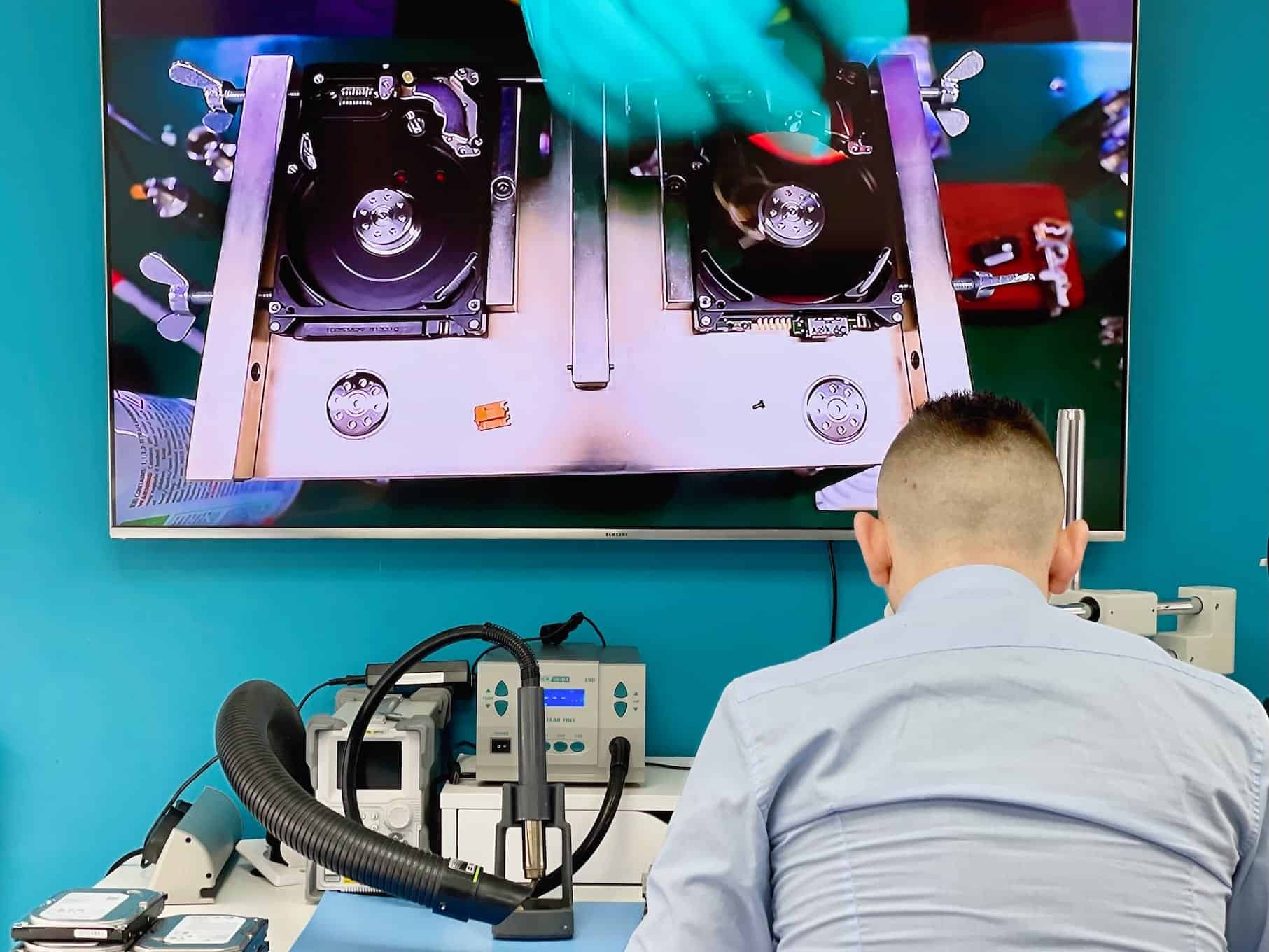
Recovery from drives with burnt PCB components, power surge damage, or short circuits that prevent the drive from powering on.

Drop & Impact Damage
Recovery from external drives that have been dropped, shaken, or suffered physical impact that caused internal component damage.

Water & Liquid Damage
specialised recovery for external drives exposed to water, drinks, or other liquids, including corrosion treatment and component restoration.
How recovery starts
We examine the original device before recommending a route.
- Tell us what happenedDevice, symptoms, previous attempts and the files that matter.
- Hands-on diagnosis£39Normally 1-3 working days.
- Review the quoteWe explain the fault, recovery options, price and service level before you decide.
- Recovery and returnWe proceed only after approval and return the recovered data on an agreed destination drive.
If recovery is unsuccessful, there is no recovery fee - only the £39 diagnostic. Read the full service policy.
Common External Drive Failure Scenarios
Four kinds of failure cover almost everything that reaches the bench. What separates them is how deep into the device the fault sits.
Each card shows which layer the fault sits in. The further right, the further a recovery goes beyond software.
Deleted Data or Corrupted Volume
Software-levelThe drive is fine. The volume on it is not.
File system and partitions
- Appears as RAW
- “Drive needs formatting” message
- Formatted by mistake
- Missing partitions
Damaged Port or Enclosure
Board-levelThe disk inside is intact; the box around it has stopped passing the signal.
Port and bridge board
- No power light at all
- Port bent or broken
- Cable pulled out under load
- Works on some ports, not others
Drive Electronics Failure
Board-levelThe disk itself no longer powers up, usually after a surge or a bad supply.
Drive circuit board
- No spin-up when connected
- Failure after a power cut
- Burning smell from the case
- Detected once, then never again
Dropped or Clicking Drive
Clean-roomIt was moved while running, and the heads are no longer flying where they should.
Heads and platters
- Clicking, beeping or grinding
- Stopped working after a fall
- Spins up then powers down
- Detected but nothing readable
External Drive Recovery Case Studies
Real cases from the bench, including the ones where not everything came back
School Backup Drive Knocked Off a Desk

A secondary school’s 2TB WD My Passport was knocked onto a hard floor while it was running. It was the only copy of a decade of photographs, newsletters and governor minutes.
What we found
The drive was spinning when it landed, so the heads were flying over the platters when they hit. One head was damaged and there was a scored band along the top surface.
What we did
In the clean-room cabinet we fitted a matching head assembly and imaged the drive around the scored band. That area could not be read, and it never will be.
We lost a chunk of one year’s photographs. Everything else is back, and there is now a second copy kept off site.
Backup Drive That Would Not Power On
A dental practice’s 5TB Seagate Backup Plus stopped powering up after a lightning strike took out the sockets in the building. Patient records and imaging were on it.
What we found
The surge had come in down the mains adapter and killed the board inside the enclosure. The drive had not been running at the time, which helped.
What we did
We took the drive out of the enclosure, moved its ROM onto a matching donor board and read it on a bench controller rather than through the enclosure at all.
I had assumed a drive in a plastic box was safe from that sort of thing. It plainly was not.
LaCie Rugged That Went Into a River
A film crew’s LaCie Rugged went into a river on a location shoot. Two days of footage that could not be filmed again were on it, and the drive was still wet when it arrived.
What we found
Water had got past the rubber sleeve through the port. The bridge board was corroding. The drive inside its own casing was sealed and dry.
What we did
We took the drive out of the enclosure without applying power to anything, connected it directly and imaged it the same afternoon. The enclosure board was not repaired; there was no reason to.
They asked us not to dry it out and switch it on. That was the whole of the advice and it was the right advice.
Wrong Drive Picked While Setting Up a Backup
A translator setting up a new backup routine formatted the archive drive instead of the empty one. Fifteen years of finished work and glossaries were on it.
What we found
The format had written a new file table and touched nothing else. The backup software never got as far as copying anything across, so not a single file had been written over.
What we did
We imaged the drive first and rebuilt the directory from the old records on the copy. Everything came back with its folder structure intact.
I stopped, made a cup of tea and rang them instead of trying things myself. Apparently that is the whole trick.
Samsung T5 With the USB-C Port Torn Off
A designer’s Samsung T5 stopped connecting after the cable was pulled sideways out of the port. Live client artwork was on it.
What we found
The USB-C socket had been torn partly off the board and had taken two pads with it. The drive underneath was in perfect order.
What we did
We fitted a new socket and rebuilt the two lifted pads under the microscope. The drive was then imaged before it went back, on the basis that a repaired socket is not something to rely on.
They fixed it and still gave me a copy, and told me to treat the drive as suspect from now on.
Data Recovery in Action
See our advanced recovery techniques and specialist equipment at work

External Drive Recovery Questions
Answers specific to external and portable drives. Fees, timeframes and approval rules apply to every recovery and are set out in full in the service policy.
Is the problem the enclosure or the drive inside it?
That is the first thing the assessment settles, and it matters: a failed enclosure board or a broken port is a far smaller job than a failed drive. We test the drive outside its casing, which is something a plug-it-in-and-see check cannot do.
It was dropped while it was running - does that change things?
Yes, and it is worth saying so when you hand it over. A drive dropped while the platters were spinning can take damage to the heads and the surface itself, and that changes both what is recoverable and how carefully the first read has to be done.
What types of external drive can you recover data from?
Portable USB and USB-C drives, desktop drives with their own power supply, Thunderbolt units, rugged drives and external SSDs. WD, Seagate, Toshiba, LaCie, Samsung and the rest are all routine here.
How long does it take once I approve the quote?
Standard recovery is 14-21 working days, Priority 5-14 and Emergency 1-4. If the drive inside turns out to need mechanical work, expect the longer end of the level you choose - a matching donor has to be found first.
What decides the recovery price?
Which layer has failed. Enclosure electronics, the bridge board, the drive inside, or just the file system - these are four different jobs, and the assessment says which one you actually have before you commit to anything.
Do you do the work yourselves?
Diagnostics and most recovery work are done at our Wimbledon workshop, including clean-room cabinet work when the drive inside has to be opened. Anything beyond our bench needs your written approval before the drive moves.
Fees, timeframes and approval rules in full: Data Recovery Service Policy. Anything not answered here - tell us what happened and we will come back with an initial estimate.
Request Your External Drive Recovery Quote
Tell us what happened, which files matter and how urgently you need them.