


SSD Data Recovery
Unrecognised, corrupted and failed SATA, NVMe and external SSDs. We assess logical, controller, firmware and NAND faults, then explain the safest recovery route.
SSD Data Recovery Expertise
We assess logical, controller, firmware, electronic and NAND faults across SATA, NVMe and embedded solid-state storage

Logical Failures
Recovery from corrupted file systems, accidental formatting, deleted partitions, and other software-related issues affecting solid-state drives.

Controller Failures
Recovery from drives with failed controller chips, SSDs not recognised by the computer, or drives that won’t properly initialize.

NAND Chip Recovery
Recovery directly from NAND flash memory chips using chip-off techniques when other SSD components have failed beyond repair.
Firmware Issues
Recovery from firmware bugs, failed firmware updates, or corrupted firmware causing SSD instability, initialization loops, or drive failure.

Electronic Damage
Recovery from electrical component failures, short circuits, or power surge damage that rendered your SSD inoperable.

Password & Encryption
Assistance with password-protected and encrypted SSDs for legitimate owners who can verify drive ownership and provide credentials.
How recovery starts
We examine the original device before recommending a route.
- Tell us what happenedDevice, symptoms, previous attempts and the files that matter.
- Hands-on diagnosis£39Normally 1-3 working days.
- Review the quoteWe explain the fault, recovery options, price and service level before you decide.
- Recovery and returnWe proceed only after approval and return the recovered data on an agreed destination drive.
If recovery is unsuccessful, there is no recovery fee - only the £39 diagnostic. Read the full service policy.
Common SSD Failure Scenarios
Four kinds of failure cover almost everything that reaches the bench. What separates them is how deep into the device the fault sits.
Each card shows which layer the fault sits in. The further right, the further a recovery goes beyond software.
Deleted or Corrupted Data
Software-levelThe drive is healthy. What has gone is the map, not the territory.
File system and partitions
- Volume appears as RAW
- Formatted by mistake
- Deleted files and folders
- Errors opening files that are still listed
Firmware Corruption
Board-levelThe controller is alive but cannot start cleanly, so the drive never presents itself.
Controller firmware
- Stuck in an initialisation loop
- Reports the wrong capacity
- Failed firmware update
- Vendor-specific error codes
Controller and Power Failure
Board-levelThe chip that addresses the memory has failed, or the rail that feeds it has.
Controller and power circuitry
- Not detected by any machine
- Drive will not power on
- Failure after a power cut
- Burnt components on the board
NAND Wear and Bad Blocks
Board-levelThe memory itself is degrading faster than the drive can manage around it.
Flash memory
- Slowing down badly before failure
- Repeated read and write errors
- Files corrupting in place
- Freezes when a particular file is opened
SSD Recovery Case Studies
Real cases from the bench, including the ones where not everything came back
Samsung 870 EVO That Stopped After an Update

An architects’ practice lost a 1TB Samsung 870 EVO the morning after a Windows update. Live project drawings were on it, along with the whole CAD archive.
What we found
The drive appeared in the BIOS and nowhere else. The controller was starting but stalling before it would present the volume - a firmware fault rather than damage to the memory.
What we did
We put the drive into its manufacturer service mode on our recovery hardware, rebuilt the translation tables it uses to find data on the memory chips, and imaged it onto a new drive.
On day one they said it looked like firmware rather than dead memory, and what that meant for the price. It stayed at that price.
Crucial MX500 That Vanished Overnight
A small accounts firm’s Crucial MX500 stopped being seen by anything at all. It held their live accounts database and eleven years of client files.
What we found
The controller had failed outright. On an SSD that is the whole problem: the memory chips hold your data scattered and encoded in a pattern only that controller knows, so without it they are not readable.
What we did
We repaired the power circuit feeding the controller, which was enough to bring it back for short runs. The drive was imaged over four days in stages rather than trusted to stay up in one go.
Not everything came back. A few of the oldest client folders are incomplete. The current year is all there, which in February was the only thing that mattered.
WD Blue NVMe Lost to a Power Cut
A photographer’s WD Blue SN550 died during a power cut while she was culling a wedding. The shoot existed nowhere else yet, and the couple were expecting their proofs that week.
What we found
The surge had taken out the power regulation on the board. The controller and the memory both tested fine underneath it.
What we did
We replaced the failed regulator components under the microscope, brought the drive up on a bench supply and imaged it immediately rather than trusting it to stay running.
I had the files back before the couple got home from honeymoon.
NVMe Formatted While Setting Up a Dual Boot
A researcher formatted the wrong drive setting up a dual boot and switched the machine off within a minute. Three years of research data was on it.
What we found
A format is worse news on an SSD than on a hard drive. The operating system tells the drive those blocks are free, and the drive quietly starts clearing them in the background. What survives depends almost entirely on how quickly the power goes off.
What we did
We imaged the drive as it was, before it could be powered up again, and rebuilt what the remaining file records still pointed at. The bulk of the data was intact. Some of the most recently written files were not.
Pulling the plug was the only thing I did right, and it turned out to be the thing that mattered.
Corsair MP600 That Failed Without Warning
A video studio’s four-month-old Corsair MP600 stopped being detected in the middle of an edit. Two corporate projects were in progress on it, both already past their delivery date.
What we found
The drive drew power but never came ready. The fault was in the controller’s start-up rather than in the memory itself - the kind of failure that gives no warning at all, which is the reason a new drive is not a backup.
What we did
We read the drive through its manufacturer service mode, rebuilt the tables that map files onto the memory chips, and imaged the whole of it.
It was four months old. That is the part I still find hard to accept.
Data Recovery in Action
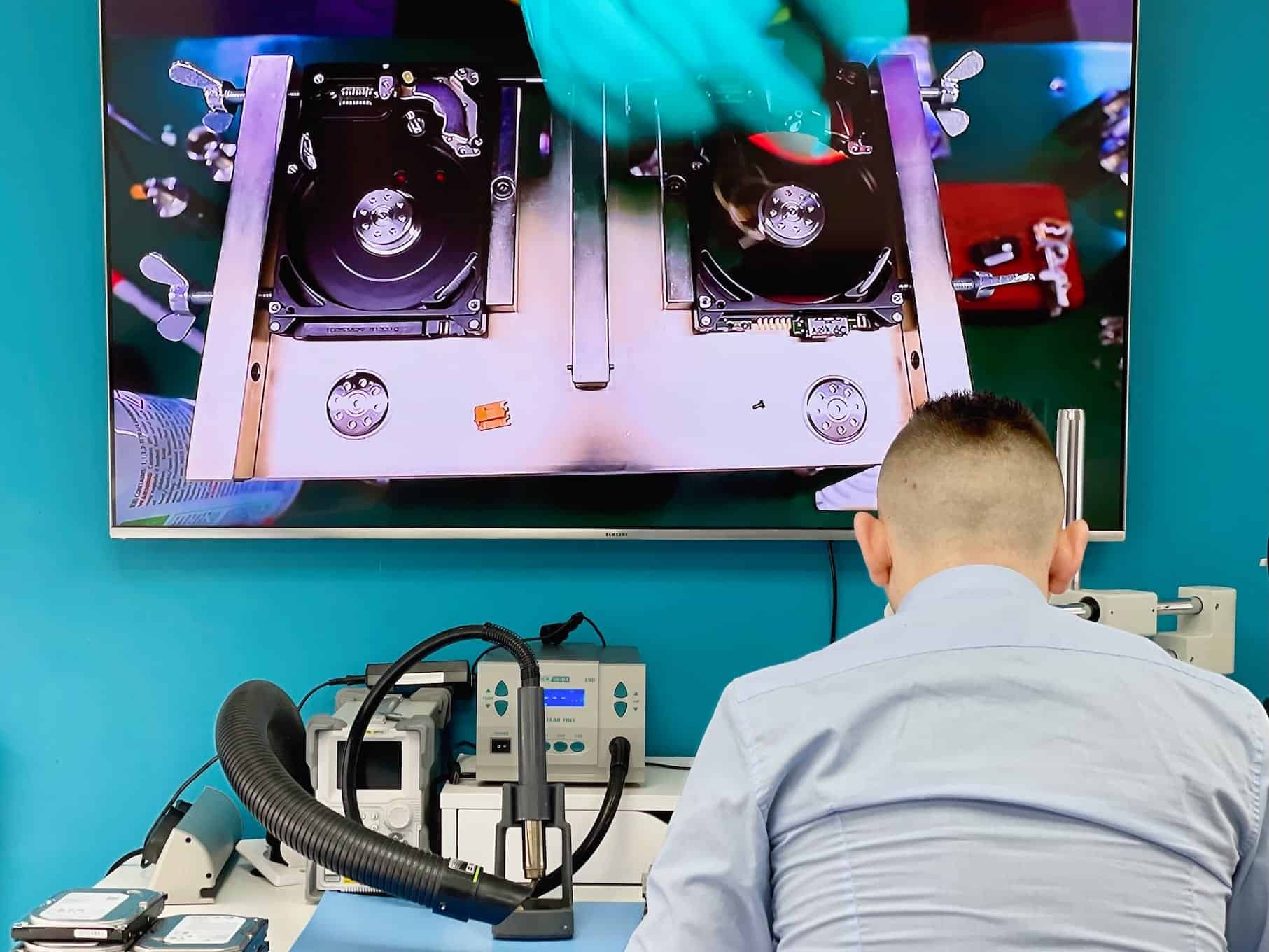
See our advanced recovery techniques and specialist equipment at work

SSD Recovery Questions
Answers specific to solid-state drives. Fees, timeframes and approval rules apply to every recovery and are set out in full in the service policy.
Is it safe to run recovery software on a failed SSD?
It is the one thing worth avoiding. Recovery tools can trigger the drive’s own TRIM and garbage-collection routines, and once an SSD has cleared a block there is nothing left to read. Software recovery on flash can destroy the data it is trying to find.
Does encryption stop an SSD recovery?
Not by itself, but we need the key. Many SSDs encrypt everything they store, and BitLocker or FileVault add another layer. With the recovery key or password the data comes back readable; without it we can recover the blocks but not what is in them. We ask for the recovery key, never for account passwords.
What types of SSD can you recover data from?
2.5-inch SATA drives, M.2 NVMe and M.2 SATA, PCIe add-in cards, and eMMC or UFS storage soldered into laptops and tablets. Consumer and enterprise drives are handled the same way.
How long does it take once I approve the quote?
Standard recovery is 14-21 working days, Priority 5-14 and Emergency 1-4. There are no donor parts to source on flash, so SSD cases more often finish at the shorter end of the level you choose.
What decides the recovery price?
Mostly whether the drive’s own controller can still be persuaded to read the memory, or whether the flash has to be read directly. Those are different amounts of work, which is why the quote follows the assessment.
Do you do the work yourselves?
Yes - controller, firmware and NAND-level work is done at our Wimbledon workshop on the same bench as our microsoldering. A specialist partner is used only when a case genuinely needs one, and only after you approve it in writing.
Fees, timeframes and approval rules in full: Data Recovery Service Policy. Anything not answered here - tell us what happened and we will come back with an initial estimate.
Request Your SSD Recovery Quote
Tell us what happened, which files matter and how urgently you need them.