A spill on a MacBook is time-sensitive. Water, coffee, tea and sugary drinks can travel beneath the keyboard and reach the battery, display circuits and logic board. The aim in the first few minutes is simple: remove power, limit movement and do not give liquid an electrical path.
All repair guides

Spilt Water or Coffee on a MacBook: What To Do Immediately
In this article
What to do immediately after a spill
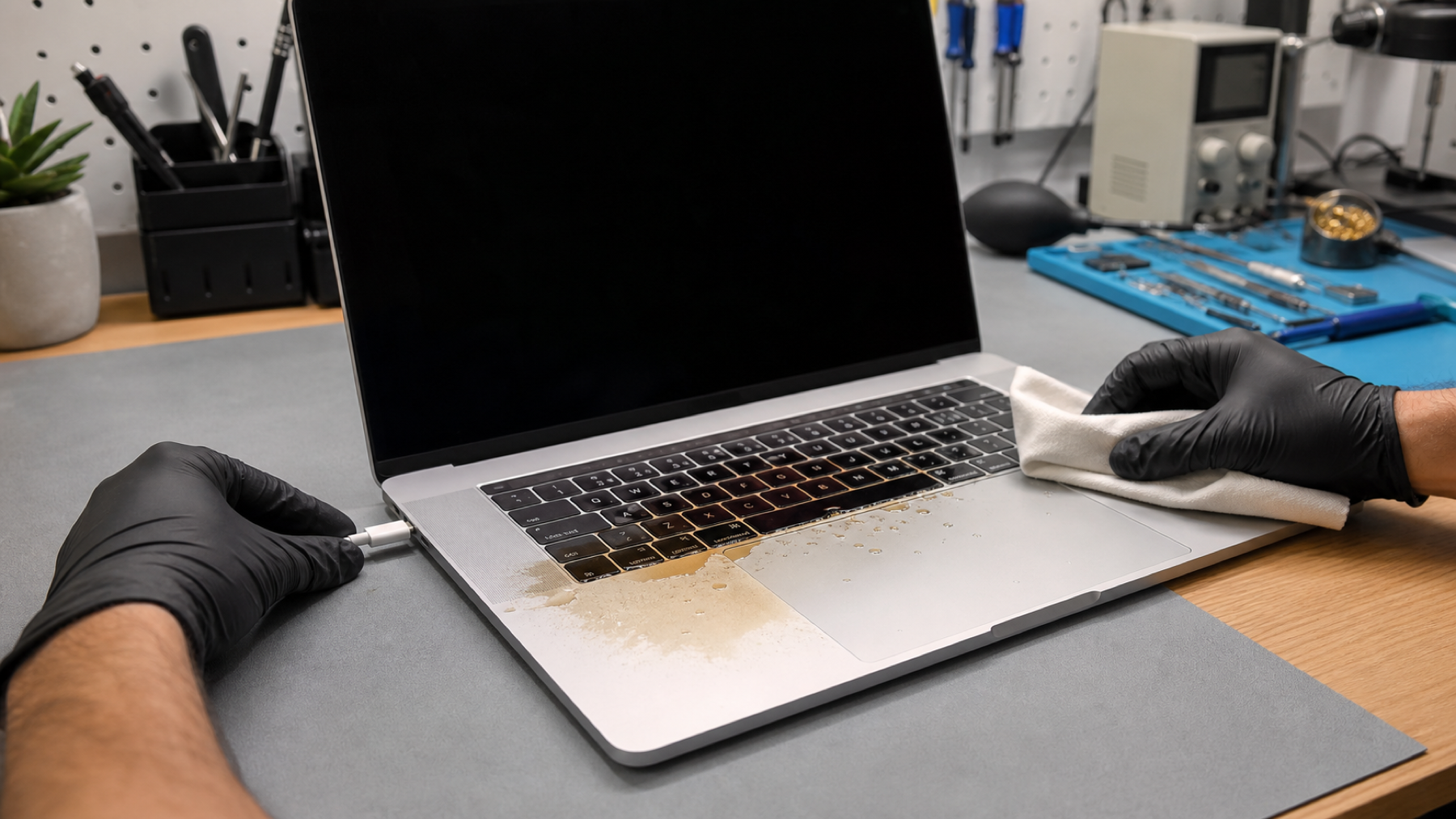
- Unplug the charger and every accessory. Do this first, even if the MacBook seems to be working normally.
- Shut it down. Hold the power button only long enough to switch it off if the normal shut-down route is not possible.
- Place it keyboard-down on a clean towel. This helps liquid drain away from the keyboard rather than deeper into the machine.
- Blot the outside gently. Use an absorbent lint-free cloth. Do not press keys repeatedly.
- Arrange a professional liquid-damage assessment. The sooner contamination is removed, the better the chance of limiting corrosion.
What not to do
Do not charge or restart the MacBook “just to check”. Do not use a hairdryer, radiator, oven, compressed air or rice. Heat can damage components and seals; rice does not remove residue beneath the keyboard or on the logic board. Do not open the MacBook if you are not equipped to disconnect the battery safely.
Coffee, tea, juice and fizzy drinks need particular attention because their sugars and minerals can remain after the visible moisture has gone. A MacBook may start once, then fail later as residue causes corrosion or a short develops.
Does the amount of liquid matter?
Yes, but a small spill can still be serious if it enters a key opening, USB-C port, vent or hinge area. The risks depend on where it landed, whether the machine was powered, how quickly it was disconnected and what the liquid contained. There is no safe “wait and see” period that proves a MacBook is fine.
Can data still be recovered?
Often, yes - but do not make data recovery the reason to power a wet machine. A specialist can assess the MacBook, stabilise liquid-affected components and discuss the safest way to access your data. If the files are especially important, say so before authorising any repair.
What happens during a liquid-damage assessment?
A proper assessment looks for residue and corrosion, checks the battery and power rails, and tests affected areas once the machine is safe to power. The repair may be as contained as cleaning and replacing a damaged component, or it may involve board-level work. You should receive an explanation of the fault and the options before any additional work goes ahead.
Frequently asked questions
My MacBook still works after a spill. Do I really need an assessment?
Yes. A working MacBook can still have liquid beneath the keyboard or on the logic board. Corrosion and residue may cause failure later, especially with coffee, tea, juice or other drinks that leave contaminants behind.
How quickly should I get a liquid-damaged MacBook checked?
As soon as practical, ideally the same day or next working day. The key is to keep it switched off and disconnected while you arrange help. Time matters because residue can continue to affect contacts after the visible moisture has dried.
Can I back up my MacBook before taking it in?
Do not restart or charge a wet MacBook merely to make a backup. If it was already on and your files are critical, explain that to the repairer. They can advise on the least risky route to data access after the device has been made safe.
Tell us what was spilt and whether the MacBook has been powered since, when arranging a liquid-damage assessment.