Flickering, coloured lines and a black MacBook display can look similar from a distance, yet they can point to different faults. The screen itself may be damaged, but the display cable, backlight, graphics path or logic board can also be responsible. Noticing when the symptom appears gives a repairer useful evidence.
All repair guides

MacBook Screen Flickering, Lines or Black Display: What the Symptoms Mean
In this article
Flickering display
Flickering can be constant, appear only at certain lid angles or start once the MacBook warms up. An angle-related issue may indicate strain around the display cable or hinge area. Flickering that changes with brightness can involve the backlight or display assembly. Software can occasionally affect image behaviour, but new or worsening flicker after a knock or spill should be treated as hardware until proven otherwise.
Horizontal or vertical lines
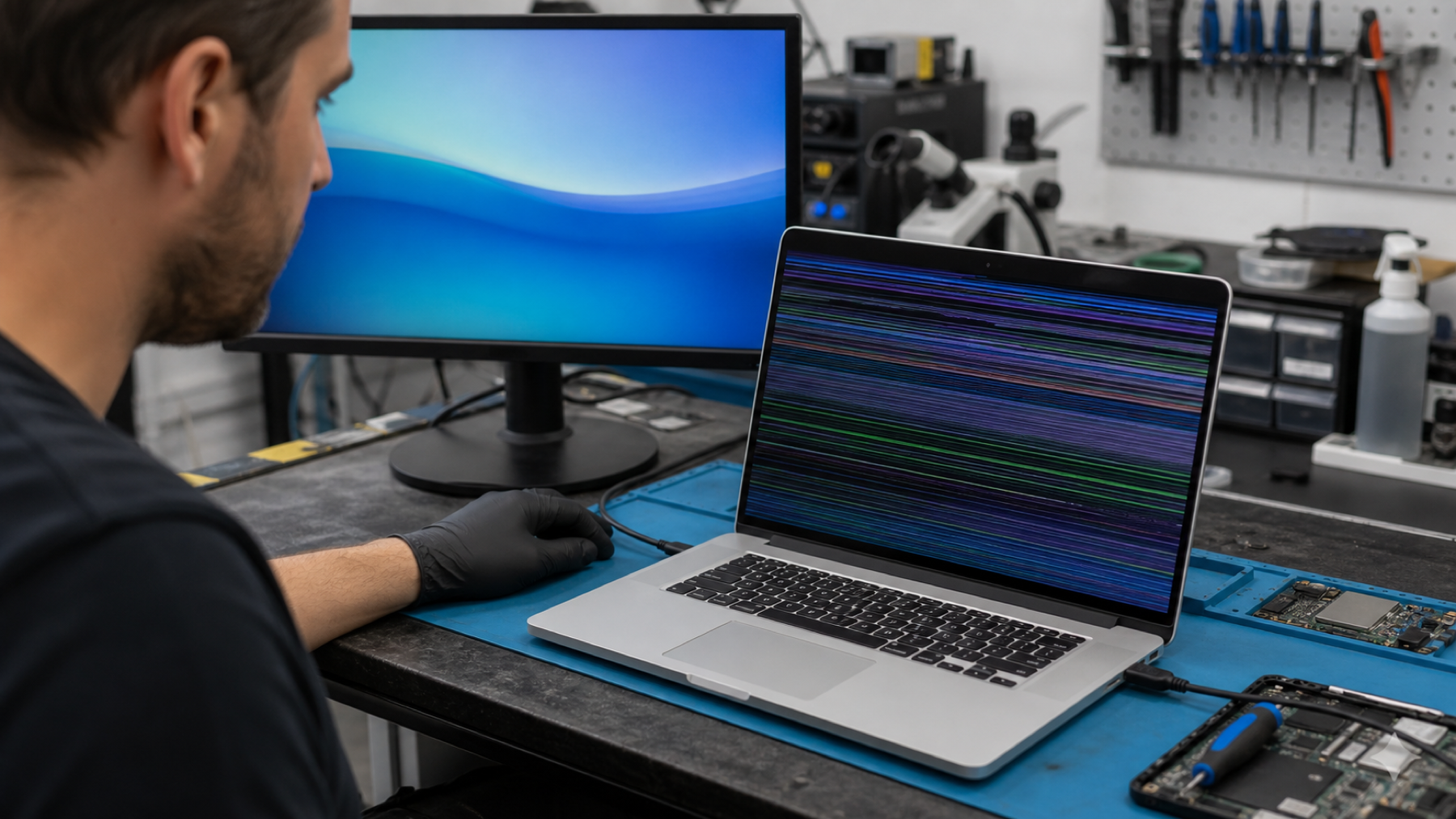
Persistent lines, blocks, distorted colours or a partly working panel often suggest physical display damage. The cause might be pressure on the lid, a crack that is not obvious from the front, liquid exposure or failure within the panel. If the same image looks normal on an external monitor, that is a helpful clue that the internal display path needs attention.
A completely black screen
A black display does not always mean a dead MacBook. Listen for start-up sounds, check whether the trackpad clicks, and see whether an external display works if you already have the correct adapter. If the MacBook is otherwise running, the internal display, cable or backlight may be at fault. If there are no signs of life at all, the problem may be in the power system or logic board instead.
Do not mistake a symptom for a repair
Replacing the display assembly may be correct for a cracked panel or damaged internal screen, but it is not automatically right for every black or flickering display. Diagnosis should establish whether the signal reaches the screen, whether the backlight works and whether the MacBook behaves correctly through an external display.
Safe steps before repair
- Back up your data if the MacBook remains usable.
- Do not press on the panel or force the lid through a damaged hinge.
- Avoid repeated restarts if liquid exposure is suspected.
- Note whether the fault changes with lid angle, brightness or an external monitor.
When to book an assessment
Arrange a diagnosis promptly if the screen has cracked, the image has lines or dark patches, the display is intermittent, or the machine was dropped or exposed to liquid. Fixfactor checks the display path and related electronics so the recommendation matches the fault rather than the visible symptom alone.
Frequently asked questions
Can a software update cause MacBook screen flickering?
Software can occasionally affect display behaviour, so it is worth noting whether the issue began after an update. But lines, dark patches, angle-dependent flicker or symptoms after impact are more consistent with a hardware issue and should not be dismissed as software.
Why does my MacBook screen work only at a certain angle?
A symptom that changes with the lid angle can point to strain in the display cable or hinge area. Avoid repeatedly moving the lid to reproduce the fault, as extra flexing may make damage worse.
Will an external monitor help me save my files?
If the MacBook is otherwise running, an external monitor may provide temporary access to your data. It is not a guarantee, and you should not keep testing if there has been liquid exposure or the device is unstable. Back up essential files once access is safely available.
Mention whether an external display works when requesting a MacBook display assessment. If the panel is confirmed as the fault, screen replacement is listed by model: MacBook Air 13.6 (2022-2024), MacBook Air 15, MacBook Pro 14 and MacBook Pro 16.