

iPad Air 11 (M2) repairs
Professional repair for the 11-inch iPad Air with M2, released in 2024 - screens, batteries, charging ports and board-level faults.

A cracked 11-inch M2 Air panel replaced as one bonded assembly, then tested across the whole surface.
A new 28.93Wh cell for an 11-inch M2 Air that drains fast, shuts down early or has started to swell.
An 11-inch M2 Air that will not charge, or has stopped passing data - the port and the board tested before any quote.
iPad diagnostics - all models. Unknown faults, liquid damage or multiple problems: we find the source and give you a clear quote to fix it. We test the iPad - opening it up if the fault calls for it - and assess what repair is needed and its chances of success. Beyond repair? We can offer a parts buyback.
Please note: Opening an iPad carries a small risk of cracking the screen - if that happens, any extra cost is agreed with you first.
Good to know: Pay when you drop it off. Fee not refundable. Go ahead with the repair and the fee comes off the price.
What the assessment fee covers
- Full assessment by an in-house technician
- An honest verdict on what is wrong
- A firm price before any repair starts
- Fee credited towards the repair - you pay the balance of the quote
- No obligation to proceed
Professional ipad water damage treatment in London. Ultrasonic cleaning of liquid residue and corrosion, then a full assessment of what the liquid reached.
Please note: The fee covers the clean and the diagnosis together - sometimes the clean alone brings it back. It is not refundable if the device can’t be saved.
What the cleaning fee covers
- Ultrasonic cleaning and corrosion treatment
- Full diagnostics once the board is clean
- An honest verdict on what is worth saving
- A firm price for any further repair before it starts
- No obligation to proceed
Assessment first: we tell you what can be recovered from your iPad, and what the recovery costs, before any recovery work starts. Photos, notes and documents from an iPad that will not switch on, has been in water, or has a failed board. Storage is soldered to the logic board, so recovery is microsoldering work - there is no drive to lift out and read somewhere else.
Good to know: If nothing can be recovered, there is nothing further to pay. The assessment fee is not refunded - it covers the work of finding out.
What the assessment fee covers
- Full assessment of the device and its storage
- An honest verdict on what can be recovered
- A firm price for the recovery before any work starts
- Fee credited towards the recovery - you pay the balance of the quote
- No obligation to proceed
Know the fault, but don’t see it listed? Describe it and we’ll price it from your description - free, no device needed. Not sure what’s wrong? That’s what the Diagnostics Service above is for.
What we fix
From screen flickering to battery swelling, we handle all iPad Air 11 (M2) issues with specialist expertise

Broken Screen
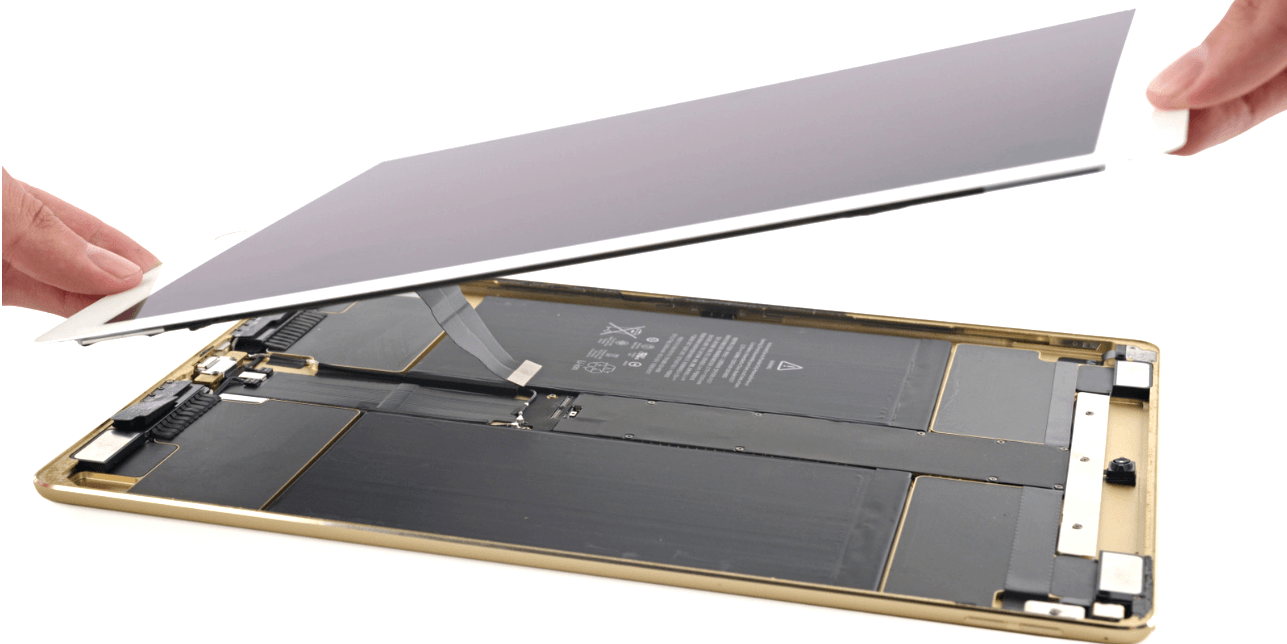
Cracked or shattered display? We replace the full screen assembly including digitizer. iPad screens are glued with industrial adhesive, requiring careful heat application and precision tools. Same-day once the screen has been ordered for your visit.
Battery Problems
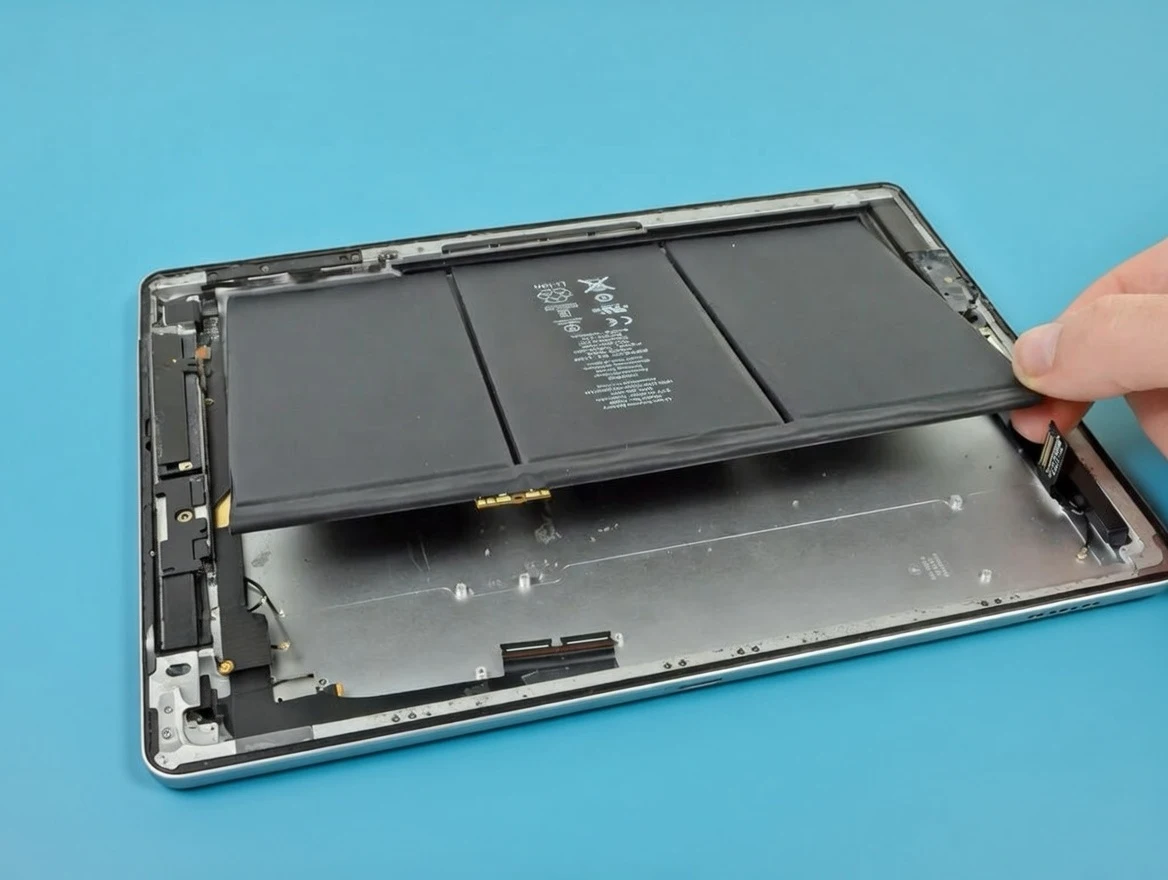
Battery draining fast, not holding charge, or screen lifting from the frame? Swollen batteries are a safety risk - don't ignore them. We replace with quality cells that restore full-day battery life. Urgent same-day service available for swelling cases.
Charging Port Issues
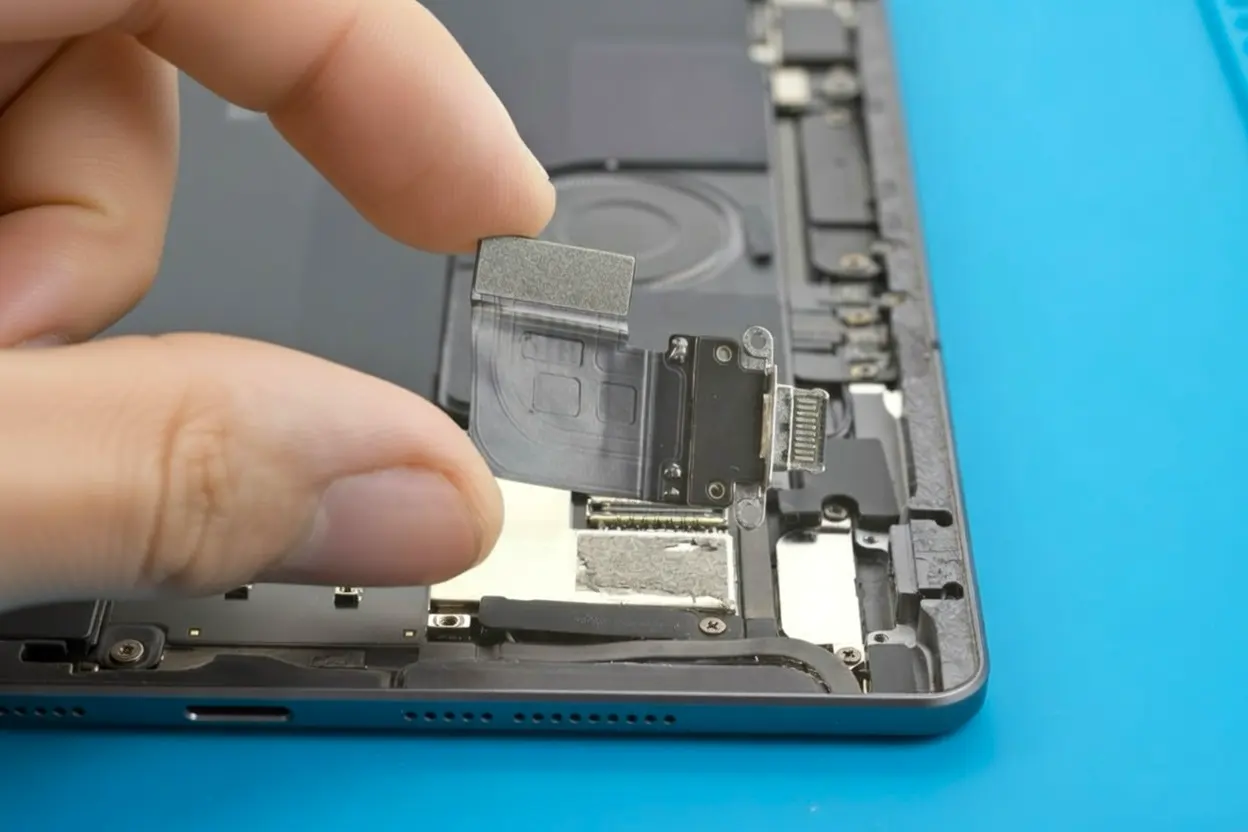
USB-C port loose, not recognising cables, or charging intermittently? We diagnose whether it's the port, battery, or charging circuit. Port repairs or replacements available - often more cost-effective than you'd expect.

Device Won't Turn On
Completely dead iPad? Could be battery failure, motherboard fault, or firmware corruption. We diagnose the actual cause before quoting. Many "dead" devices can be revived - honest assessment, no repair no fee on diagnostics.
Liquid Damage Recovery
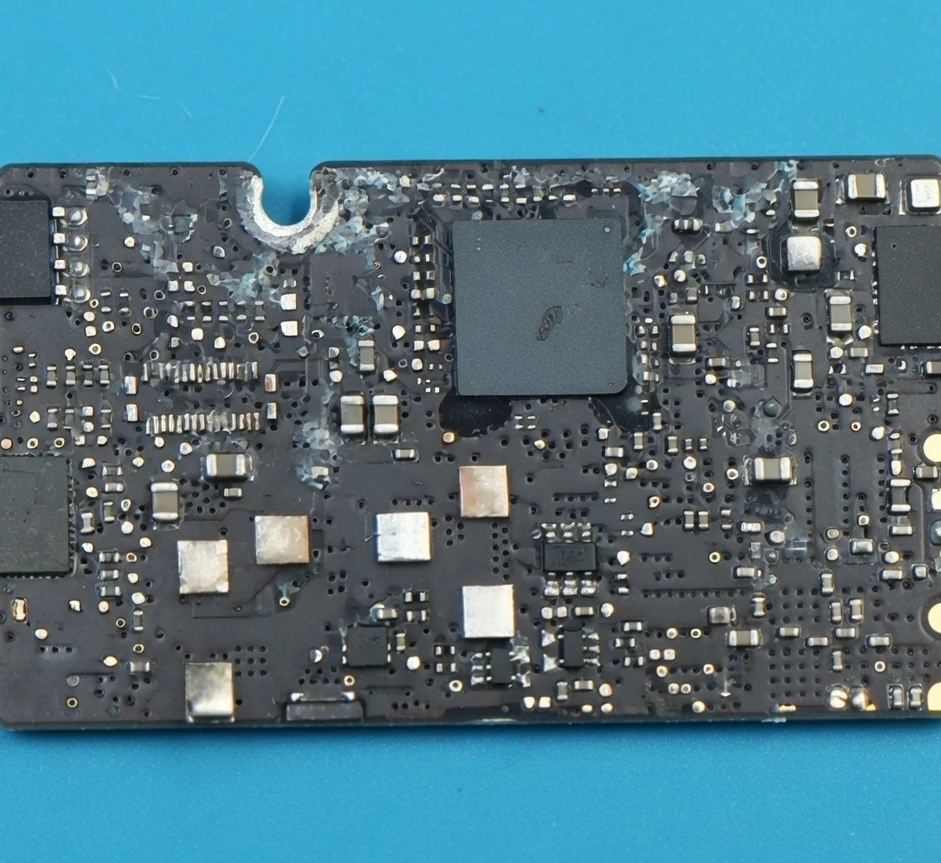
Water or liquid spill? Turn it off immediately and bring it in fast. We ultrasonic clean the logic board before corrosion sets in. The quicker you act, the better the recovery chances. Same-day emergency service available.
Software Issues
Stuck on Apple logo, boot loop, or frozen screen? We fix iPadOS issues including failed updates, DFU mode problems, and unresponsive touchscreens. Data recovery available for devices that won't start.
* Same-day service completed within hours, provided replacement parts are prepared before your visit. Parts are ordered per device - please contact us first to arrange and confirm availability.
** Depending on whether the cleaning service detects damaged components and whether parts need to be ordered or the logic board repaired, the repair may take longer.
Ways to Use Our Service
Two convenient ways to get your iPad Air 11 (M2) repaired - walk-in or mail-in service
The iPad specialists
With over 12 years of experience and 220,000+ repairs completed, we offer comprehensive, high standard iPad repair services. The iPad Air 11 (M2) is one of the most challenging devices to repair - the screen is glued in place, the battery is difficult to access, and many components are soldered to the board. Most repair shops won’t touch them. We’ve invested in the tools and training to do these repairs properly.
We deal with all iPad Air 11 (M2) problems, from swollen batteries and charging failures to motherboard problems. We use controlled heating stations to safely remove screens and proper adhesive for reassembly. If your iPad is fine but running slow, we can help with software issues and storage problems.
Important: Screen damage risk. Any repair requiring device opening (except screen replacement on already damaged screens) carries a risk of screen damage due to the industrial-strength adhesive bonding. Sometimes our repair price includes this risk, but often it doesn’t. If there’s a possibility of additional cost due to screen damage, we always inform you before starting the repair - never after.


Customer Reviews
Every repair comes with warranty, and our quality is confirmed by customer reviews since 2014.
Frequently Asked Questions
Common questions about iPad Air 11 (M2) repair services
Didn’t find your question? Ask us directly - we answer the same working day.
01How long does iPad Air 11 (M2) repair take?
Repairs take 2-3 hours when parts are available. We do not hold stock, so same-day means the part was ordered ahead of your visit - or ahead of your device arriving by courier. Complex cases with frame damage or motherboard work may require next-day completion.
Contact us to request same-day service and check parts availability for your specific repair.
02Will my data be safe during the repair?
Screen, battery, and charging port replacements don’t directly affect your software or storage. We never intentionally delete customer data. However, we cannot guarantee data safety during hardware repairs.
By agreeing to the service, you accept responsibility for your data. We always recommend backing up important files before any repair.
03My battery is swelling - is it dangerous?
If your screen is bulging or pushing outward, this indicates battery swelling - a potentially hazardous condition. Stop using the device immediately and don’t charge it. Swollen batteries can rupture or catch fire if punctured.
Contact us for urgent same-day battery replacement. Don’t try to puncture or force the screen back down.
04Do you need my passcode for testing?
To properly test your iPad after repair, we need to access iPadOS. We can use a guest account if available, or you can provide a passcode. If you prefer not to provide access, we can only perform basic power-on testing - but full functionality testing is recommended to ensure your repair is 100% successful.
05What warranty do you offer?
All iPad Air 11 (M2) repairs include a comprehensive 6-12 month warranty (depending on supplier warranty on parts) covering both replacement parts and installation workmanship. Screen replacements performed during battery or charging repairs are also covered.
This warranty is valid at our Wimbledon store in London. Terms and conditions apply.
06My glass is cracked but the screen still works - do I need a full display?
On the standard iPad line up to the 10th generation, and on older Air and mini models, the glass and the LCD are separate parts, so glass-only is a real and much cheaper repair. On Pro, Air 4 and newer, and mini 5 and newer, the display is laminated as one unit and the whole assembly has to be replaced. Tell us the model and we will tell you which one you are looking at before you commit.
07Can you replace the Touch ID home button?
The button can be replaced so it works as a button, but Touch ID itself is paired to the logic board by Apple and cannot be transferred - a new button will not unlock the device by fingerprint. If the original button survives the repair we always refit it, which keeps Touch ID working. We say this upfront rather than after the job.
08How does the diagnostic fee work?
The diagnostic fee is paid upfront - at the counter when you bring the device in, or online when you post it. Go ahead with the repair and the fee is credited in full, so the assessment effectively costs you nothing. If the iPad turns out to be beyond economical repair, the fee covers the work of finding that out. If you prepaid for a repair and diagnosis shows a different fault, we contact you with options; cancel at that point and we refund the price minus the diagnostic fee, plus a £10 restocking charge when an ordered part has to go back to the supplier.