

Laptop & Computer Repair
Pick your brand, then your model.
Not sure what’s wrong? Start with a diagnosis.



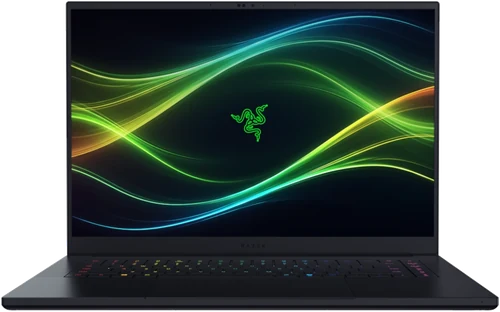

Common Computer Repairs
Laptops, desktops and all-in-ones – the work that comes through the bench most often.

Screen Replacement
Cracked panels, dead backlights and displays that flicker under their own hinge. On most laptops the panel is a module and lifts out cleanly; a bonded display like Surface Pro has to be heated and separated first, which runs to 2–3 hours.
1–2 hours* About Laptop ScreensKeyboard Replacement
Dead keys, doubled characters, or a spill that took out half the layout. On most machines the keyboard is riveted into the top case, so the palmrest comes with it.
1–2 hours*Trackpad Replacement
Erratic tracking, dead clicks or a trackpad lifting off the palmrest. Replaced with genuine parts, usually within a few hours.
2–3 hours*Battery Replacement
Swollen cells, an hour of runtime, or a machine that only works plugged in. Replaced with a cell matched to your model.
1–2 hours* About Battery ProblemsOverheating Repair
Fans at full speed, throttling under load, or a machine that shuts itself down. Heatsink off, cooling channel cleared, fresh paste on the die, fan tested before it goes back.
1–2 hours*Motherboard Repair
No power, no display, or a short that takes the charger with it. We trace the fault to the component under a microscope and replace it – which saves the board, and the storage soldered to it.
2–5 days** About Board-Level RepairWater Damage Repair
Ultrasonic cleaning of the board, then component-level work on whatever the liquid took with it. The sooner it reaches us unpowered, the more there is left to save.
1–3 working days** About Liquid DamageSoftware Issues Repair
Windows or macOS that will not boot, crashes on wake, or a machine that has slowed to a crawl. Repair installs, clean installs, and your files off the drive first.
1–2 days About SSD UpgradesTimes shown assume parts are prepared for your visit. We don’t hold stock across the huge variety of laptop models – most parts arrive from our suppliers next day. Contact us first to confirm availability.
Liquid damage and board-level work start with a diagnosis. Turnaround depends on what the board actually needs once it is under the microscope.
How It Works
Pick your machine, tell us what it’s doing, and we’ll take it from there.
Select Your Model
Choose your model and repair, or select diagnostics if you are unsure. We confirm parts availability before your visit.
Drop Off or Post In
Bring it to our Wimbledon workshop, or post it in from anywhere in the UK – tracked and insured.
We Confirm the Fault
Our technicians verify the fault and carry out the repair. We only contact you if we find something unexpected.
Repaired & Back to You
Every repair is tested properly before handover – screen, keyboard, trackpad, Wi-Fi, stability. Collect it or have it shipped back.
The Difference on a Computer Repair
Screens, batteries and keyboards are everyday work here. For deeper faults, we can repair components on the motherboard and assess options for preserving your data.
Inside Our Repair Workshop
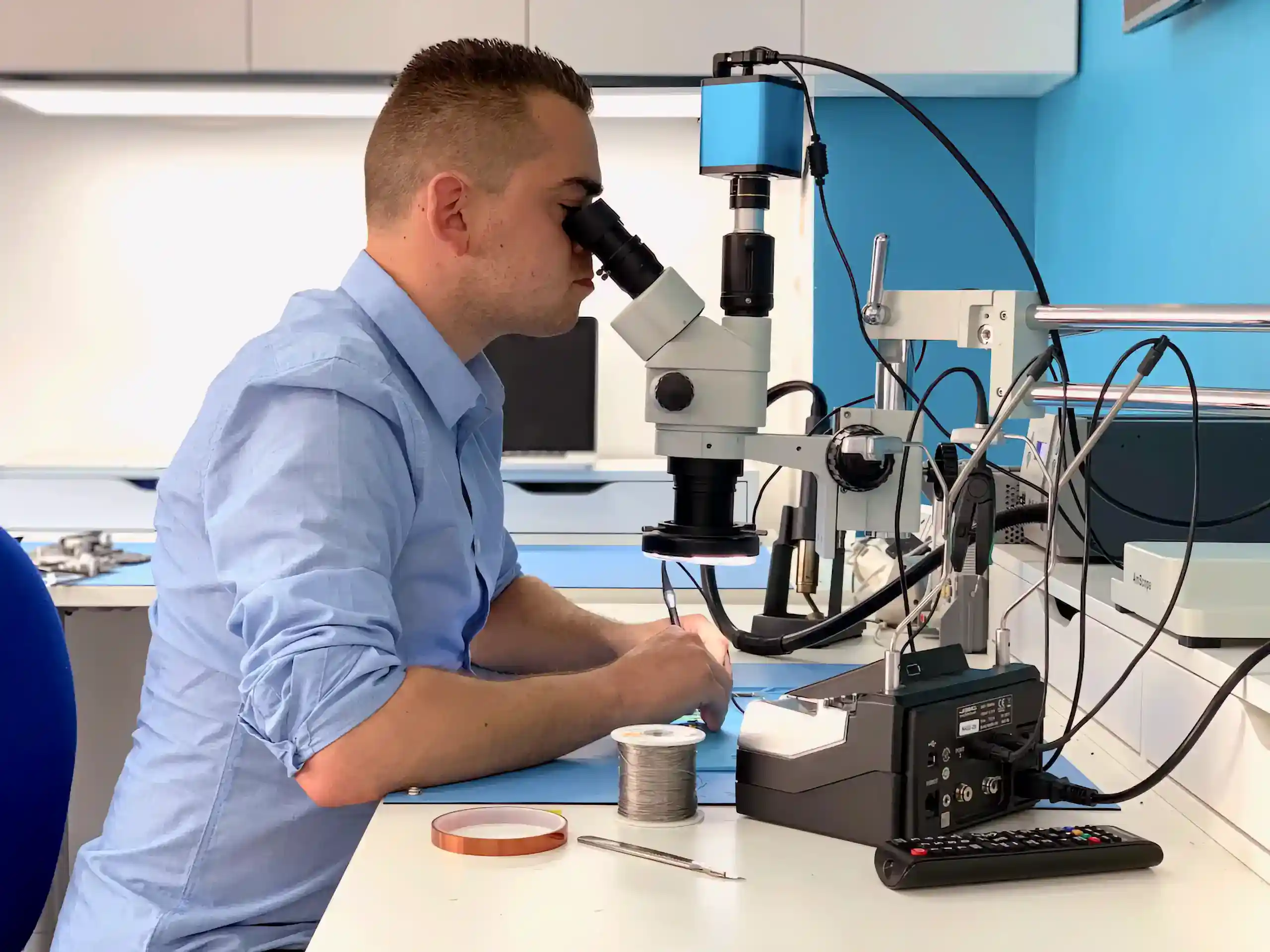
A look inside our London workshop – the tools we use, the parts we work with, and the repairs we carry out every day.

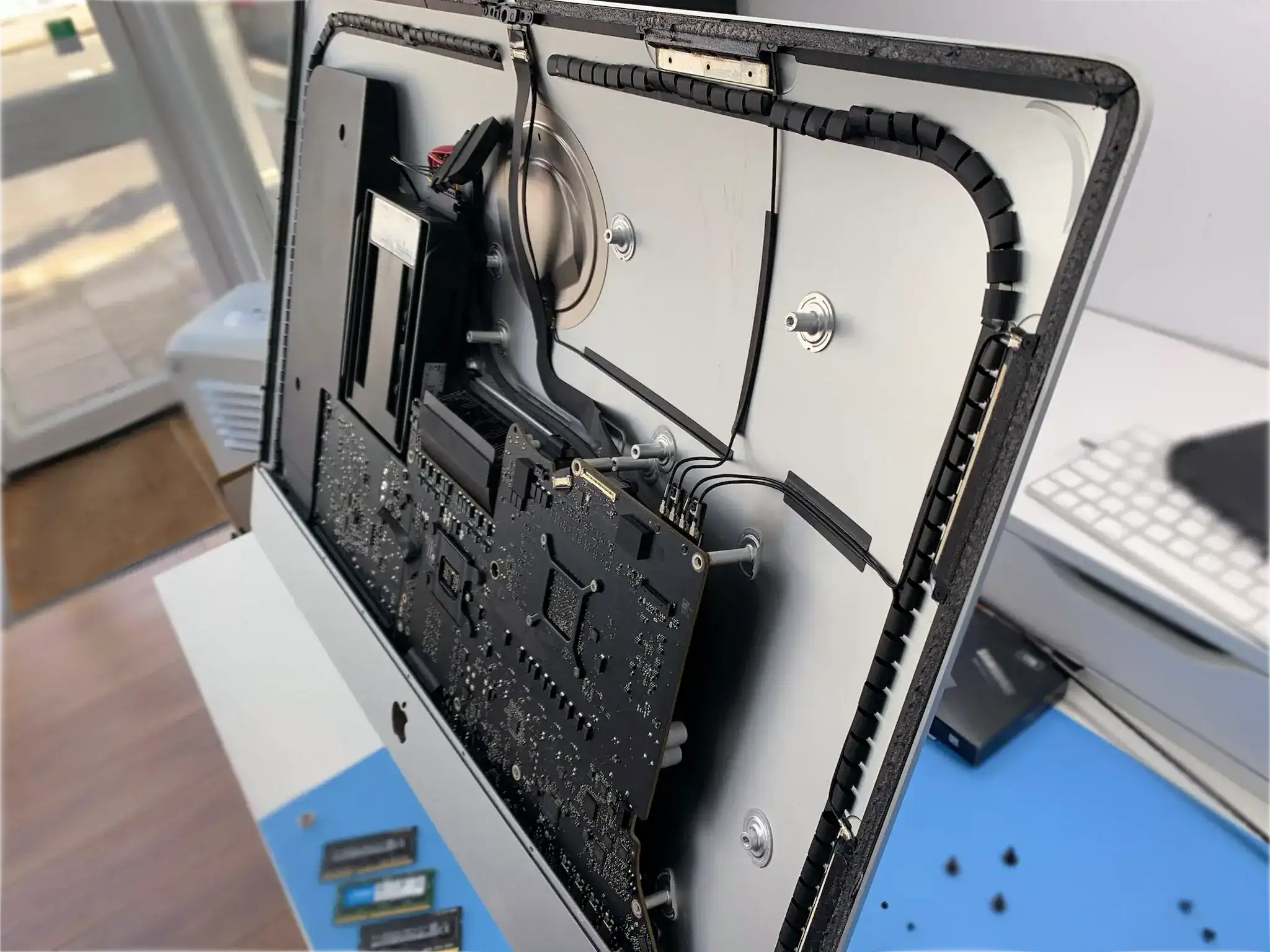


Computer Repair Specialist in London
Repairing laptops, desktops and all-in-ones in London since 2014 – every brand, every manufacturer. Screens, batteries, keyboards, charging ports – and when the fault runs deeper, we diagnose and repair at component level.
For modular work – screens, keyboards and trackpads, batteries, charging ports, hinges, palmrests – we can fix any laptop as long as parts exist. We source from trusted suppliers, usually next day, and put the options and prices in front of you before anything is ordered.
Apple MacBook, Dell, HP, Lenovo, Asus, Acer, Microsoft Surface, Samsung, Toshiba, and desktop PCs including custom builds.
Four things you’ll hear from us first
- What is actually wrong – not whichever repair is quickest to sell you.
- Whether the board can be repaired rather than replaced, and what each route costs. On most machines that is the difference between a bill and a write-off.
- How long it will take, and what would change that once we are inside.
- Whether it is worth repairing at all. On an older machine the parts can cost more than it is worth, and you should hear that before you spend the money.
Motherboard Repair – What Sets Us Apart
This is where we genuinely differ from most repair services in London. Most larger shops and chains don’t offer motherboard repair at all – they replace the whole board, which is either prohibitively expensive, impossible when boards are out of stock, or means losing your data when the storage is soldered on.
Liquid damage, power surges, overheating failures, GPU faults, the model-specific defects that show up again and again – we have seen and repaired them across every major brand. Thermal cameras, ultrasonic cleaners, hot air rework stations and microscopes let us trace a fault down to the individual component and fix that. It saves the board, and it saves whatever is soldered to it.
Where a board really is beyond repair, or where a new one costs more than the machine is worth, ask about a tested used part – a board or a screen taken from a working machine, checked before it goes in, where one exists for your model. It is not always the right answer and we will say so when it isn’t.
Same-Day Means Booked Ahead
Screen replacements and battery swaps take 1–2 hours – but only when the right part is already here. We don’t hold stock across the huge variety of laptop models, so same-day repair means booking in advance: we take a deposit, order your exact part, and it is waiting when you arrive.
Post It In From Anywhere in the UK
You don’t have to be in London. Send your machine by insured tracked post and we’ll repair it and send it back. It is what most of our busy customers do. See exactly how mail-in repair works.
Pick your brand above to see repair options and pricing, or visit our Wimbledon workshop. Want a view first? Ask for a quote and we’ll give you an honest assessment.
What Our Customers Say
“Have used Fixfactor for tech repairs for many years and they’ve always dealt with my issues quickly and at a fair price.”
Common Questions
Everything worth knowing before booking a computer repair.
Where is your London workshop?
Our workshop is in Wimbledon: 136 Kingston Road, London SW19 1LY – near Wimbledon Station and the Merton Park tram stop. It handles laptops, desktops and all-in-ones from every major brand.
Can’t get there? Post it in from anywhere in the UK.
How quickly can you repair my computer?
It depends on the repair. Component replacements – screens, keyboards, batteries, trackpads – typically take 1–2 hours once parts are ready. We order parts specifically for your appointment and they usually arrive next day.
Motherboard and complex fault work – liquid damage, power issues, board-level diagnostics – takes 2–5 days depending on complexity. When you book, we give you a realistic timeframe upfront.
What computer brands do you repair?
All of them. Apple MacBook, Dell, HP, Lenovo, Asus, Acer, Microsoft Surface, Samsung, Toshiba – laptops, desktops and all-in-ones. We also work on custom-built PCs.
Our service covers everything from straightforward component swaps to advanced motherboard repair and micro-soldering. If it can be fixed, we’ll fix it, whatever the badge. If it can’t, we’ll show you why.
Are the parts genuine?
We typically use original or OEM-equivalent parts. When a high-quality aftermarket alternative is available at a lower price, we tell you and explain the difference.
You always choose. We present options and pricing upfront, and never proceed until you have approved both the part and the cost.
Do you fix software issues and viruses?
Yes – Windows and macOS. OS reinstallations, virus and malware removal, performance problems, startup failures and general troubleshooting.
We also handle data migration between machines and data recovery from failing or corrupted drives. If it is a software problem, we can diagnose and resolve it.
Is my data safe during the repair?
We never intentionally access, modify or delete your data. Where possible we remove your storage drive during testing and use our own test drive to verify the repair, so your data stays untouched, and reconnect yours once the repair is confirmed working.
That said, back up before any repair. Unexpected issues can arise with any hardware work.
Why do you need my password?
So we can properly test the machine after the repair. We need to check the screen, keyboard, trackpad, Wi-Fi and overall stability before handing it back.
Without logging in we can only confirm it powers on – not that everything works. If you would rather not share it, tell us and we will agree what we can and cannot verify.
Can you repair a motherboard rather than replace it?
Usually, yes – and it is the main reason people travel to us. Most shops replace the whole board, which is often more expensive than the machine is worth, impossible when boards are out of stock, and on modern laptops takes your data with it because the storage is soldered on.
We work at component level: thermal cameras, ultrasonic cleaners, hot air rework and microscopes, tracing the fault to the individual part. Liquid damage, power surges, overheating failures, GPU faults – across every major brand.
Can I send my computer by post instead of visiting?
Yes. Post it to the workshop using insured tracked post. We carry out the repair and return it to your door.
This is what most of our busy customers do. See exactly how mail-in repair works.
What warranty do you offer on repairs?
Every computer repair comes with a 6 to 12-month warranty, depending on the repair type and the part used. If a repaired component fails because of our workmanship or the part itself, we fix it again free of charge.
The warranty doesn’t cover new physical damage, later liquid damage, or unrelated faults – but anything connected to our work is covered.