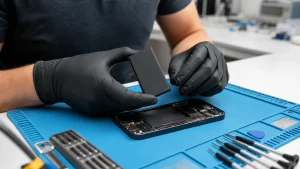
A Google Pixel 7a battery replacement is worth considering when the phone drains unusually quickly, shuts down under load, will not charge reliably or begins to separate at the edges. A battery that is physically swelling is different from ordinary battery wear: stop charging the phone, do not press the cover back into place and arrange an assessment.
All repair guides

Google Pixel 7a Battery Replacement: What to Check First
In this article
Check whether Google’s repair programme applies
Google introduced an extended repair programme for some Pixel 7a devices affected by unexpected battery swelling. Eligibility depends on the individual device, country and condition. Before paying for an independent repair, check the official Pixel 7a programme using your device details.
Signs that point to a battery problem
- The back cover is lifting or the phone looks thicker than normal.
- Battery percentage falls sharply or the phone switches off with charge remaining.
- The phone becomes hot during light use or charging.
- Charging stops and starts despite a known-good cable and adaptor.
- Runtime has fallen substantially without a matching increase in app usage.
Fast drain is not always caused by the battery. A recent Android update, weak mobile signal, a misbehaving app, a damaged charging port or a board-level fault can produce similar symptoms. Diagnosis matters because replacing a healthy battery will not correct those problems.
What you can safely check
Review battery usage in Settings, install pending system updates and test with a known-good charger. If the device is not swollen or unusually hot, restart it and observe whether the drain continues in normal use. Do not attempt to open a Pixel 7a with a swollen battery. Google’s own safety guidance recommends professional assistance because a damaged lithium-ion cell can overheat or ignite.
What happens during assessment
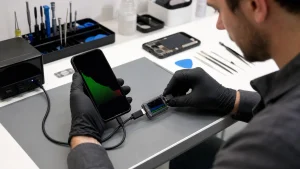
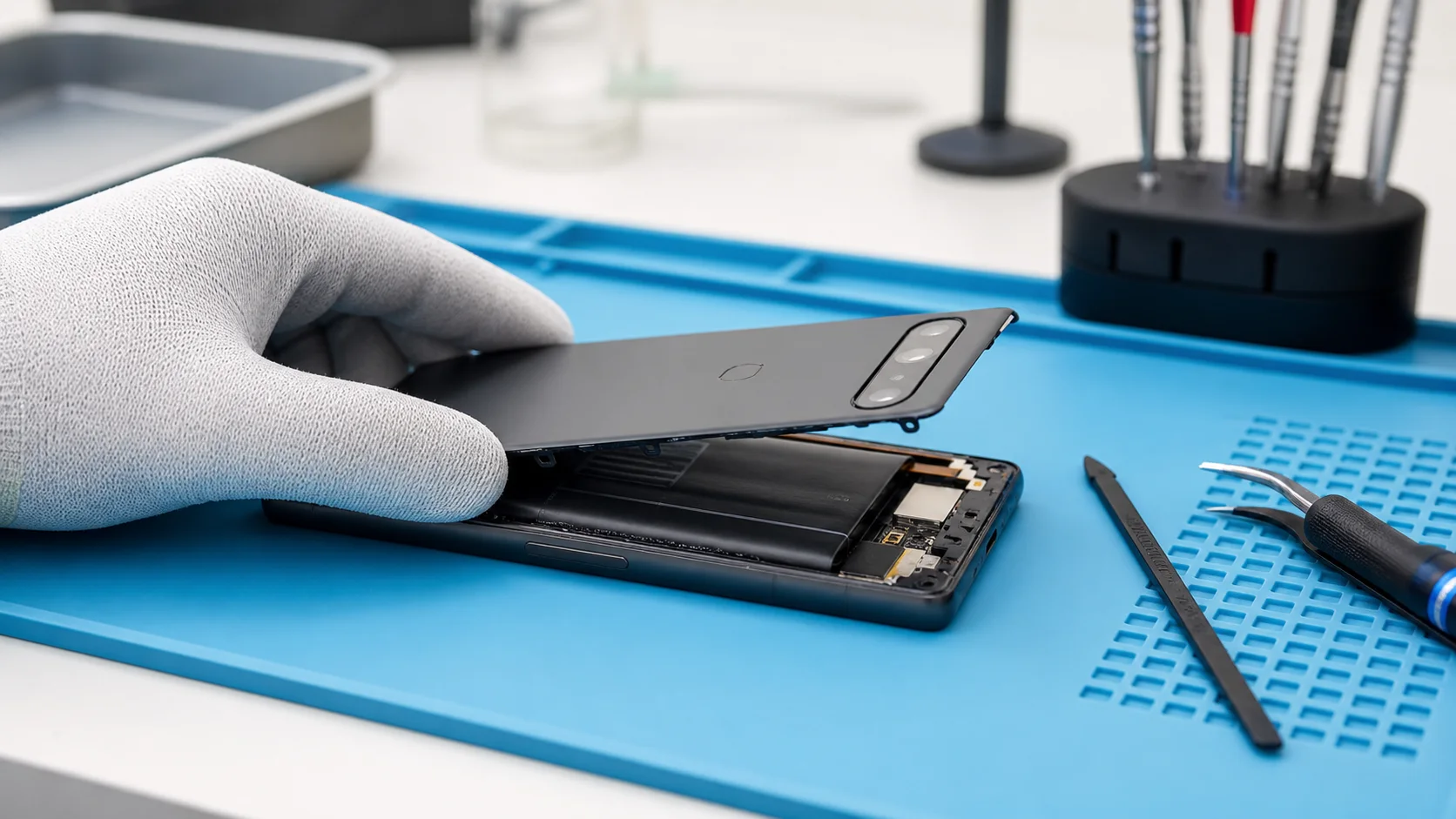
We check charging behaviour, current draw, the condition of the port and the physical state of the battery before recommending replacement. The display and internal connections are vulnerable during disassembly, so the job requires controlled heat, the correct tools and careful resealing. Opening a phone can affect its original water-resistance rating; no independent repairer should describe the device as waterproof afterwards.
Will the repair erase your data?
A routine battery replacement does not normally require wiping the phone, but every repair carries some risk. Back up important files first whenever the device remains usable. If data is the priority and the phone is unstable, tell us before further troubleshooting so we can avoid steps that might make recovery harder.
For repair options, send the model and symptoms. Mention any spill, impact or previous repair.