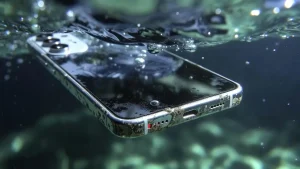
If your iPhone fell in water, disconnect every cable and stop charging it. If it is on and responds normally, switch it off. Remove the case, wipe the exterior with a soft cloth and keep the connector facing down in a dry place with airflow. Do not use rice, heat, compressed air or anything inside the charging port.
All repair guides

iPhone Fell in Water: What to Do Immediately
In this article
If the phone is hot, the battery or screen is lifting, or you see smoke or smell a sweet chemical odour, move it away from flammable materials if this can be done safely and stop handling it. A damaged lithium-ion battery needs urgent professional attention.
What to do immediately
- Disconnect power and accessories. Unplug the cable from both the iPhone and charger.
- Switch the phone off. Do this once if it responds; do not keep pressing buttons to test it.
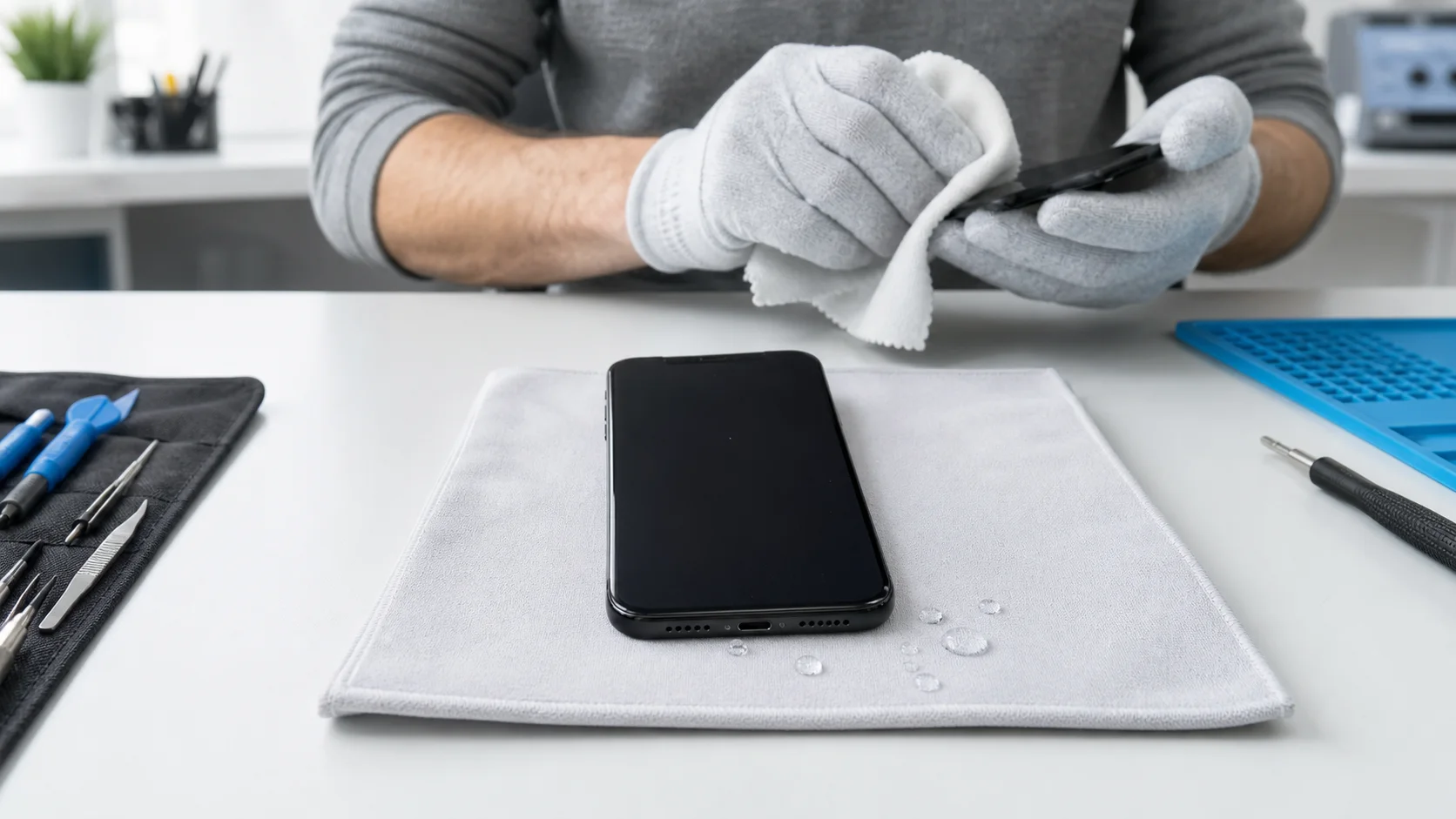
- Remove the case. Wipe the outside gently without shaking the phone.
- Hold the connector down. A gentle tap against your hand can help excess liquid leave the port.
- Leave it somewhere dry with airflow. Do not place it on a radiator or in direct heat.
- Arrange an assessment. Act promptly after substantial exposure, salt water, a sugary drink or when unbacked-up data matters.
Apple advises waiting until the connector and cable are dry before reconnecting them. Its current liquid-detection guidance explains that a wet connector may take up to 24 hours to dry. That guidance helps with moisture in the port; it does not prove that liquid has not reached other parts of the phone.
Do not put the iPhone in rice
Rice cannot remove liquid trapped beneath shields, inside connectors or between densely packed logic-board components. Small particles can also enter and damage the charging port. Apple specifically advises against rice, external heat, compressed air, cotton buds and paper towels inside the connector.
Silica gel does not reverse corrosion either. Drying the outside may reduce further entry, but a phone that has taken in liquid may still need to be opened, disconnected and inspected.
Do not charge it “to see if it works”
Liquid and contamination can create unintended electrical paths. Supplying power may accelerate corrosion or damage components that survived the initial exposure. Wireless charging is not a safe workaround if liquid may be inside the phone.
If the iPhone remains on and stable after a light splash, a current backup can be valuable. However, do not continue using or charging a phone that is getting hot, restarting, showing display faults or behaving unpredictably merely to complete a backup. In that situation, switch it off and explain that data recovery is the priority.
Water resistance is not permanent
An IP rating is measured on a new device under controlled laboratory conditions. Real exposure can involve soap, salt, chlorine, coffee, pressure or impact. Adhesive seals also age, and a previous drop or repair can create a new entry point.
A phone may survive one incident and fail after another. After any independent opening, it should not automatically be described as restored to the manufacturer’s original water-resistance rating.
Salt water and sugary drinks need faster attention
Sea water contains salts that are conductive and highly corrosive. Soft drinks, coffee and other liquids can leave sticky or acidic residue after the water evaporates. Even if the phone dries and starts, contamination can remain around connectors and board components.
Do not rinse the phone, add cleaning alcohol through the port or attempt to open it without the correct tools and battery-safety knowledge. Tell the technician exactly which liquid was involved and how long the device was exposed.
Why an iPhone can work and fail later
Liquid damage is a process, not always an immediate event. The phone may appear normal while moisture or residue remains inside, then develop corrosion over the following hours or days. Possible warning signs include:
- rapid battery drain, heat or unexpected shutdowns;
- charging that works only at certain angles or triggers a liquid alert;
- camera fogging, Face ID failure or blurred images;
- quiet or distorted speakers and microphones;
- display lines, flicker, black areas or unintended touches;
- restarts, a boot loop or complete loss of power.
If any of these symptoms appear after exposure, stop charging the phone and arrange diagnosis. Replacing the first faulty-looking part without checking for contamination can leave the underlying cause untreated.
What professional liquid-damage diagnosis involves
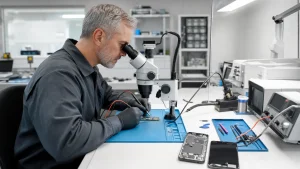
A technician should first establish whether the priority is a reliable repair or access to data. The device can then be opened safely, the battery disconnected and the internal condition inspected. Liquid indicators are useful evidence, but they do not show every location or the full extent of damage.
Magnified inspection, cleaning and electrical measurement help separate contamination from failed parts and board-level faults. The required work might be limited to cleaning and a replaceable component, or it may involve microsoldering. Parts should not be fitted blindly before the cause is understood.
If the data is more important than the phone
Say so before any repair or restore attempt. Modern iPhone data is encrypted and normally depends on the original logic board and correct passcode. The best route may be to stabilise the original board only long enough to unlock the phone and create a backup, even when restoring it for everyday use would not be economical.
Do not erase the iPhone, repeatedly attempt updates or authorise a logic-board replacement when the unbacked-up data is the goal. Read our guide to what is and is not possible with iPhone data recovery for the reasons.
Frequently asked questions
How long should an iPhone dry before charging?
For a liquid-detection alert, Apple says to leave the connector in a dry place with airflow and notes that complete drying may take up to 24 hours. After substantial immersion or when internal damage is suspected, waiting for the port alone is not a substitute for inspection.
Can a water-damaged iPhone be repaired?
Sometimes. The outcome depends on the liquid, duration, whether power was applied and which components have corroded. A replaceable-part fault is very different from damage to critical logic-board components, so no result should be guaranteed before inspection.
Should I remove the SIM card?
Removing an accessible physical SIM tray can help the exterior dry and protects the SIM, but it is less important than disconnecting power and switching the phone off. Do not force a jammed tray or spend time repeatedly handling the device.
Is a phone safe once it turns on again?
Not necessarily. Delayed corrosion, heat, charging faults and battery damage can appear after normal operation briefly returns. Back up only if the phone is stable and safe to use; otherwise switch it off and arrange assessment.
Need the phone assessed? Start with our liquid damage service or request a quote. Tell us what the liquid was, when the exposure happened, whether the phone has been charged since and whether the data is the priority.