For listed repairs, select your laptop model and service. If the fault is unknown, an assessment establishes the work and quote; a no-power symptom alone cannot identify the cost. Find your laptop and repair options.
All repair guides
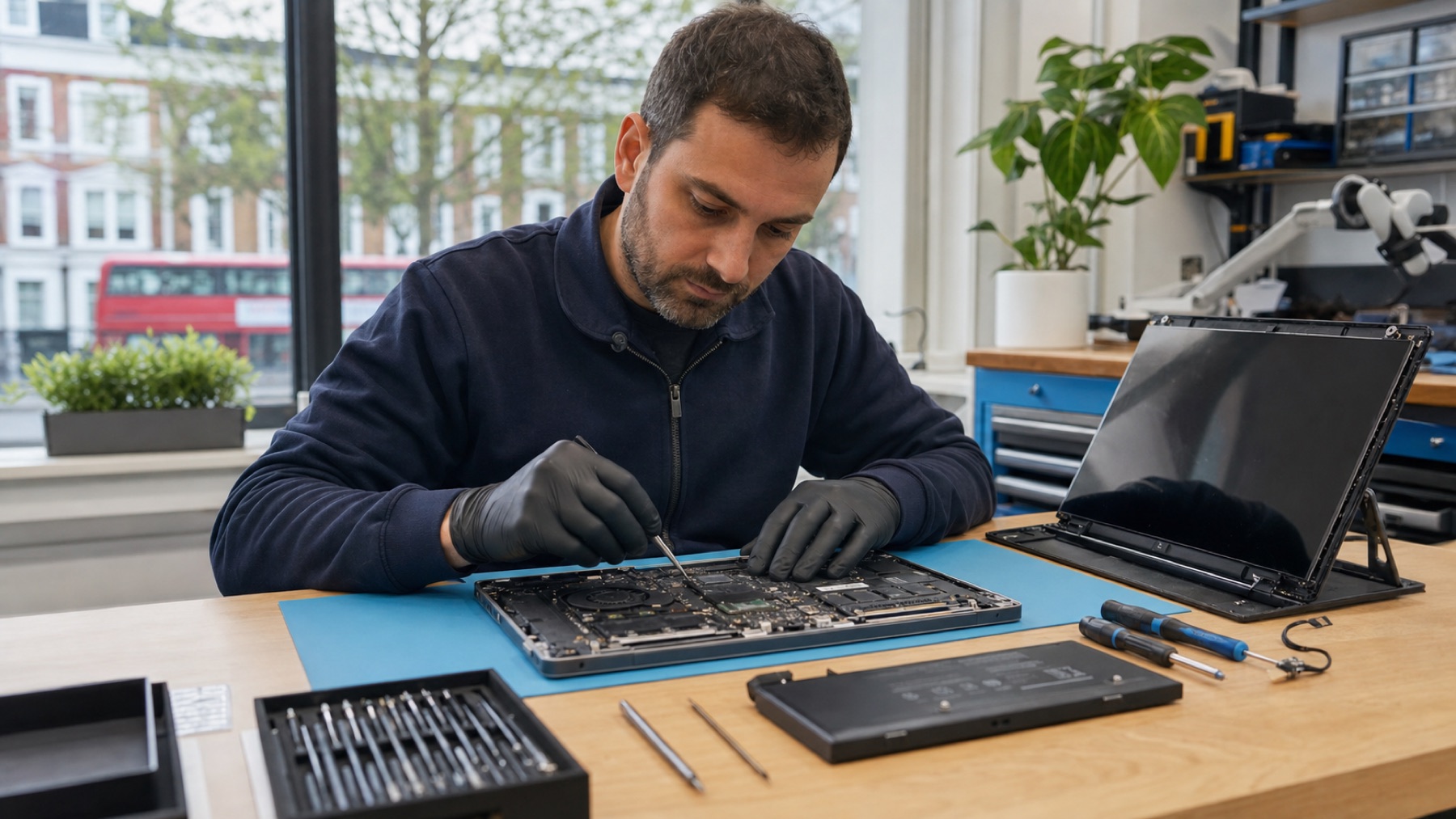

Laptop Repair Costs: What to Check Before Approving a Quote
In this article
What actually drives the cost
| Factor | How it moves the price |
|---|---|
| The real fault | The biggest factor. A software fault, a cable, a battery and a board fault can all produce the same symptom at very different repair costs. |
| The model | Parts for common business laptops are plentiful and cheap; parts for thin premium models, gaming laptops and older machines can cost several times more. |
| Part class and availability | Original vs compatible panels, genuine vs aftermarket batteries - and right now, anything involving memory or storage reflects the industry-wide component price surge. |
| Labour depth | A bolt-on part swap is quick; a motherboard repair means microscope work. You are paying for diagnosis skill as much as soldering. |
| Your data | If the machine must come back with data intact, the repair route is sometimes constrained - worth saying at drop-off. |
The typical repairs, from simplest to deepest
Software and housekeeping - slowdowns, startup loops and malware sit at the affordable end and often need no parts at all.
Bolt-on hardware - batteries, SSDs, fans, keyboards on serviceable models. Predictable parts, predictable labour; usually the best value repairs there are. A worn battery or packed-with-dust cooling system (overheating service) rejuvenates more laptops than any upgrade.
Screens - a wide price band, because panels range from standard HD to high-refresh OLED and touch assemblies. The screen replacement quote should always name the panel type being fitted.
Hinges and casings - deceptive ones: the hinge is cheap, but torn mounting points can require palmrest or lid parts. A photo rarely produces an accurate quote; inspection does.
Board-level repair - liquid damage, no-power faults, charging circuits. This is microscope territory, and also where an independent workshop most outperforms a manufacturer quote: repairing the failed component instead of replacing the whole board typically lands at a fraction of the board-swap price.
How quoting should work (anywhere, not just here)
Ask three questions of any repairer. What exactly failed - do they diagnose, or quote off the symptom? What class of part is being fitted - original, compatible, refurbished? And is the quote fixed before work begins? Our process: a diagnostic identifies the fault, you get a written price, and nothing happens without your approval. If we think a repair is not worth it, that is what the quote says.
When repair is not worth it - honestly
Repair loses to replacement when the machine is old enough that multiple systems are wearing out at once, when the fault is board-wide (extensive liquid corrosion, physical damage through layers), or when the same money buys a meaningfully better refurbished machine. That calculus has shifted towards repair lately - with analysts forecasting new PC prices rising through 2026 on the back of the memory shortage, keeping a healthy machine alive is better value than it has been in years. But when the honest answer is “put the money towards a replacement”, you should hear it plainly - ideally with your data safely backed up first.
Frequently asked questions
Why won’t you just tell me a price over the phone?
Because the symptom does not identify the fault. We can give ranges for well-defined jobs (a named panel for a named model), but “it won’t turn on” spans everything from a charger to board repair. A guessed price helps nobody - it either scares you off a cheap fix or lowballs a complex one.
Is diagnosis free?
We charge for diagnosis and offset it against the repair - that model keeps the diagnosis honest. A “free check” has to be paid for somewhere, usually inside an inflated repair price.
Are cheap laptop repairs a false economy?
Sometimes. The price gap usually hides in the part class (a budget panel or battery), skipped steps (no post-repair testing) or no warranty. Ask what part and what warranty - the answers explain most price differences instantly.
My laptop is under manufacturer warranty - should I still consider independent repair?
For faults the warranty covers, use the warranty first. Independent repair earns its keep on out-of-warranty machines, accidental damage the warranty excludes, and board-level faults where the manufacturer offers only a full board or device swap.